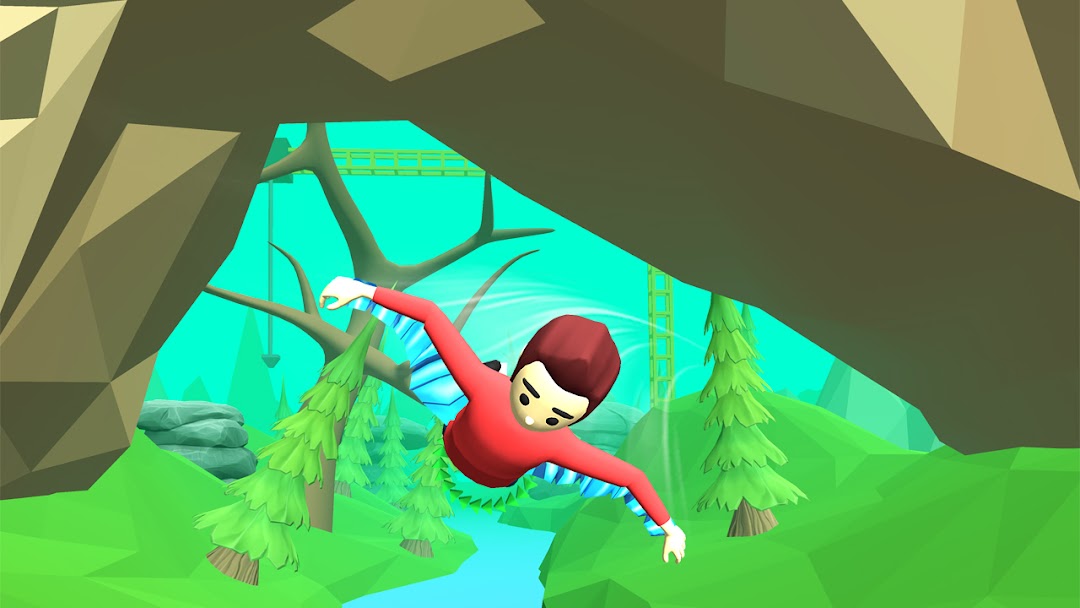
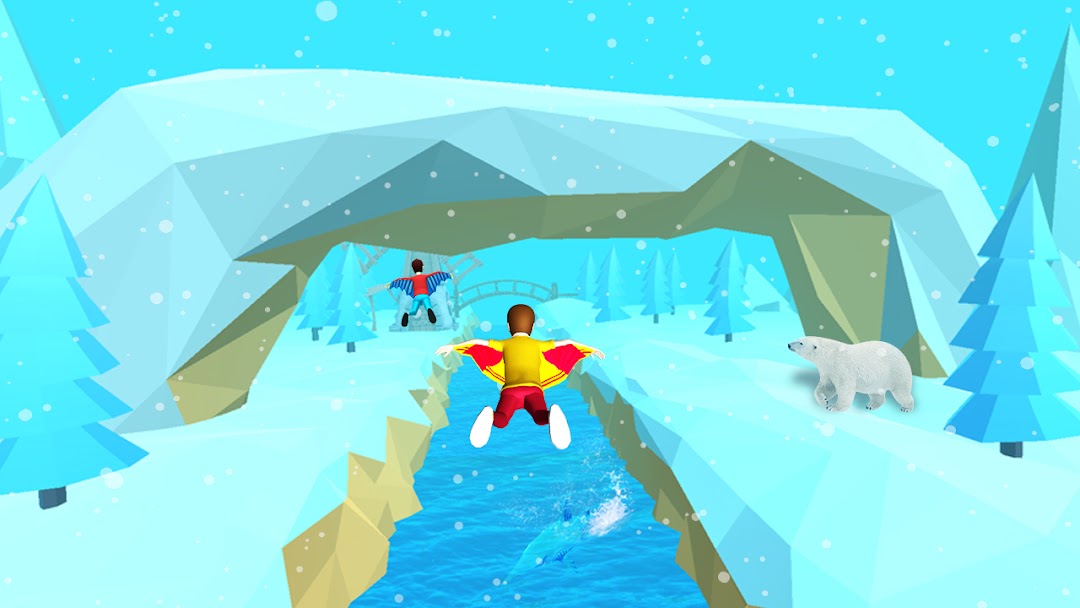
Wingsuit Wind Rider is a Adventure application developed by Gamezeniq, but with the best Android emulator-LDPlayer, you can download and play Wingsuit Wind Rider on your computer.
Running Wingsuit Wind Rider on your computer allows you to browse clearly on a large screen, and controlling the application with a mouse and keyboard is much faster than using touchscreen, all while never having to worry about device battery issues.
With multi-instance and synchronization features, you can even run multiple applications and accounts on your PC.
And file sharing makes sharing images, videos, and files incredibly easy.
Download Wingsuit Wind Rider and run it on your PC. Enjoy the large screen and high-definition quality on your PC!
⚠️Caution⚠️Only 2% of people can pass all the levels!
Wingsuit Wind Rider is a new 2022 Mobile game concept developed by Gamezeniq Technologies.
What is the Goal?
You have to fly and achieve the finish line with a game controller. Sky gliders will have the best equipped wingsuit that will help harness the wind and excellent advance controls that will help you fly or ride ultimately.
The levels are very advanced and it will help you strategize your thinking mind with the best possible sky rush on the way to finish the wingsuit wind rider.
The Game starts with a starting level for all the opponents and you have to race them and manifest with a twist hit tree to achieve the goal.
Game Features:
FREE Download!
Offline Game no Data needed to play
New levels launched every now and then
Easy control access
Best 2022 features in Mobile applications
Perform adventures over the top roof top buildings like Manhattan. Fly using the wind power via sky rush. Use the paragliding from the Top fly and enter from the rings sky rings. Get 2X power when you complete the task.
We always try to create a fun and easy gaming experience for its users. So if you feel any trouble downloading our game or playing do feel free to reach out to us at contact@gamezeniq.com we will try our best to assist you at first chance. Also, write to us if you like to see any more improvements in the game.
Happy Playing!