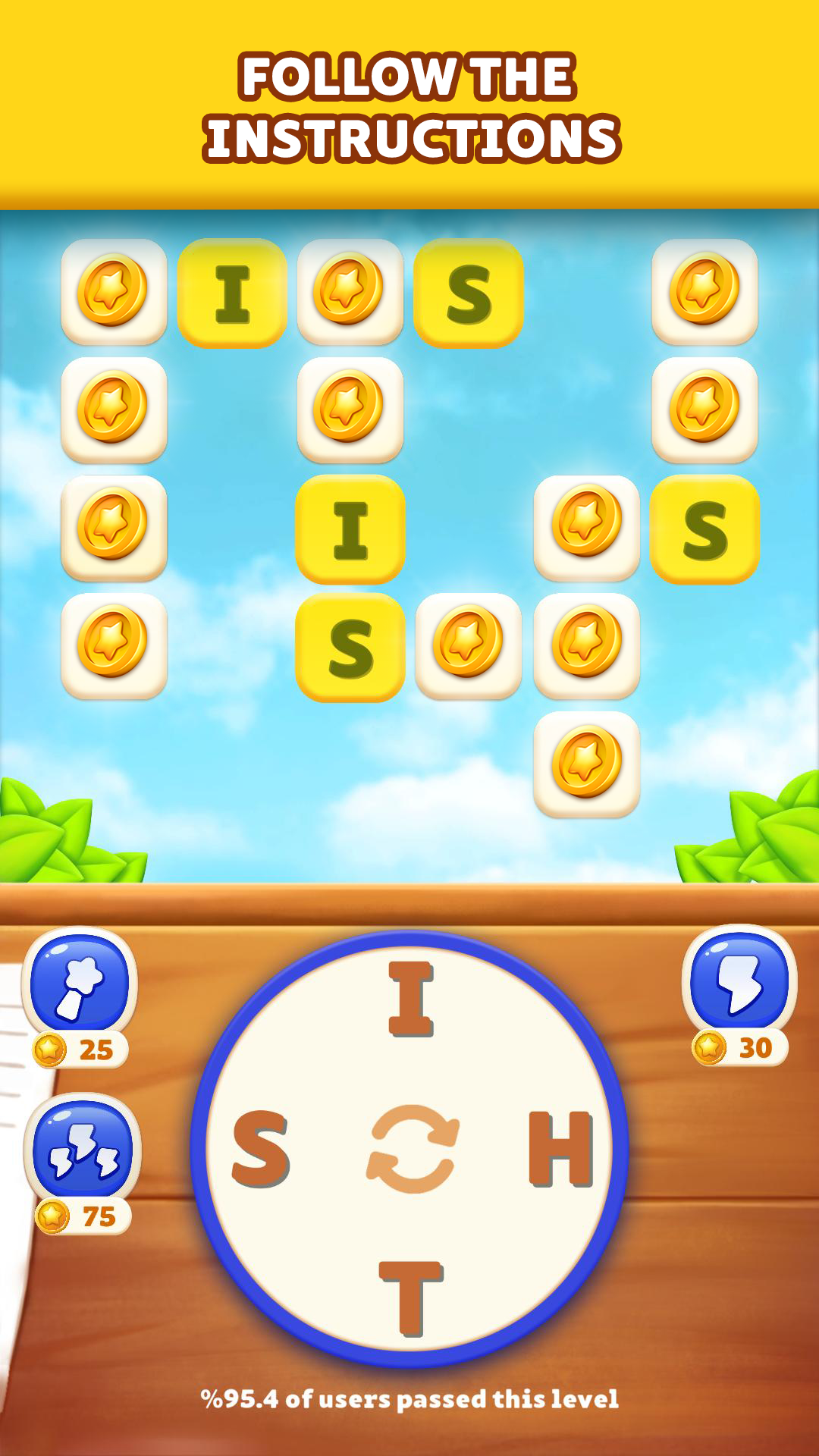
Word Forest is a Word application developed by Mono Lab Inc, but with the best Android emulator-LDPlayer, you can download and play Word Forest on your computer.
Running Word Forest on your computer allows you to browse clearly on a large screen, and controlling the application with a mouse and keyboard is much faster than using touchscreen, all while never having to worry about device battery issues.
With multi-instance and synchronization features, you can even run multiple applications and accounts on your PC.
And file sharing makes sharing images, videos, and files incredibly easy.
Download Word Forest and run it on your PC. Enjoy the large screen and high-definition quality on your PC!
ord Forest: The Enchanted Woods of WordsWelcome to an extraordinary adventure that will challenge your mind, expand your vocabulary, and offer you the chance to claim your throne on the leaderboard! Word Forest transforms into an undiscovered word puzzle experience on your mobile device.
🌟 Mind-Boggling Puzzles: Thousands of fun and captivating levels filled with word puzzles that appeal to players of all ages.
📚 Enhance Your Word Smarts: Expand your vocabulary while boosting your brainpower. Discover new words at every level and sharpen your skills.
🎨 Visual and Auditory Feast: Immerse yourself in vibrant colors, enchanting designs, and captivating sound effects to enrich your gaming experience.
🥇 Compete with Friends: Compete with friends via Social integration to achieve the highest score and maintain your throne on the leaderboard.
💰 Rewarding Leaderboard: Top 3 players on the leaderboard stand a chance to win real cash prizes! Rise to the top and enjoy the rewards.
Have fun exercising your brain and become a master of words with Word Forest! Search for key terms like puzzle, word puzzle, leaderboard, rewards, brain game, entertainment, and more, and download now.
🌟 Download Now and Explore! 🌟