Word Search Games PRO is a Word application developed by LittleBigPlay - Word, Educational & Puzzle Games, but with the best Android emulator-LDPlayer, you can download and play Word Search Games PRO on your computer.
Running Word Search Games PRO on your computer allows you to browse clearly on a large screen, and controlling the application with a mouse and keyboard is much faster than using touchscreen, all while never having to worry about device battery issues.
With multi-instance and synchronization features, you can even run multiple applications and accounts on your PC.
And file sharing makes sharing images, videos, and files incredibly easy.
Download Word Search Games PRO and run it on your PC. Enjoy the large screen and high-definition quality on your PC!
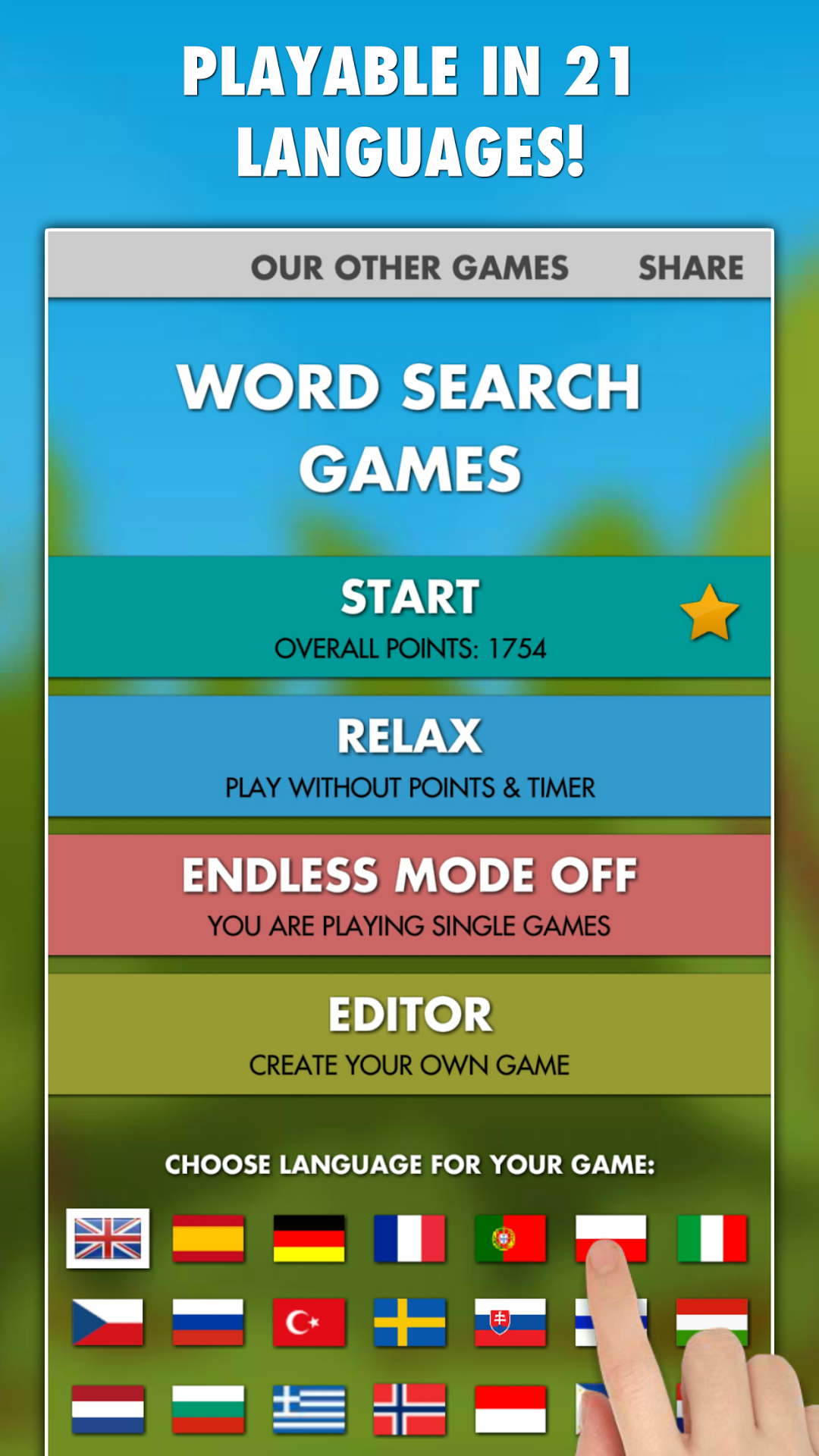
Will you find all the hidden words in our relaxing Word Search Games that are playable in 21 languages? Try to collect as many points as you can and challenge other people from all around the world or play the game in a relax mode without a timer!Word Search Games is a full version that has no ads, no in-app purchases, no subscriptions and it can be played without internet connection (offline).
CREATE YOUR OWN DESIGN:
Our Word Search Games app is fully customizable! Create your own design of the game. You can change the game background, size and color of the letters and show/hide a grid.
PLAY ON POINTS:
Each game is on points! Your score depends on your speed! More times you play = better overall score you get for each language! You can even submit your score at the end of each game to a global leaderboard and see points of other people, or you can share it with your friends and family via Facebook, google+, Twitter and other social networks!
RELAX MODE:
Want to play without any breaks? Try then our new infinite mode!
ENDLESS MODE:
Want to play without any breaks? Try then our new infinite mode!
EDITOR:
Create your own word search game in the Editor! Just type 3-16 words with 3-6 letters each and have fun with your own words - you can play each game created more times, so let your friends or family play it to see who will find your words with the best score!
FAST AND OFFLINE:
You don't need to be connected to the internet to play the game. Just if you want to submit your points. The game also does not contain any sounds or music, so you can comfortably listen to your favorite music while solving the word puzzles.
Thank you for choosing and playing our games!
Have fun with our Word Search Games!