Slovohra - Česká Slovní Hra is a Word application developed by LittleBigPlay - Word, Educational & Puzzle Games, but with the best Android emulator-LDPlayer, you can download and play Slovohra - Česká Slovní Hra on your computer.
Running Slovohra - Česká Slovní Hra on your computer allows you to browse clearly on a large screen, and controlling the application with a mouse and keyboard is much faster than using touchscreen, all while never having to worry about device battery issues.
With multi-instance and synchronization features, you can even run multiple applications and accounts on your PC.
And file sharing makes sharing images, videos, and files incredibly easy.
Download Slovohra - Česká Slovní Hra and run it on your PC. Enjoy the large screen and high-definition quality on your PC!
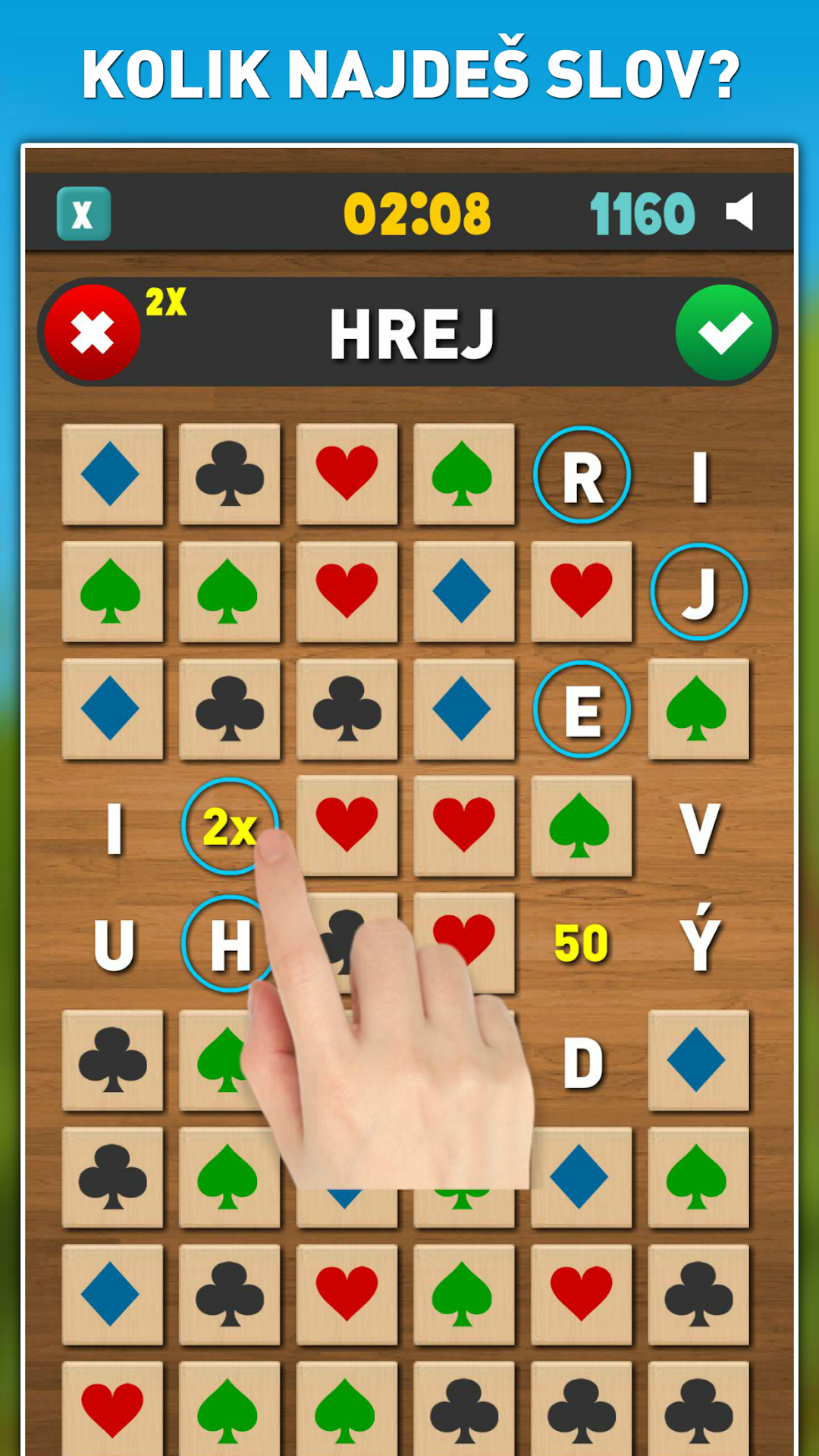
How many Czech words can you find in our new original word puzzle game Slovohra?Slovohra is an original Czech word game combining 2 game genres - a puzzle game and a word game. The game contains 5 game modes, over 500,000 Czech words and lots of fun for all ages!
The word game is free to download with the option to upgrade to the full version.
WHY DOWNLOAD:
* The word game is fully in Czech
* More than 500,000 Czech words
* Czech game created by Czech developers
* You can play offline or online if you want to submit your points
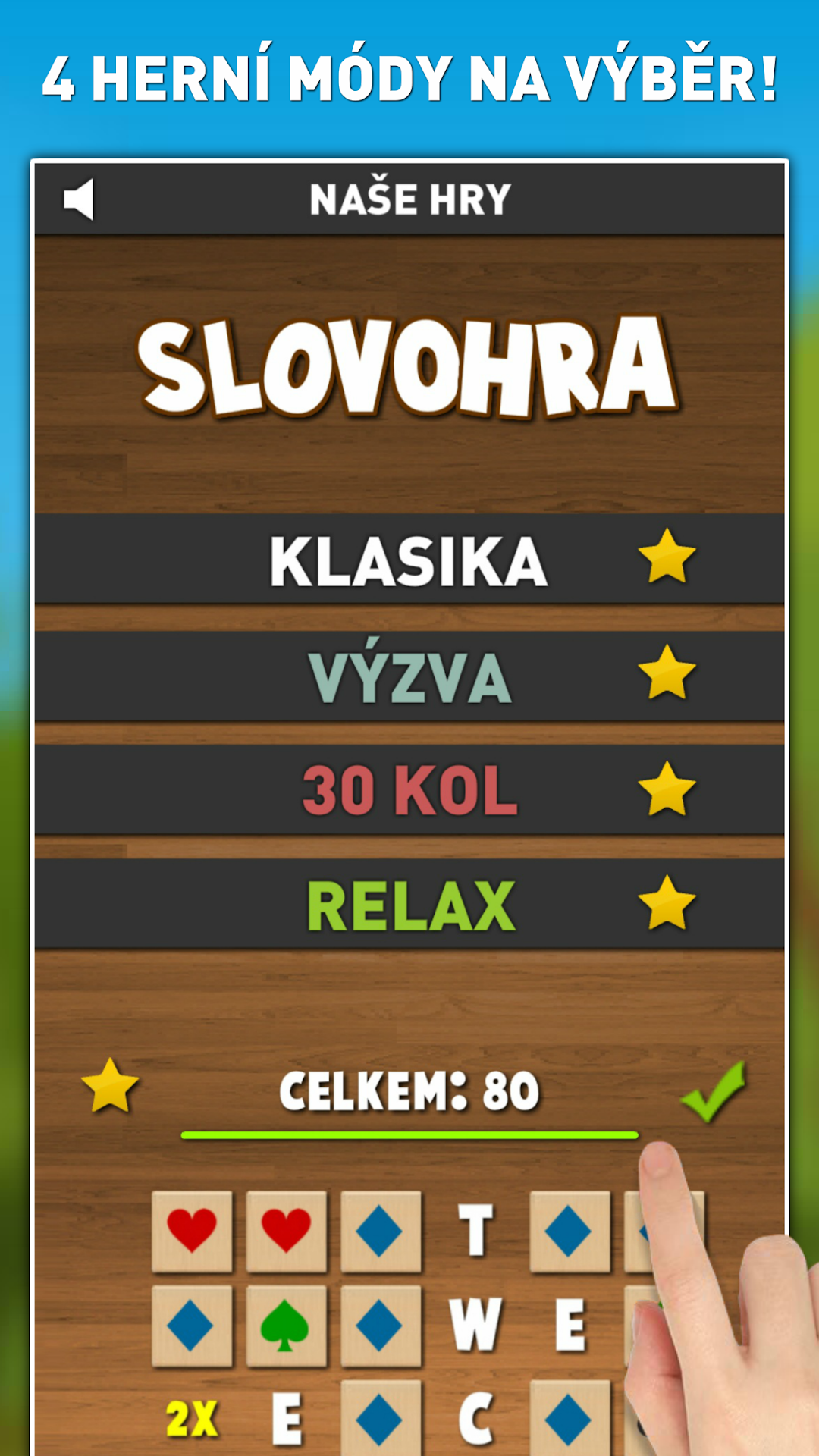
* 5 game modes
* TOP20 table - You can compare your points with other people
* Catchy and original word game free to download
HOW TO PLAY:
Swipe across adjacent symbols of the same type in any direction. Create Czech words with at least 3 letters from the uncovered letters. They left their word to get new symbols. Collect extra bonuses to achieve the best score!
GAME MODES:
* 3-minute game - you play for 3 minutes
* 5-minute game - you play for 5 minutes
* 30 Rounds - you play 30 rounds without a time limit
* Challenge - if you remove at least 5 symbols, you will get new symbols
* Relax - play without a time limit
WORD DATABASE:
The game contains over 500 thousand Czech words, but due to the vastness of the Czech language, we are unable to include all words. If you find a word that the game doesn't recognize, please let us know and we'll add the word. Thank you for your understanding.
Thank you very much for choosing our word game and we hope you have a great time!