Word Tower: 3D Word Puzzle is a Word application developed by ATAGÜÇ MİMARLIK, but with the best Android emulator-LDPlayer, you can download and play Word Tower: 3D Word Puzzle on your computer.
Running Word Tower: 3D Word Puzzle on your computer allows you to browse clearly on a large screen, and controlling the application with a mouse and keyboard is much faster than using touchscreen, all while never having to worry about device battery issues.
With multi-instance and synchronization features, you can even run multiple applications and accounts on your PC.
And file sharing makes sharing images, videos, and files incredibly easy.
Download Word Tower: 3D Word Puzzle and run it on your PC. Enjoy the large screen and high-definition quality on your PC!
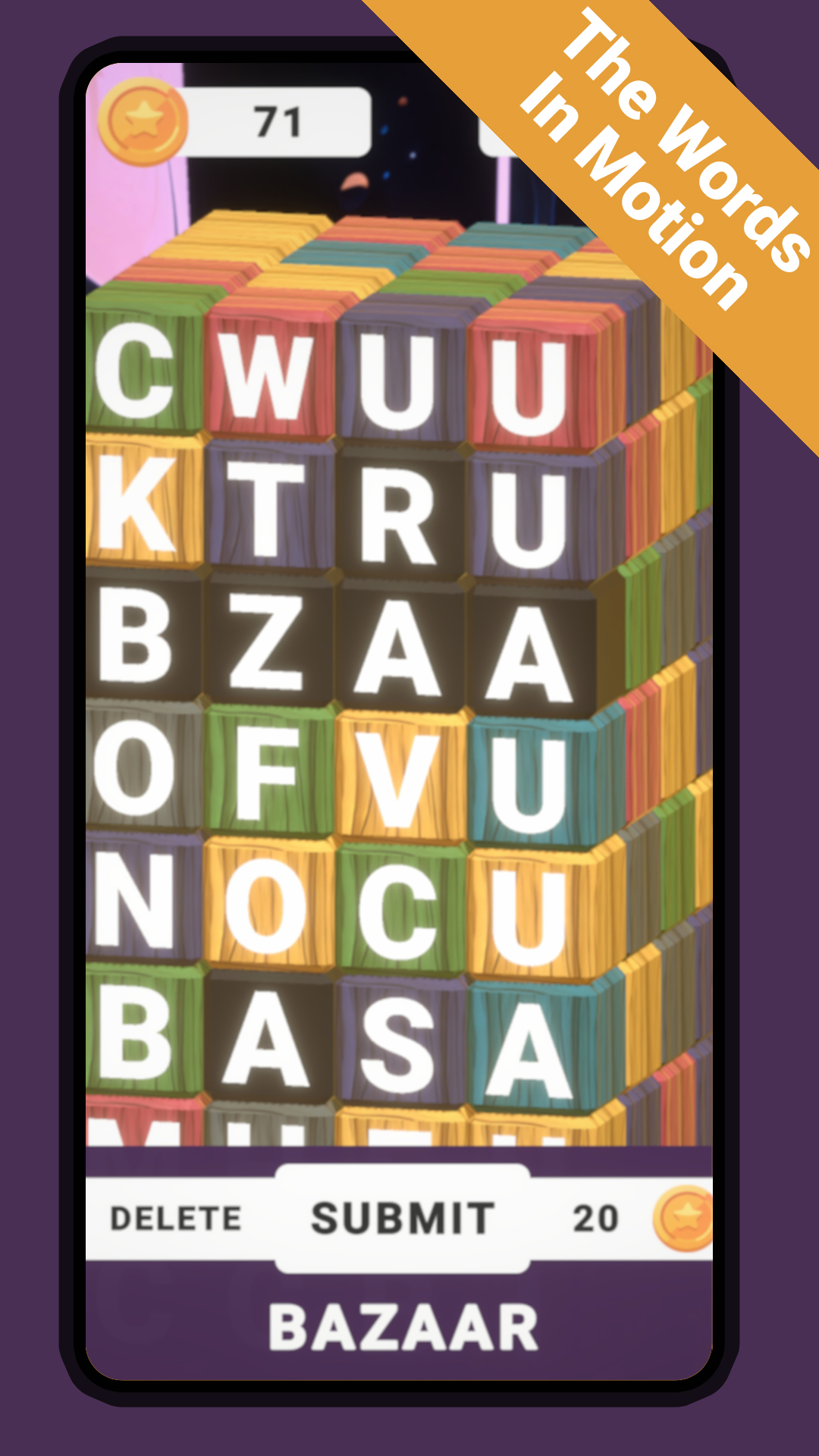
Welcome to the world of wordplay, where the captivating Word Tower: 3D Word Game awaits! Immerse yourself in a stylized realm of linguistic challenges and embark on a single-player journey that will keep you engaged, whether you're online or offline.🏰 Ascend through Levels 🏰
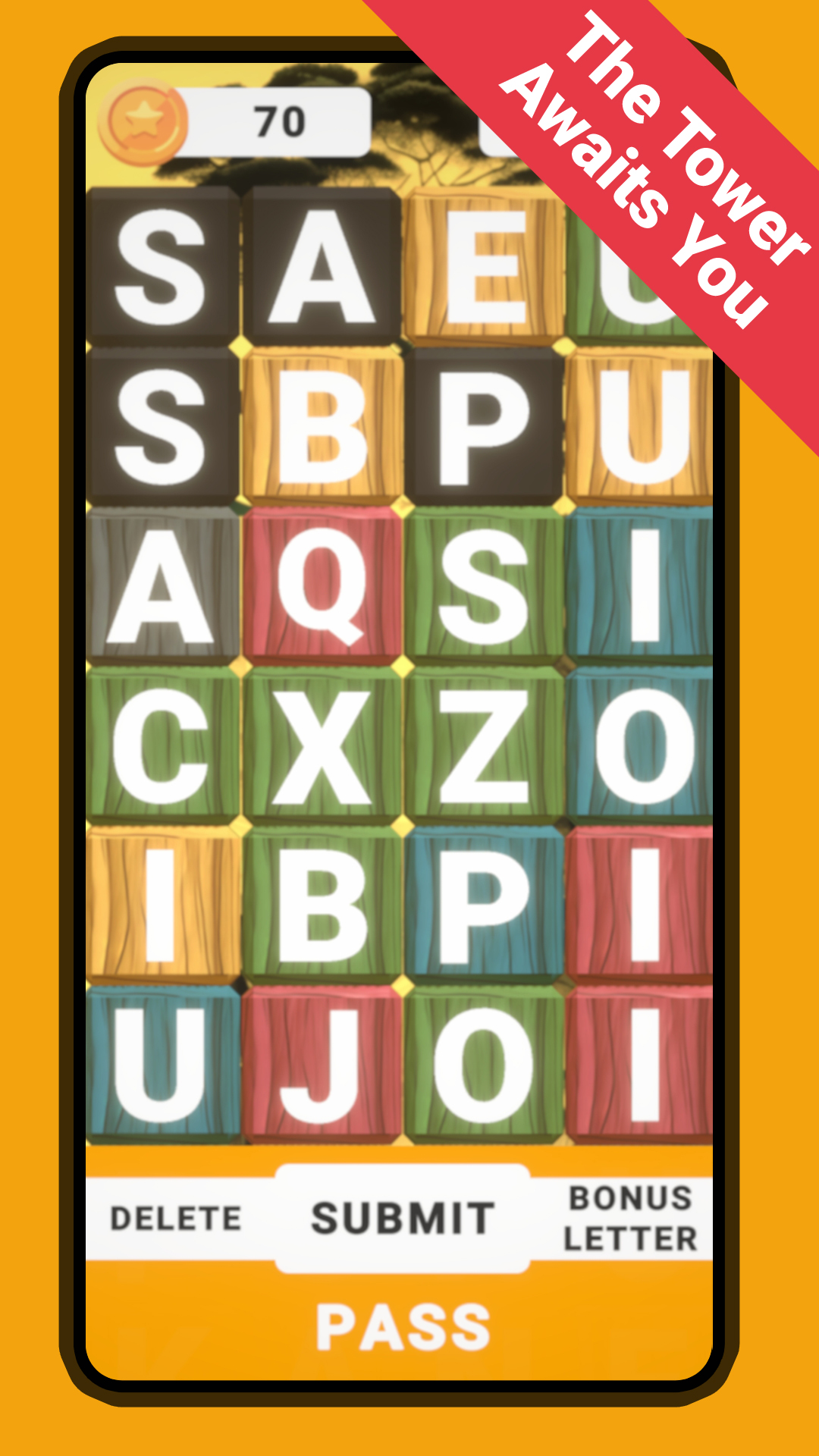
In this unique single-player adventure, prepare to conquer towering levels of word-based puzzles. Each level presents a stylized tower made of letter cubes, waiting for your word-building expertise. Ascend higher as you spell out words and clear cubes, showcasing your word mastery with every successful move.
🧩 Puzzle-solving with a Twist 🧩
Experience word-solving in a whole new dimension! Manipulate stylized letter cubes strategically to form words and watch the tower respond with every successful combination. As you progress, the challenge increases – can you strategically clear cubes to keep climbing the Word Tower?
🌆 Tower Variety 🌆
Dive into an array of single-player levels, each presenting a stylized tower of varying heights. From compact 50-cube challenges to towering 500-cube masterpieces, you'll find a stylized puzzle that matches your word-building skills. Get ready to explore stylized heights and depths of word creativity.
🏆 Achieve Word Mastery 🏆
Unlock new chapters as you conquer levels, showcasing your stylized word skills. Become the ultimate word tower master as you reach new stylized heights in your word-building journey. Can you prove your stylized dominance in the realm of words?
🌟 Elevate Your Vocabulary 🌟
Immerse yourself in a stylized word-building experience that enriches your vocabulary. Engage with a variety of words and phrases, enhancing your language skills while enjoying stylized gameplay. With every stylized word you construct, you're enhancing your word-building prowess.
🌐 Connect and Compete 🌐
Whether you're online or offline, share your victories and invite friends to partake in the stylized challenge. Who can craft the tallest tower of words? Connect with fellow word enthusiasts in a stylized competition of word mastery.
Experience the stylized world of Word Tower: 3D Word Game now! Download and embark on a single-player journey that celebrates the art of word-building in stylized fashion. Get ready to spell, strategize, and conquer the stylized Word Tower!