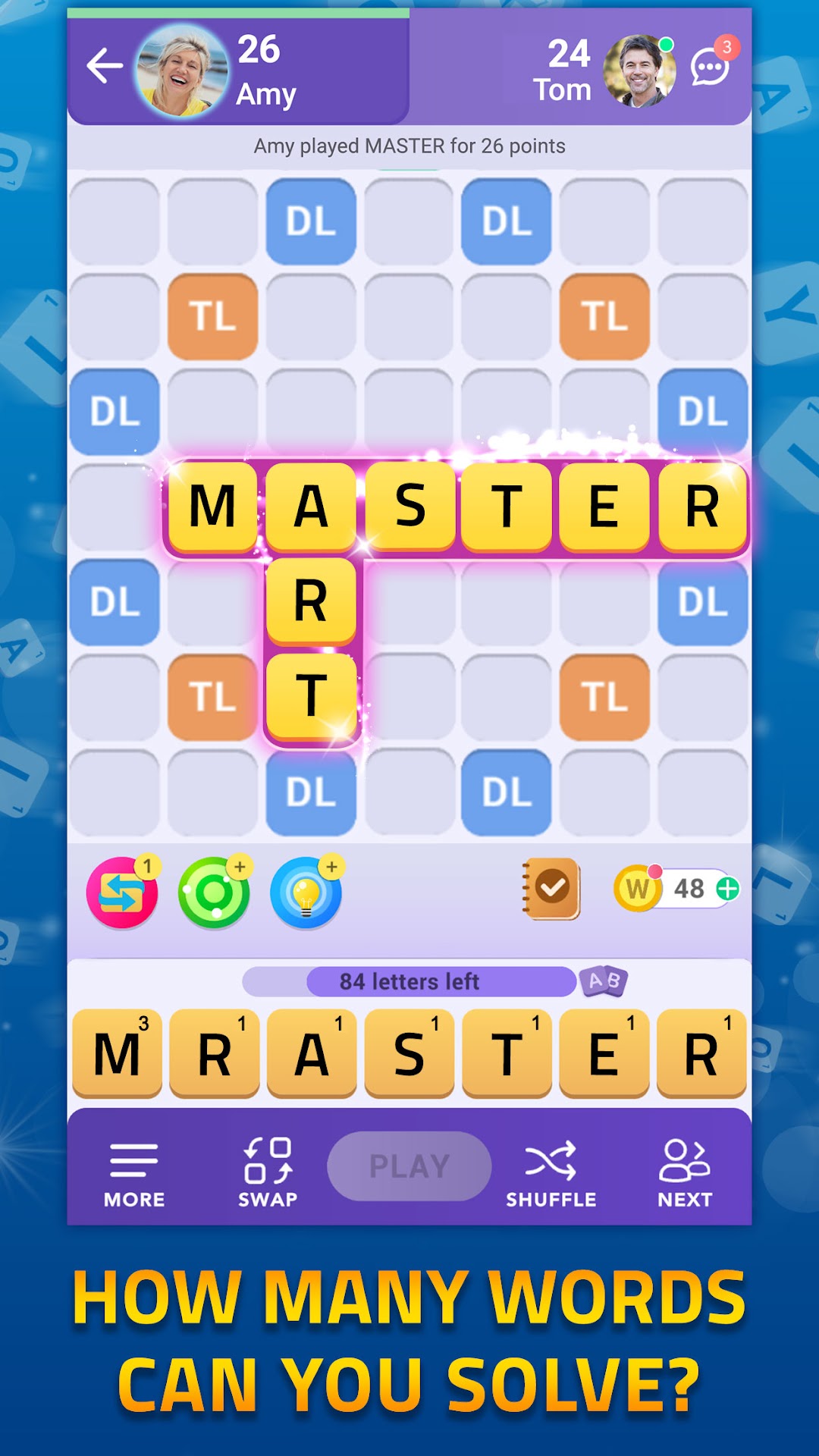
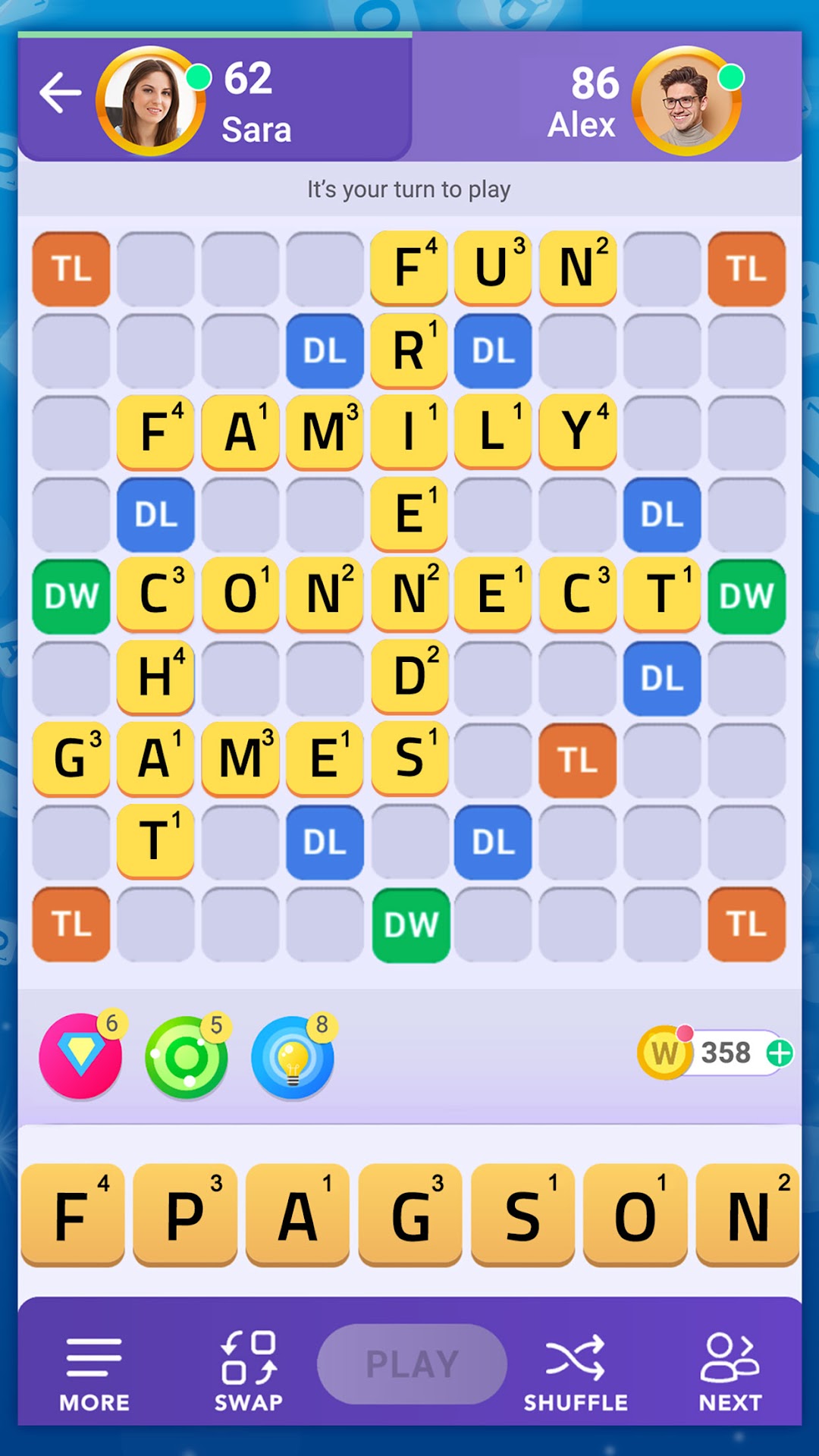
Word Wars - Word Game is a Word application developed by PlaySimple Games, but with the best Android emulator-LDPlayer, you can download and play Word Wars - Word Game on your computer.
Running Word Wars - Word Game on your computer allows you to browse clearly on a large screen, and controlling the application with a mouse and keyboard is much faster than using touchscreen, all while never having to worry about device battery issues.
With multi-instance and synchronization features, you can even run multiple applications and accounts on your PC.
And file sharing makes sharing images, videos, and files incredibly easy.
Download Word Wars - Word Game and run it on your PC. Enjoy the large screen and high-definition quality on your PC!
Your 2024 Brain Booster is here!Meet the all new Word Wars - 2024!
Word Wars is the ultimate word game to test your word power and find out whether you are better than all your friends in 2024! Are you smart enough to spot the hidden words?
The more words you make, the bigger your word arsenal becomes! And if you use the bonus tiles smartly, no one can beat you!
This unique online game is designed for avid word game lovers and new players alike. Time to rediscover your favorite childhood word game!
Strapped for time? Try the mini-board for quick word battles with your friends. What’s more? You will learn new words every day and in no time, you will become a word master. Something to make your 2024 extra special.
Never get tired of waiting on your opponents to play their turn! Play as many matches as you want at the same time and keep the fun going!
Learn new words on the go and make your opponents scramble for words!
Relax and Unwind in 2024: This 2024, leave your stress at the door with this unique word game where you can relax and sharpen your brain at the same time!
➤ CLASSIC MULTIPLAYER EXPERIENCE - Enjoy the evergreen classic board game in a beautiful new avatar!
➤ PLAY WITH YOUR FRIENDS AND FAMILY - Login with Facebook and start dueling with your friends!
➤ FIND YOUR MATCH - Get matched with other players based on your skill level and unleash your word wizardry!
➤ BROADCAST CHALLENGES - Throw down the gauntlet to other players and see how many are up for your word game challenge!
➤ WEEKLY TOURNAMENTS - Compete in tournaments every week and win grand prizes!
➤ UNIQUE POWER-UPS - Make use of fantastic power-ups that will help you take your word game skills to the next level!
➤ CHAT WITH YOUR FRIENDS - Stay connected with your friends and make new ones!
Download Word Wars today and start your 2024 journey to becoming a word master!
So what are you waiting for? Get the word game everyone is going crazy about in 2024!