WordOn is a Word application developed by Huckleberry Publishing, but with the best Android emulator-LDPlayer, you can download and play WordOn on your computer.
Running WordOn on your computer allows you to browse clearly on a large screen, and controlling the application with a mouse and keyboard is much faster than using touchscreen, all while never having to worry about device battery issues.
With multi-instance and synchronization features, you can even run multiple applications and accounts on your PC.
And file sharing makes sharing images, videos, and files incredibly easy.
Download WordOn and run it on your PC. Enjoy the large screen and high-definition quality on your PC!
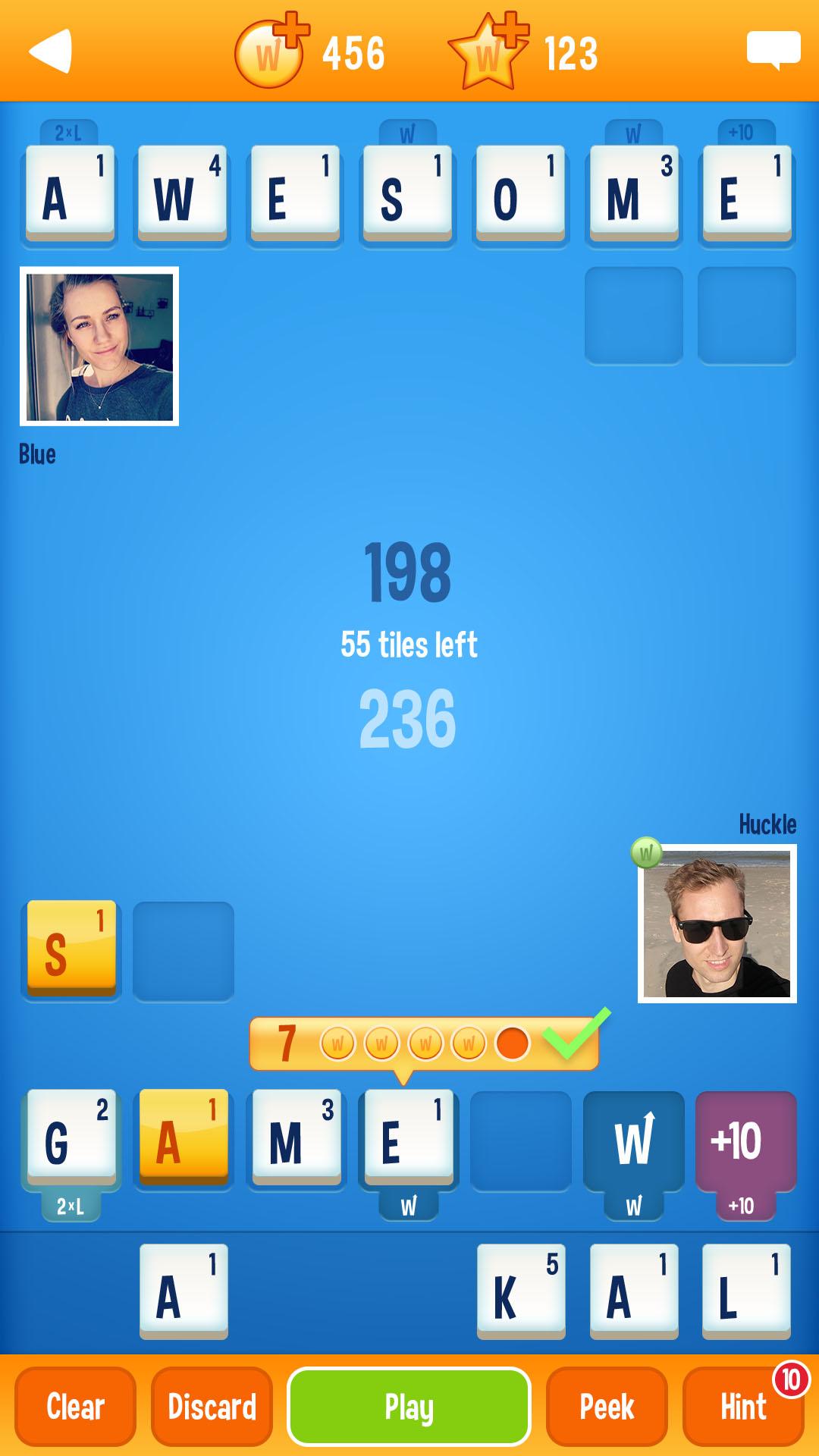
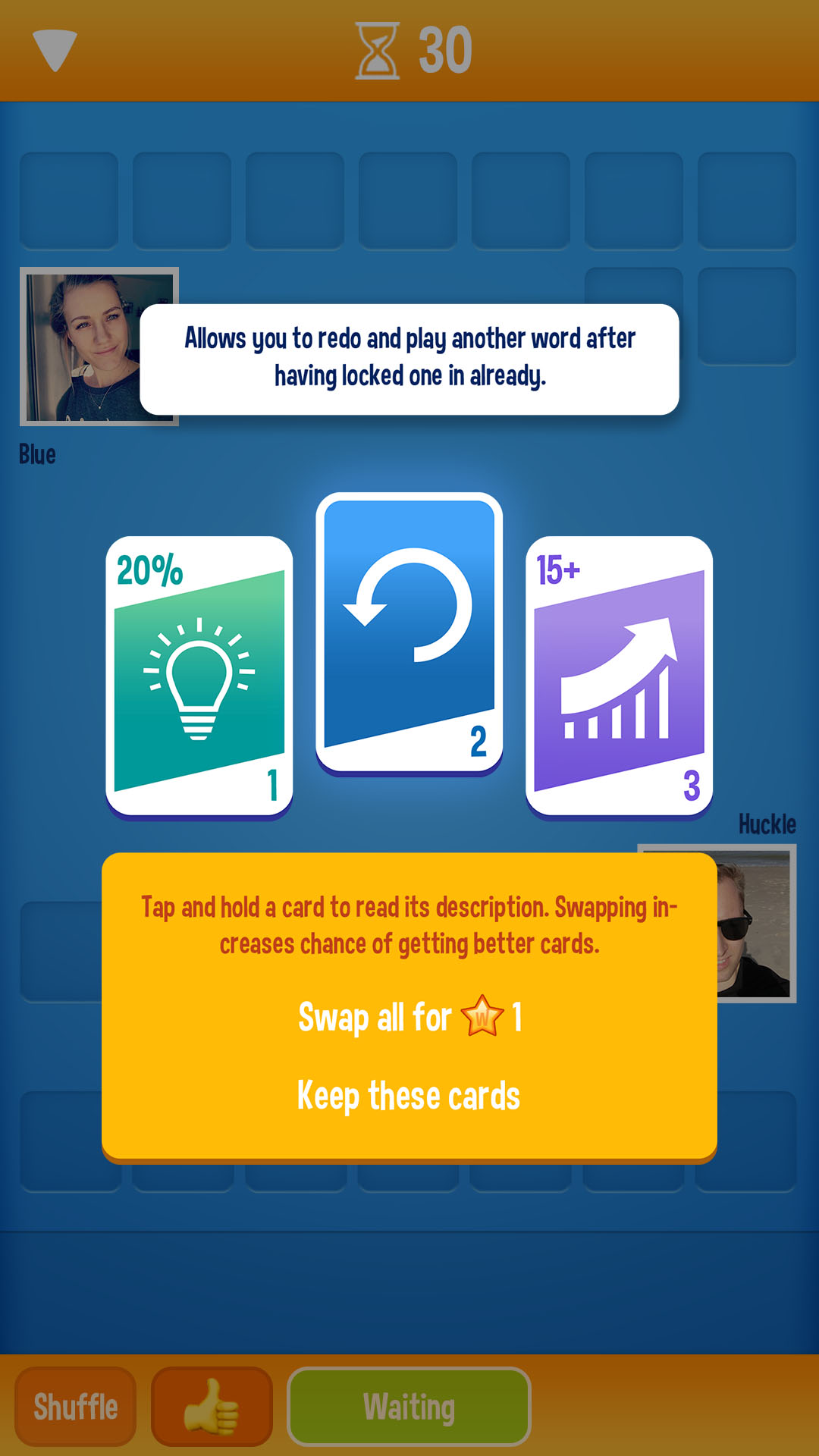
The unique twist is found in having to give away one or two letters for your opponents to use.Will they be able to use them and get a bonus, or did you just strategically win the word game..? Look for the right words and connect the letters in WordOn.
Use the letters to your advantage. You can use up to seven letters in this word game. So a word like 'cornbread' will be too long, but a word like 'cottage' fits perfectly. If you love to play a multiplayer word game with millions of other players, download WordOn - Multiplayer Word Game today!
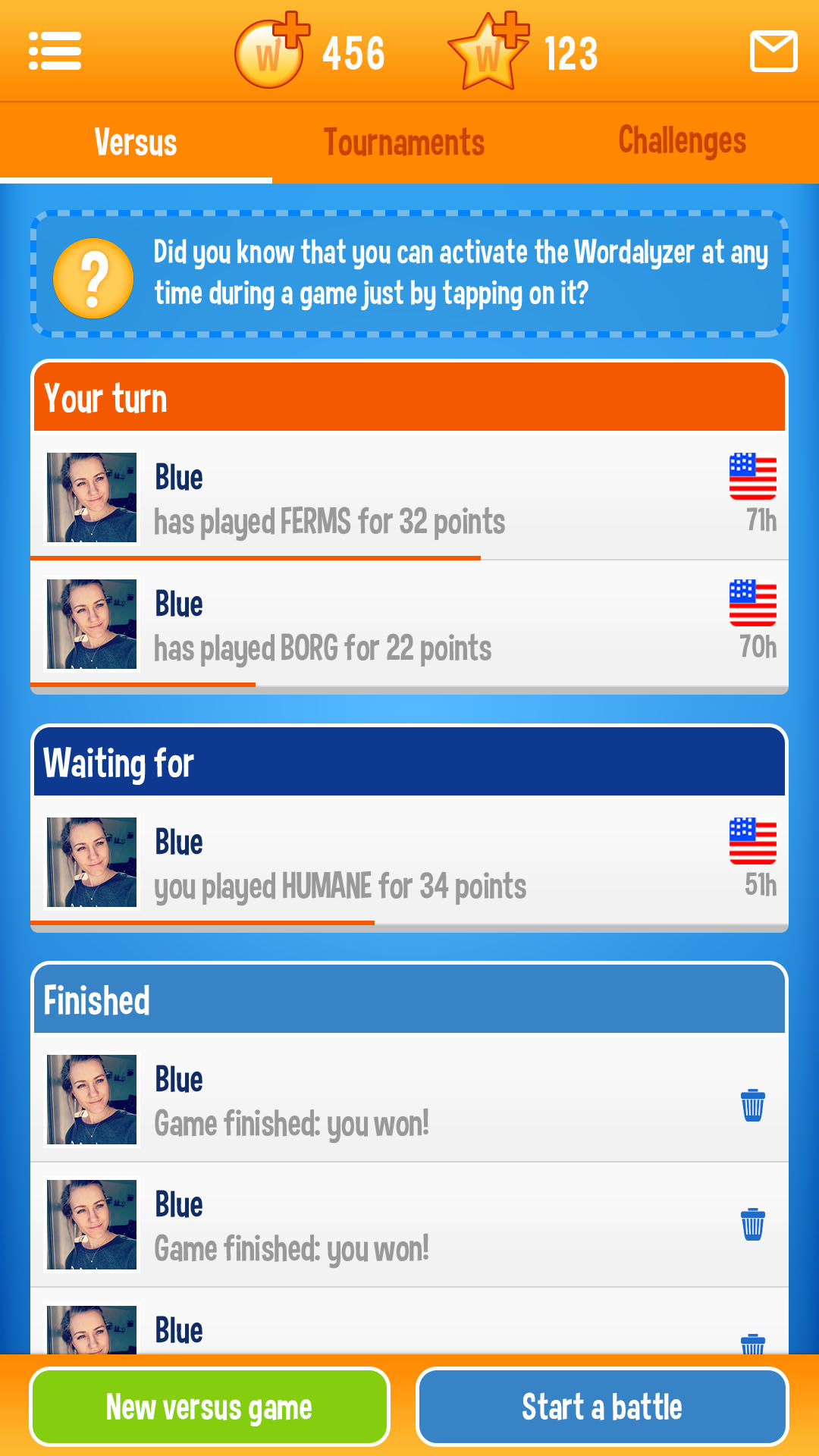
You go heads-up against other random players or start playing words with friends to beat them. Don't make the assumption you are better than they are. This game is like the old word board games found on your attic. If you were the annual spelling champion, this game is the perfect asset for you. Do you love word puzzles? WordOn is a pleasantly addictive word game to take with you wherever you are.
Enjoy in small bursts or take your time to find the best possible words in this word game. Dyslexic? No problem, this game helps you out and you'll start learning new words as well as classic words while having fun at the same time!
• PLAY immediately after installation to see what it's all about
• CONNECT with players of similar skill or enjoy with your friends
• WIN coins and stars to unlock special features
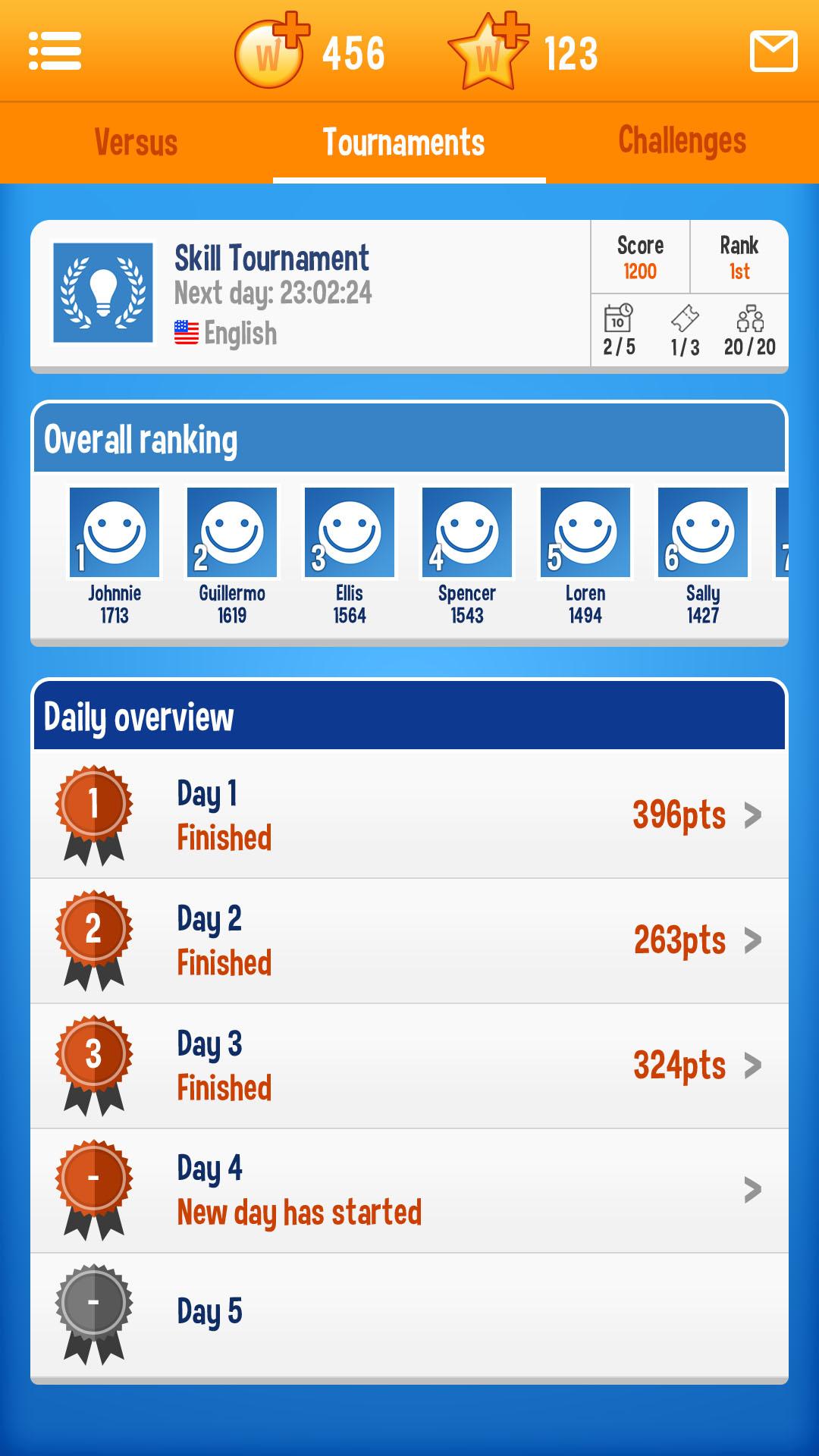
• TOURNAMENT matches offer new play modes and special prizes
• SOLO CHALLENGES to sharpen your skills even further
• WORD OF THE DAY offers a fresh daily puzzle
• CHAT with friends and brag about your rewards
• IMPROVE after seeing statistics after every game to show your progress
• CONTINUE your games on your phone and tablet
More about WordOn:
https://www.wordonhd.com • https://facebook.com/WordOnHD • https://twitter.com/WordOnHD