Zakantosh Cardgame is a Card application developed by Chrioyles, but with the best Android emulator-LDPlayer, you can download and play Zakantosh Cardgame on your computer.
Running Zakantosh Cardgame on your computer allows you to browse clearly on a large screen, and controlling the application with a mouse and keyboard is much faster than using touchscreen, all while never having to worry about device battery issues.
With multi-instance and synchronization features, you can even run multiple applications and accounts on your PC.
And file sharing makes sharing images, videos, and files incredibly easy.
Download Zakantosh Cardgame and run it on your PC. Enjoy the large screen and high-definition quality on your PC!
The army of Vedapari needs you!Zakantosh have been flooded by outlandish creatures. There is hardly a place left which these creatures do not threaten. But with united strength we will oppose the evil. We will not let them take our home. As the clenched fist of Zakantosh, we will break their ranks! Follow us into the battle that will determine the fate of us all!
Join the army!
Always Victorious - The Army of Vedapari
This Game is a
Tactical
Collectible
Single Player
Card Game
About
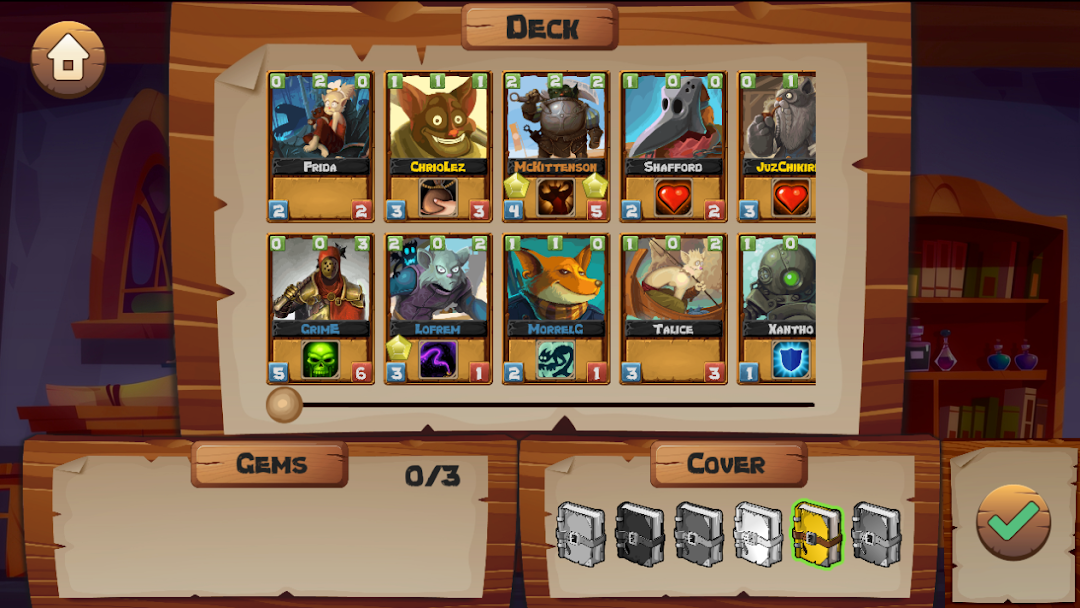
You will travel through Zakantosh with your companions to fight tactical card battles. Your enemies are all kind of creatures, goaded by the evil influence of the mysterious crystals, that appeared out of nowhere. You will need to increase your strength by collecting powerful cards and gems. Build the best deck and travel through the six regions of Zakantosh!
Use your strength to find out what's behind the dark crystals and the legendary gems!
Unique battle system
Place your cards onto the 5 spots of your battlefield area to let them fight other cards.
A card may have one of the 16 classes which each have individual abilities.
Equip gems to your decks to grant yourself special advantages.
Place cards onto each other to increase their strength!
Very easy to play. Easy deckbuilding. Not 1 million different card texts.
Merging, crafting and pack cracking
Crack booster packs to receive new card pieces.
Merge card pieces into cards.
The more card pieces you collect and merge the better your cards will be.
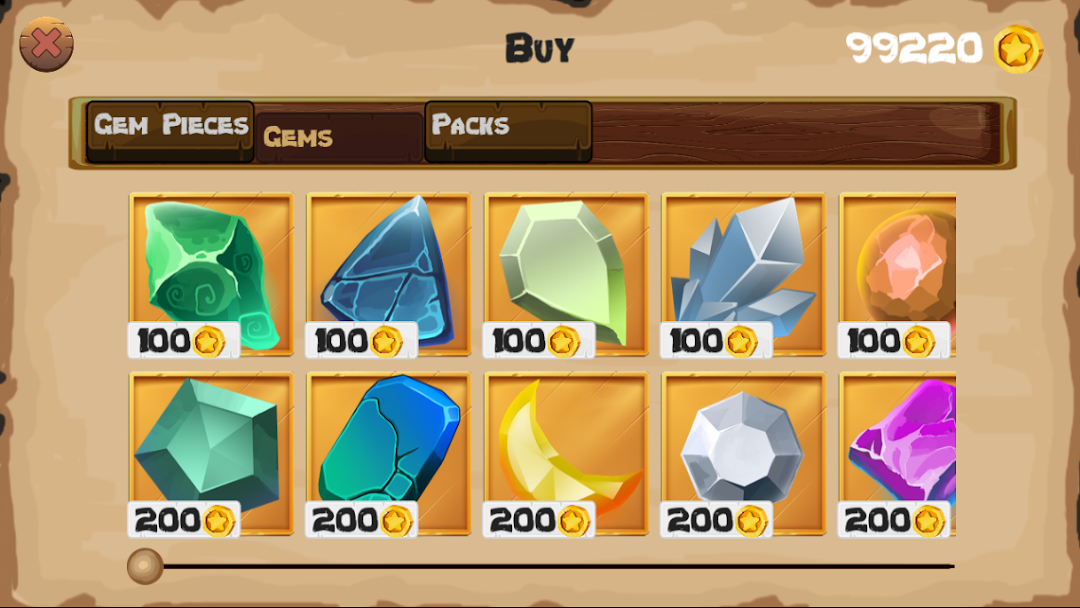
Craft gems out of gem pieces to have powerful abilities during battles.
Features
More then 130 Cards
60 Enemies
Easy Deckbuilding
Unique battle system
6 different Booster packs
6 different maps
5+ hours of gameplay
English 🇬🇧 and german 🇩🇪 text translations
Gem and Card crafting
Optional Rogue Mode