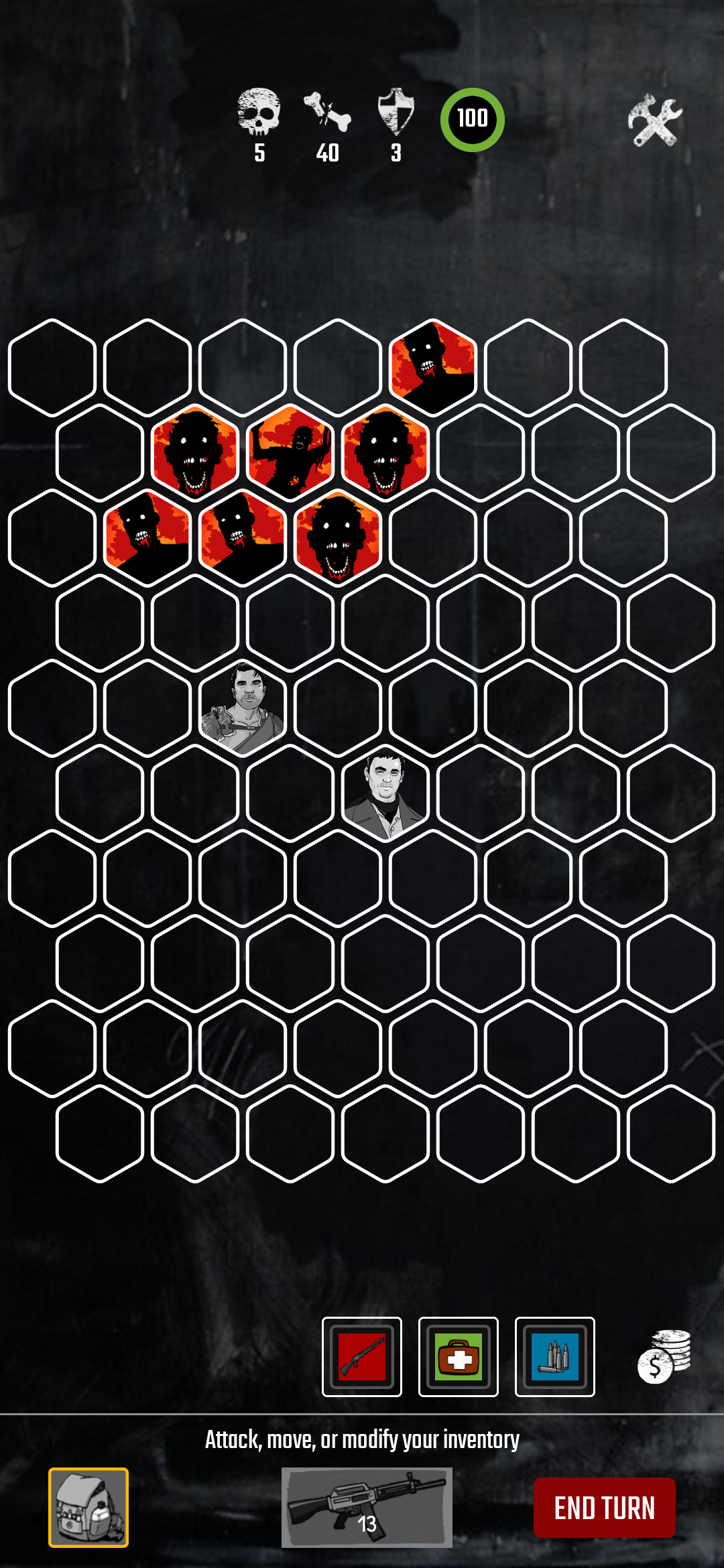
ZDay: Simulator is a Casual game developed by Big River Games. LDPlayer is the best platform for playing ZDay: Simulator on Windows PC, offering powerful features to enhance your immersive experience in ZDay: Simulator.
When playing ZDay: Simulator on your computer, if you find repetitive actions or tasks tedious and time-consuming, fret not! Macro can alleviate your concerns. Simply record your actions with a click of the screen recording feature and let macros take care of the rest. Macros automate your operations, allowing you to effortlessly conquer the game with minimal effort! Start downloading and playing ZDay: Simulator on your computer now!
ZDay: Simulator is a 21st century interactive-fiction simulator that puts you the player in tough, real-world situations and says "what would YOU do?"For those familiar with the original, this is a complete re-imagining of the ZDay universe and gameplay. With richer, deeper graphics, and a completely reinvented decision engine, players will be surprised at every turn. Now with multiple stories and story-lines, players will delve deeper and deeper into this post-apocalyptic world.
Originally created by the award winning Ed Anderson, ZDay:Simulator is an intelligent adventure game that places you squarely in a post-zombie infected world and asks "what would you do?" Faced with one scenario after another, the player has to make choices that will either lead them to escape or perish like so many others. The sophisticated game engine keeps track of every decision that you make, and keeps a running tab on your survival probability based on the choices you make.
So keep your wits about you, and choose carefully, because one wrong move could have you facing a zombie horde or roving bands of trigger-happy looters.
With branching story paths and outcomes that are influenced and determined by what choices you make, ZDay: Survival Simulator is never exactly the same twice.
***********************************************
"For those of a certain age who loved adventure game books, it’s the perfect app to play and one that players will find themselves returning to. Not least because they’ll have to be pretty skilled to ‘win’!"
4 out of 5 stars - Jennifer Allen, 148 Apps.com
"I've been having a blast with this since it's essentially gameifies what runs through my head whenever I read or watch a piece of zombie content, but it's also solid production-wise. I heartily recommend this to anyone that still has an itch for zombies, or even an appreciation of primarily text-based titles."
~ 4/5 stars - Brad Nicholson, Toucharcade
"ZDAY is a 21st century text-based Simulator game that puts you the player in tough, real-world situations. The game play is easy and you can soon control it well."
~ 4/5 stars - Top10app.com
"4/5 Stars" - Dan Zuccarelli, Gamezebo.com