Idle Zombie Wave: Survival TD is a Strategy game developed by Ryki Studio, and LDPlayer is the best platform for playing Idle Zombie Wave: Survival TD on Windows PC, offering powerful features for an immersive experience.
When playing Idle Zombie Wave: Survival TD on your computer, you can enjoy long game sessions using the operation recording feature to record repetitive operations to complete the same tasks automatically. It allows you to level up faster and makes resource grinding much more efficient.
In addition, if you want to execute combo moves or the game requires repeated skill actions, the macro feature is your best helper. It enables you to complete kills with just one click!
If you want to manage multiple accounts, LDMultiplayer and Synchronizer will assist you. You can run multiple alternative accounts at the same time to assist the leveling of your main account. Download and play Idle Zombie Wave: Survival TD on PC with LDPlayer now!
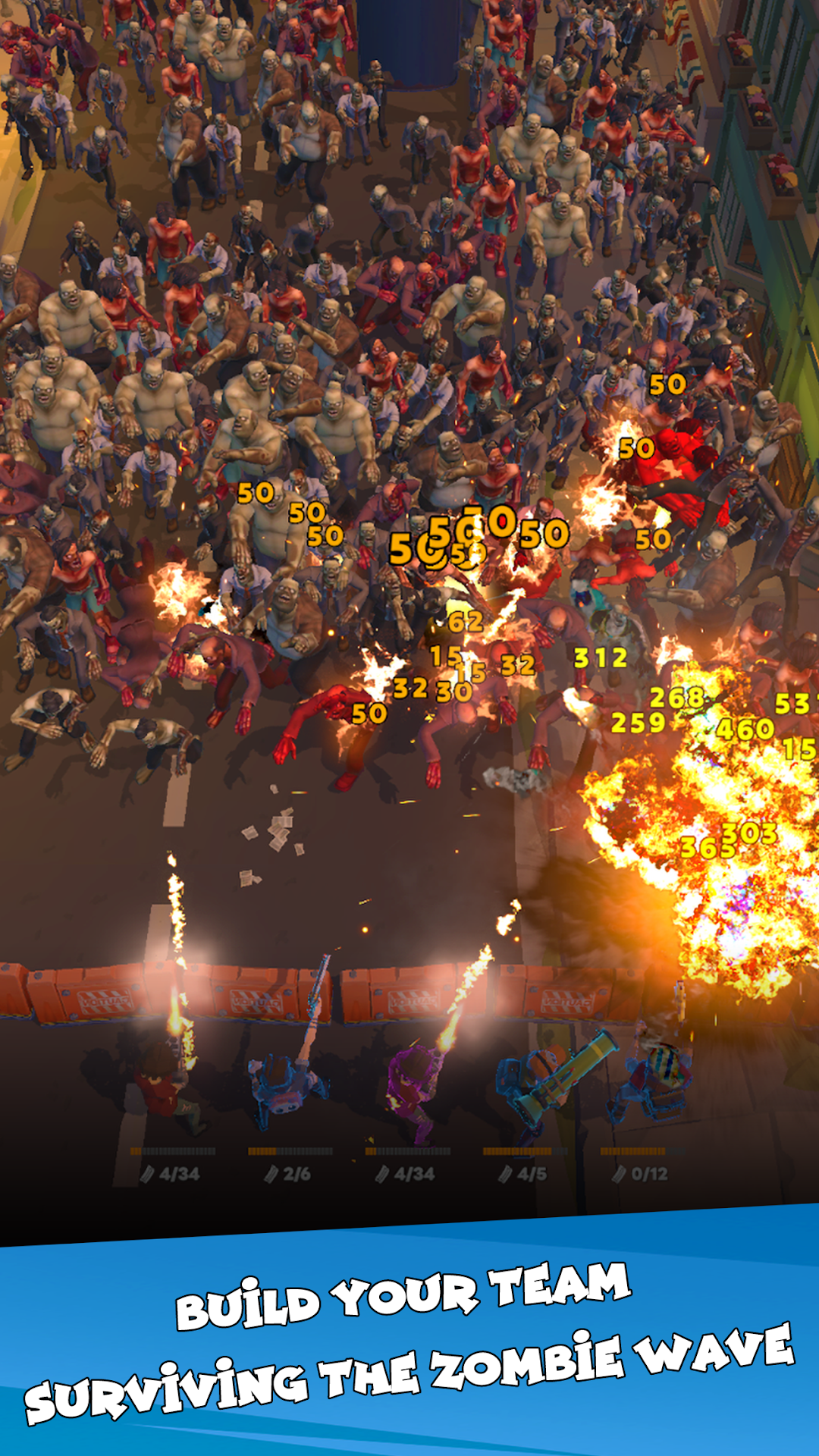
Idle Zombie Wave: Survivors is an incremental idle zombie tower defense game where you survive endless zombie waves. Take command as a smart and decisive leader and lead your squad in relentless TD battles to survive wave after wave of the undead horde.Whether you love idle zombie games, tower defense strategy, or roguelike survival, this game delivers endless tactical depth and challenging gameplay set in a post-apocalyptic world.
GAMEPLAY FEATURES:
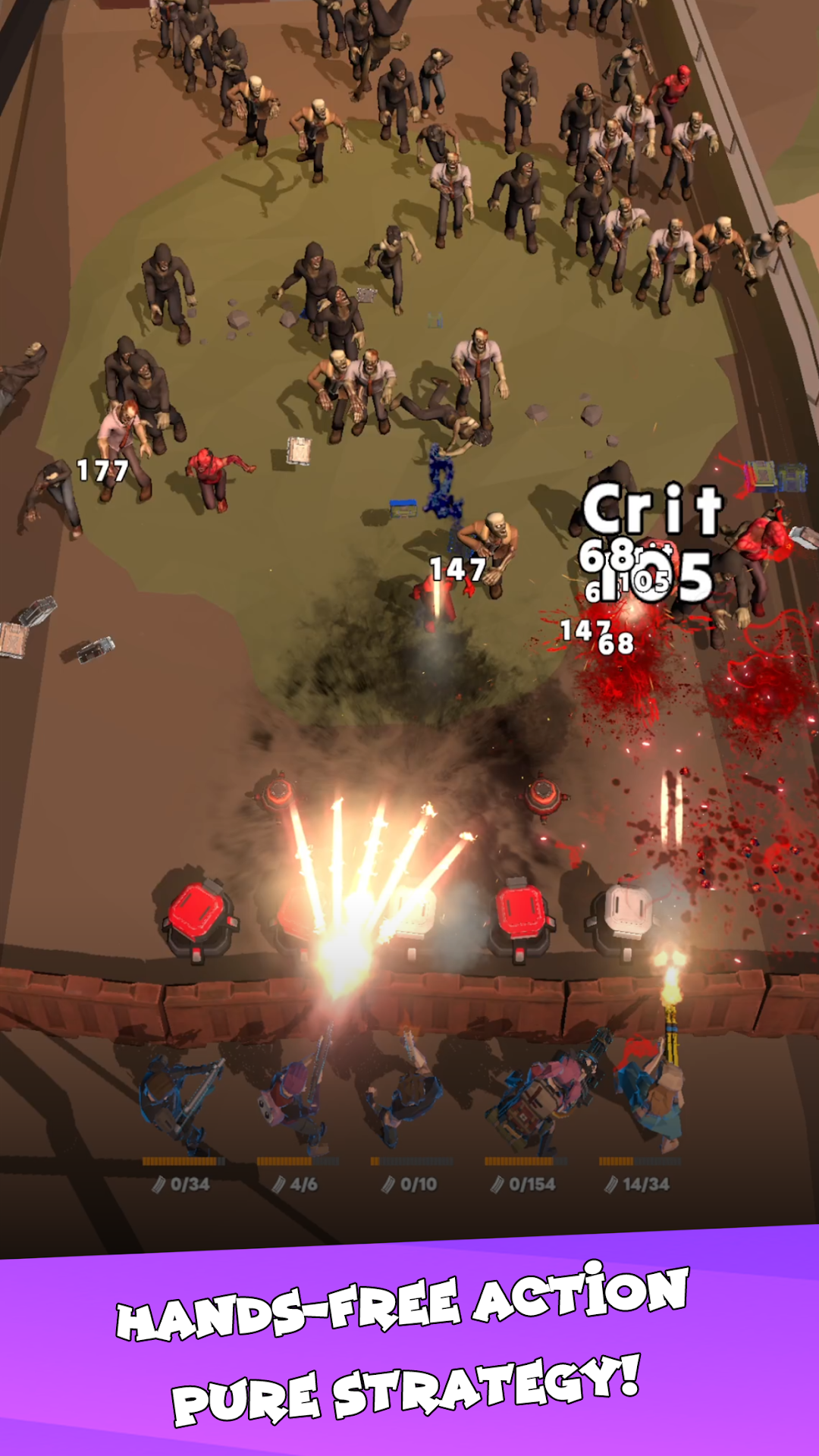
· 🧠 Idle Tower Defense Strategy (No Operation Required): Set up your survivor placement and watch them automatically fend off zombie waves. Progress continues even while offline, allowing you to enjoy AFK survival anytime.
· 🧟 Endless Zombie Waves & Epic Bosses: Face massive waves of zombies and powerful undead bosses in thrilling TD encounters. Each wave and boss presents unique challenges to test your incremental defense strategy.
· 👥 Diverse Survivor Roster & RPG Progression: Recruit from over 30 unique survivors, each with distinct weapons and attack styles. Build the ultimate squad to tackle increasingly difficult apocalypse survival challenges.
· 🎯 Strategic Adjutant System: Enhance your team with unique adjutants. Combine their powers strategically to overcome the hardest waves and dominate the undead horde.
· 🎲 Deep Roguelike Elements & Special Challenges: Discover over 200 unique roguelike items and skills. Test yourself in Slaughter Challenges, Extreme Survival, and limited-time special events. Every run is unique—adapt your strategy to survive randomized waves and elite encounters.
WHY YOU’LL LOVE IDLE ZOMBIE WAVE:
· Effortless One-Handed Controls: Perfect for stress-free, captivating play.
· Offline Rewards: Earn gold and resources even when you are away.
· Quick Play Sessions: 6–12 minute rounds, perfect for breaks.
· Dynamic Challenge Modes: Slaughter Challenges, Extreme Survival, and tactical scenarios keep gameplay fresh.
· Stunning Visual Effects: Enjoy the satisfaction of full-screen eliminations and explosive combat.
Join the battle against the zombie apocalypse! Command your survivors, clash with the undead, and become the ultimate defender in the most addictive zombie survival TD of 2026!