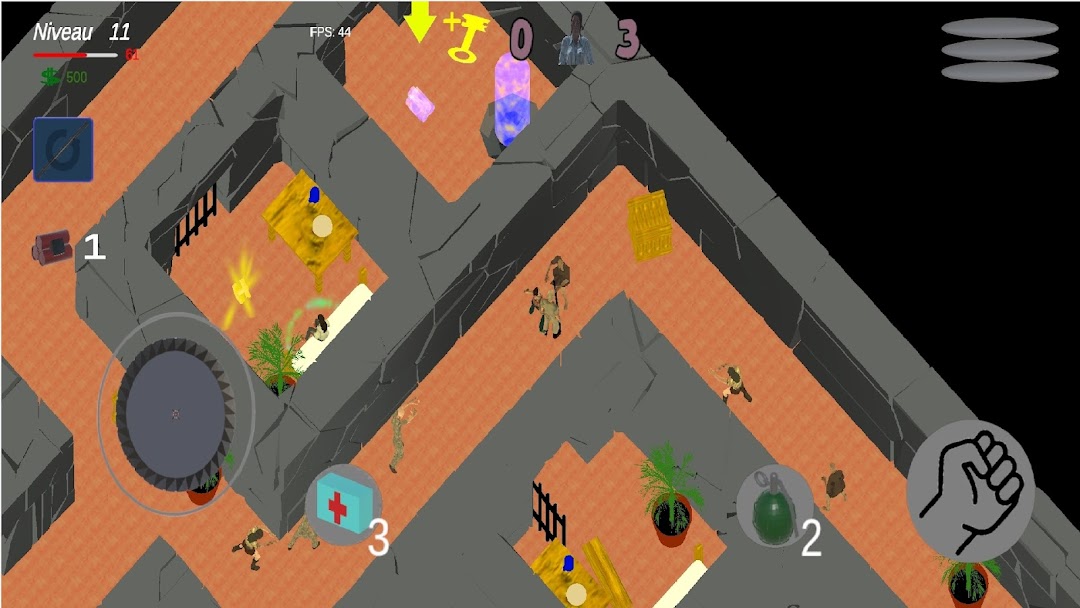
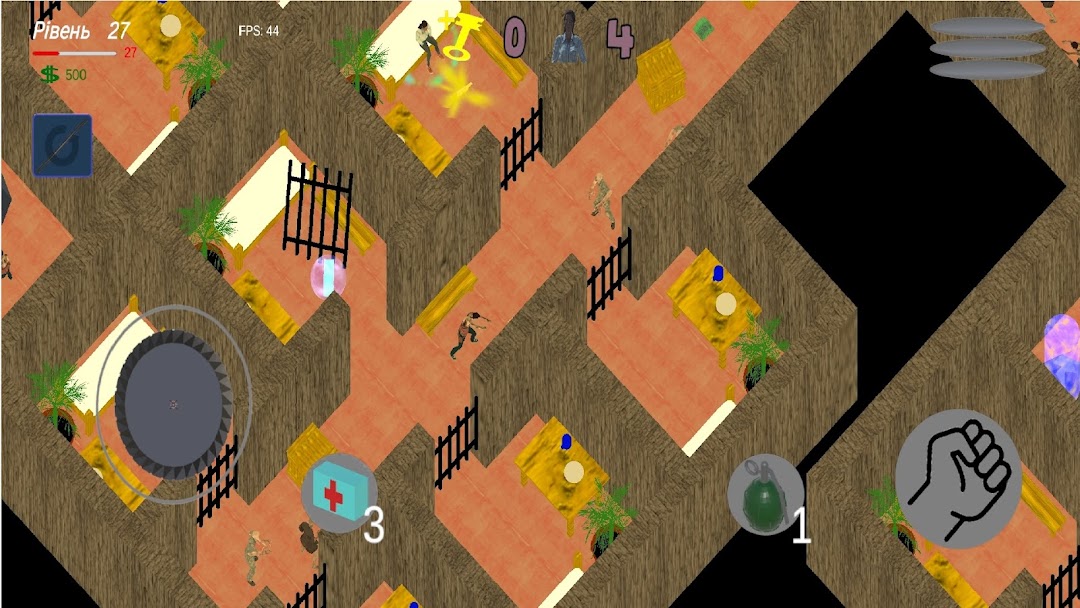
Zombie Shadows: Last Fortress is a Action game developed by MysterXStudio, and LDPlayer is the best platform for playing Zombie Shadows: Last Fortress on PC, offering powerful features to immerse you in the game.
When playing Zombie Shadows: Last Fortress on computer, you can adjust frame rate settings for smooth gameplay and stunning visuals.
LDPlayer also provides pre-configured keyboard mapping for convenient control of the entire game. Continuous optimization of keyboard mapping enhances key sensitivity and skill accuracy. Additionally, LDPlayer offers special buttons like shoot, hide mouse, and continuous key press for an enhanced gaming experience.
If you prefer using a gamepad, the automatic gamepad detection allows you to customize controls with just a few clicks, enabling you to freely maneuver your hero. Start downloading and playing Zombie Shadows: Last Fortress on your computer now!
The world has plunged into chaos after a sudden outbreak of the zombie virus.Survival has become everyone's main duty, but what to do when you find yourself in the least
safe place during the apocalypse - a prison? In Zombie Shadows: Last Fortress you have to fight for your life, saving those behind bars and trying to get out of the trap, which is now
controlled by hordes of the dead.
The player in the role of the main character is dropped into an abandoned prison, where the staff and guards
have been destroyed by zombies, and all the prisoners have remained locked in their cells. The place that was once a
symbol of order has become a deadly trap, and now it only depends on you whether you can
save the survivors.
The gameplay focuses on exploring the dark and narrow corridors of the prison, finding keys that are
scattered in the most dangerous places, and opening the cells. But it's not that easy: every step
can attract the attention of zombies who can hear any sound. You need to think through your actions, find
resources such as weapons, first aid kits and flashlights to survive.
In the game Zombie Shadows: Last Fortress you need to free as many prisoners as possible and find a way out of prison with them. But time
is not on your side: with every minute the zombies become more aggressive, and their number increases.
It depends on you whether the prison will become your place of salvation or your grave.
Immerse yourself in a world of survival, tension and moral choice, where every decision can cost your life.
Are you ready to accept this challenge?