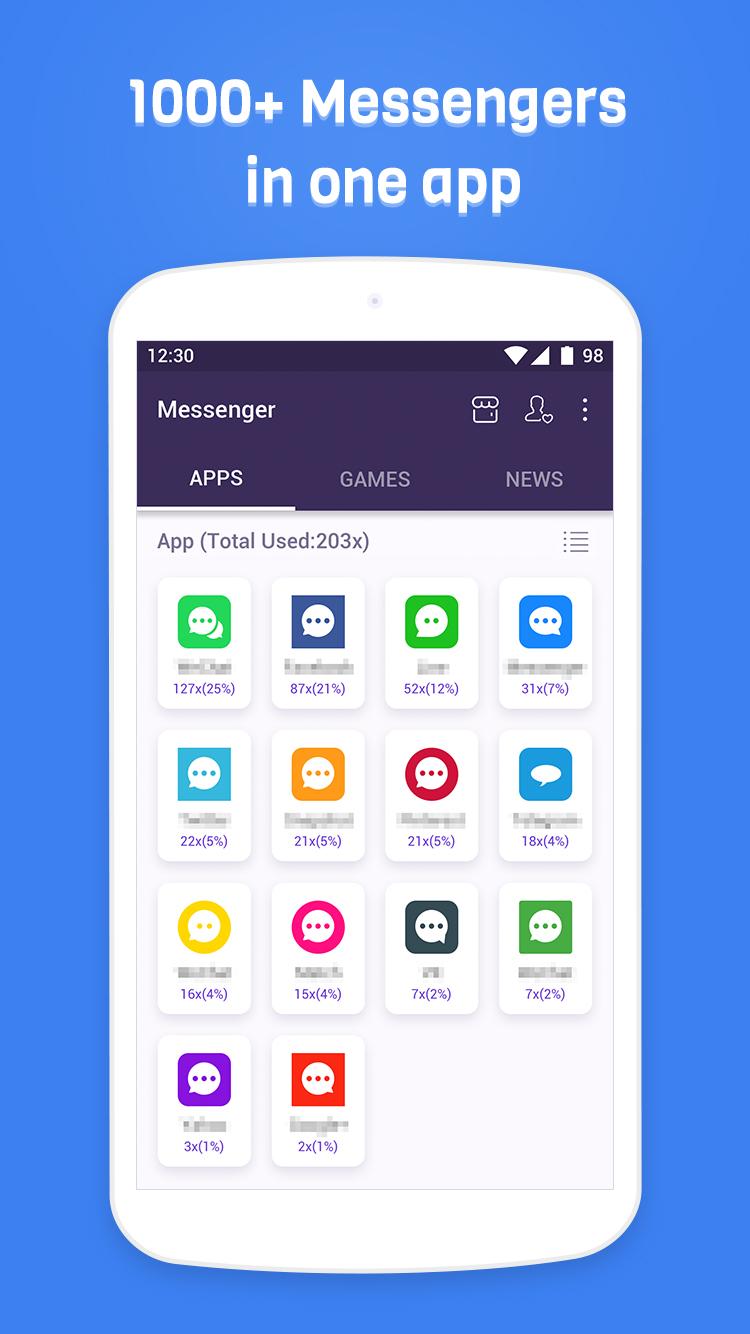
Messenger is a Tools application developed by CloudMind, but with the best Android emulator-LDPlayer, you can download and play Messenger on your computer.
Running Messenger on your computer allows you to browse clearly on a large screen, and controlling the application with a mouse and keyboard is much faster than using touchscreen, all while never having to worry about device battery issues.
With multi-instance and synchronization features, you can even run multiple applications and accounts on your PC.
And file sharing makes sharing images, videos, and files incredibly easy.
Download Messenger and run it on your PC. Enjoy the large screen and high-definition quality on your PC!
Messenger is a free app to manage all your chat and social apps, such as Facebook, Twitter, WhatsApp, Line, Instagram, Pinterest, Viber, Snapchat and so on. Help you keep connection with your family and friends. Send instant message or start a group chat at any time!Besides chat and social apps, Messenger also includes other free apps, such as new media and shopping apps. You can check news and go shopping easily without installing many apps. Save the storage of your phone and have fun at the same time!
If you are curious about how often you use messenger and social apps, there is a time statistic feature. You can get statistics and analysis of app usage times and duration from a clear chart.
New feature -- Lonely Planet
It is a new, free and anonymous way to meet people from the world!
- Free entry without login
- Every rocket carries a message. Reply and chat with new friends.
- Every day you can launch five rockets to send your messages for free.
- A brand new chatting experience
- Beautiful design
With Messenger, you can have all your friends and family in one place. Send text, photos, emoji, or start a video chat. Stay connected at any time and any place!
In order to provide statistics and analysis of use duration, please allow Messenger in Accessibility. Please be assured that Messenger will never use it to access your private data.
Email: support@domobile.com
Website: www.domobile.com
Facebook: https://www.facebook.com/DoMessenger-290737181436784/
Google+: https://plus.google.com/communities/116217072619332021501
Twitter: https://twitter.com/do_messenger