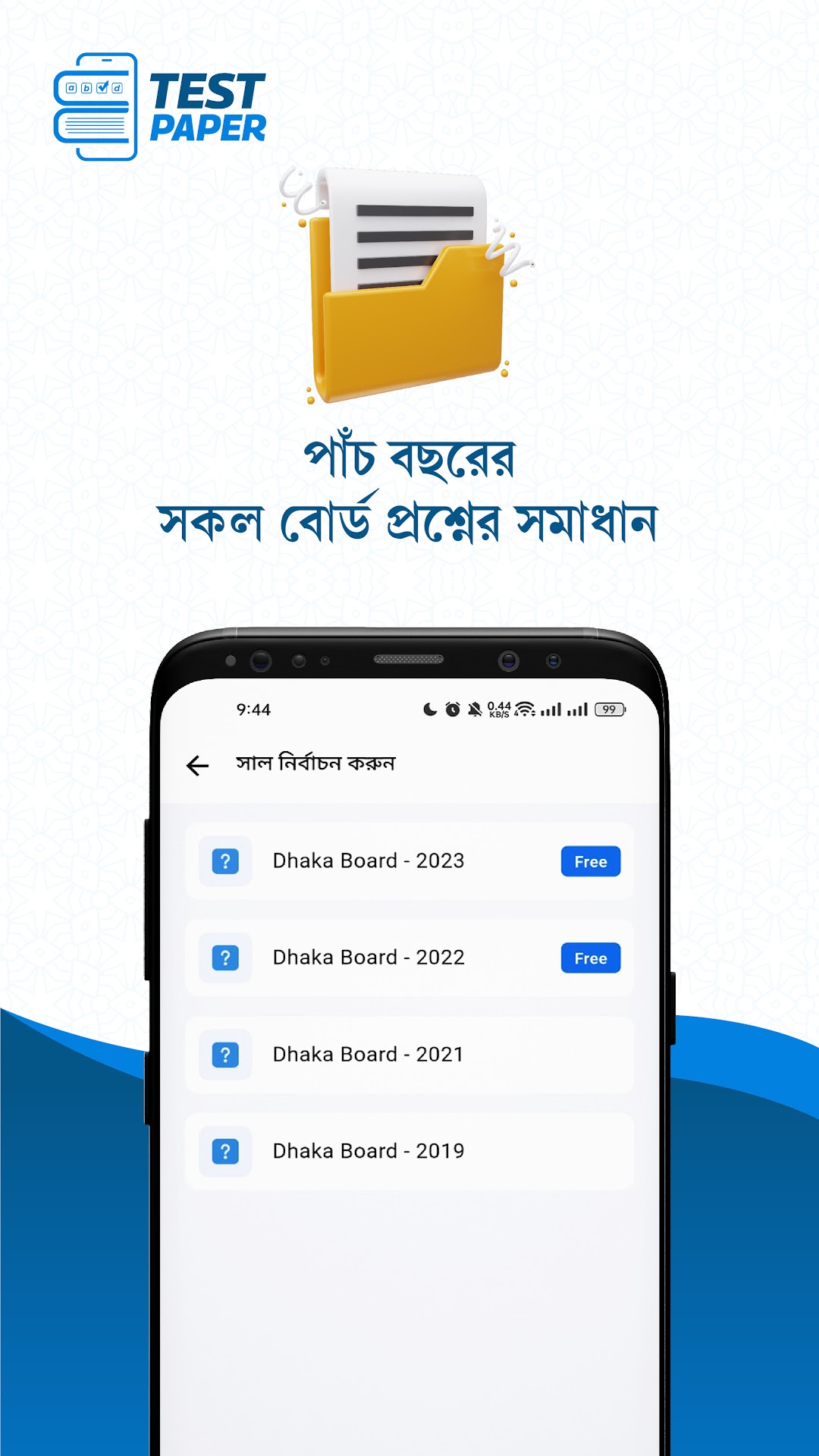
E-Test Paper for SSC & HSC is a Education application developed by Nextive Group, but with the best Android emulator-LDPlayer, you can download and play E-Test Paper for SSC & HSC on your computer.
Running E-Test Paper for SSC & HSC on your computer allows you to browse clearly on a large screen, and controlling the application with a mouse and keyboard is much faster than using touchscreen, all while never having to worry about device battery issues.
With multi-instance and synchronization features, you can even run multiple applications and accounts on your PC.
And file sharing makes sharing images, videos, and files incredibly easy.
Download E-Test Paper for SSC & HSC and run it on your PC. Enjoy the large screen and high-definition quality on your PC!
Here’s what you get with a subscription:1. 8 Years of Board Questions and Accurate Solutions (2017-2025)
2. 3 Years of Questions and Accurate Solutions from Top Colleges (2023-2026)
3. 7 Years of University Questions
4. Thousands of Chapter and Topic-based Creative and Multiple-Choice Questions with Accurate Solutions
5. Chapter-based University Questions from the Last 6 Years with Accurate Solutions
6. Search and Study Any Topic or Question
7. Mark and Practice Important SQ and MCQ Separately
8. See Your Ranking Among Students Nationwide in Every Exam
9. Practice Incorrectly Answered Questions Separately
10. Dedicated Problem-Solving Community
11. Special Model Test Programs
* Board Question Analysis Program
* College Question Analysis Program
* 50-Day Challenge Program
* HSC Final Model Test.