Followers Finder and likes is a Social application developed by emavisuals, but with the best Android emulator-LDPlayer, you can download and play Followers Finder and likes on your computer.
Running Followers Finder and likes on your computer allows you to browse clearly on a large screen, and controlling the application with a mouse and keyboard is much faster than using touchscreen, all while never having to worry about device battery issues.
With multi-instance and synchronization features, you can even run multiple applications and accounts on your PC.
And file sharing makes sharing images, videos, and files incredibly easy.
Download Followers Finder and likes and run it on your PC. Enjoy the large screen and high-definition quality on your PC!
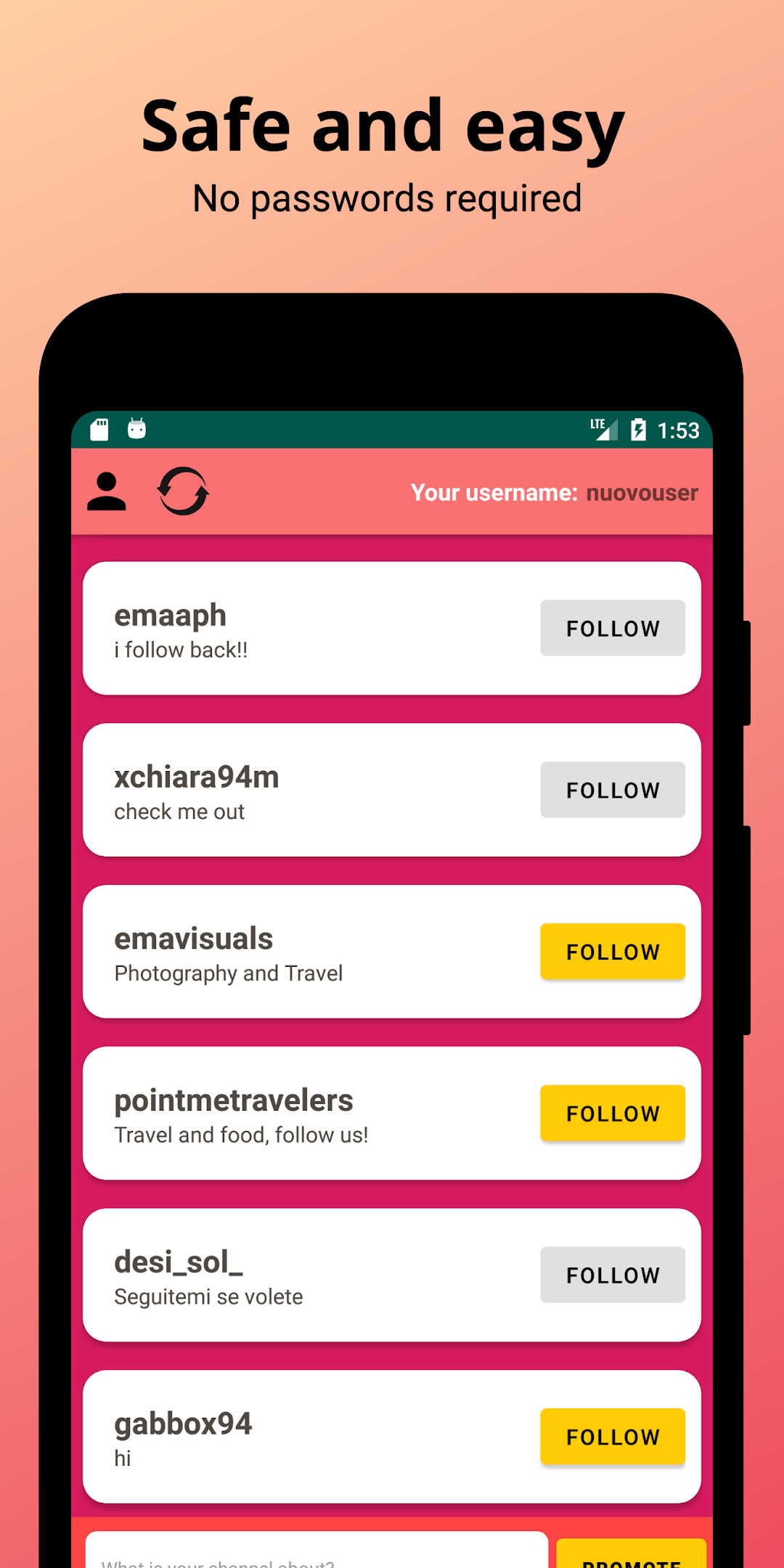
Discover new accounts to follow on IG and gain more followers for your account!You can promote your account easily and quickly, discover new profiles, become popular and boost your account.
How does Followers Finder works? It's easy! Just add your username (NO password required, it's safe), follow the other accounts that you find in the list, and publish your account so that other people can see your profile and follow you!
With Followers Finder you can:
== Discover other Instagram profiles to follow
== Promote your account with more visibility
== Add personalised messages (ifb, i follow back, follow me for more likes etc)
== Obtain new followers and likes from real people
No password required! Boost your account and try to gain more followers!
This app is not affiliated with Instagram.