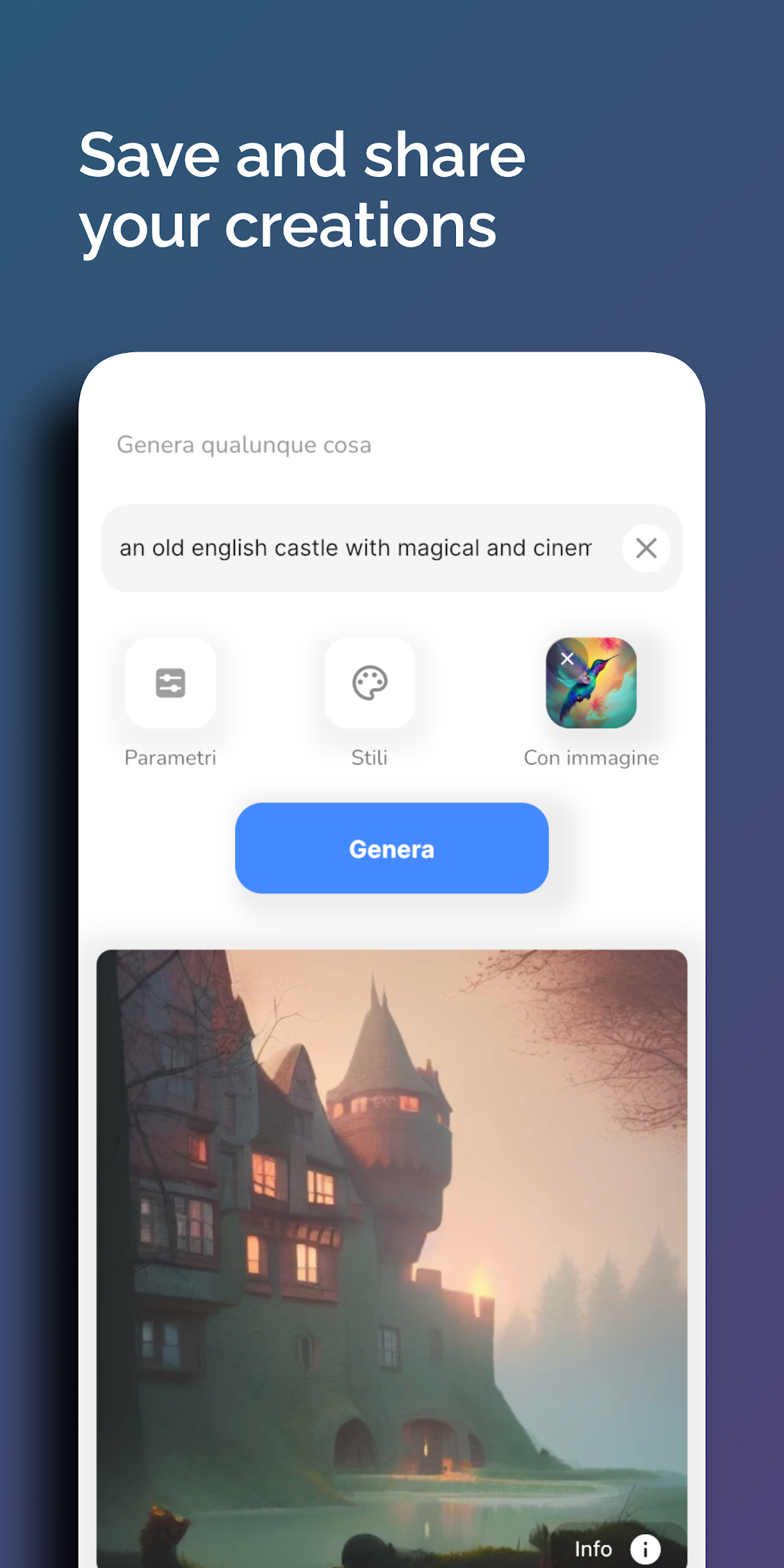
ImmaginAI - AI Art Generator is a Art&Design application developed by emavisuals, but with the best Android emulator-LDPlayer, you can download and play ImmaginAI - AI Art Generator on your computer.
Running ImmaginAI - AI Art Generator on your computer allows you to browse clearly on a large screen, and controlling the application with a mouse and keyboard is much faster than using touchscreen, all while never having to worry about device battery issues.
With multi-instance and synchronization features, you can even run multiple applications and accounts on your PC.
And file sharing makes sharing images, videos, and files incredibly easy.
Download ImmaginAI - AI Art Generator and run it on your PC. Enjoy the large screen and high-definition quality on your PC!
ImmaginAI is a simple tool that allows you to generate an image just by typing a short text. You can create anything that you have in mind!How does it work? Just type some text and you are ready to go, the AI model Stable Diffusion will do the rest! An AI artwork corresponding to what you typed will be generated. You can also manage several parameters to improve your skills and generate exactly what you want! Generate artworks, portraits, digital characters and sprites, icons and photorealistic images.
With ImmaginAI you can also search among millions of AI generated images with Stable Diffusion and other AI digital artwork generators, including their prompts, so that you can reuse and adjust them to create the perfect image.
If you need inspiration for your next creation, need to make a quick sketch for your art project, or you simply want to have some fun, ImmaginAI can help you with that. You can also easily store and download your favorite creations.
This AI Image Generator can be easily used:
== type a short description of anything, adding some art styles
== wait for the artwork to be generated by the AI
== view the result, then share it or save it
== search and discover among other AI generated images
ImmaginAI is using Stable Diffusion to make all of this possible.