Crosshair & Nickname Pro is a Tools application developed by TOLAN, but with the best Android emulator-LDPlayer, you can download and play Crosshair & Nickname Pro on your computer.
Running Crosshair & Nickname Pro on your computer allows you to browse clearly on a large screen, and controlling the application with a mouse and keyboard is much faster than using touchscreen, all while never having to worry about device battery issues.
With multi-instance and synchronization features, you can even run multiple applications and accounts on your PC.
And file sharing makes sharing images, videos, and files incredibly easy.
Download Crosshair & Nickname Pro and run it on your PC. Enjoy the large screen and high-definition quality on your PC!
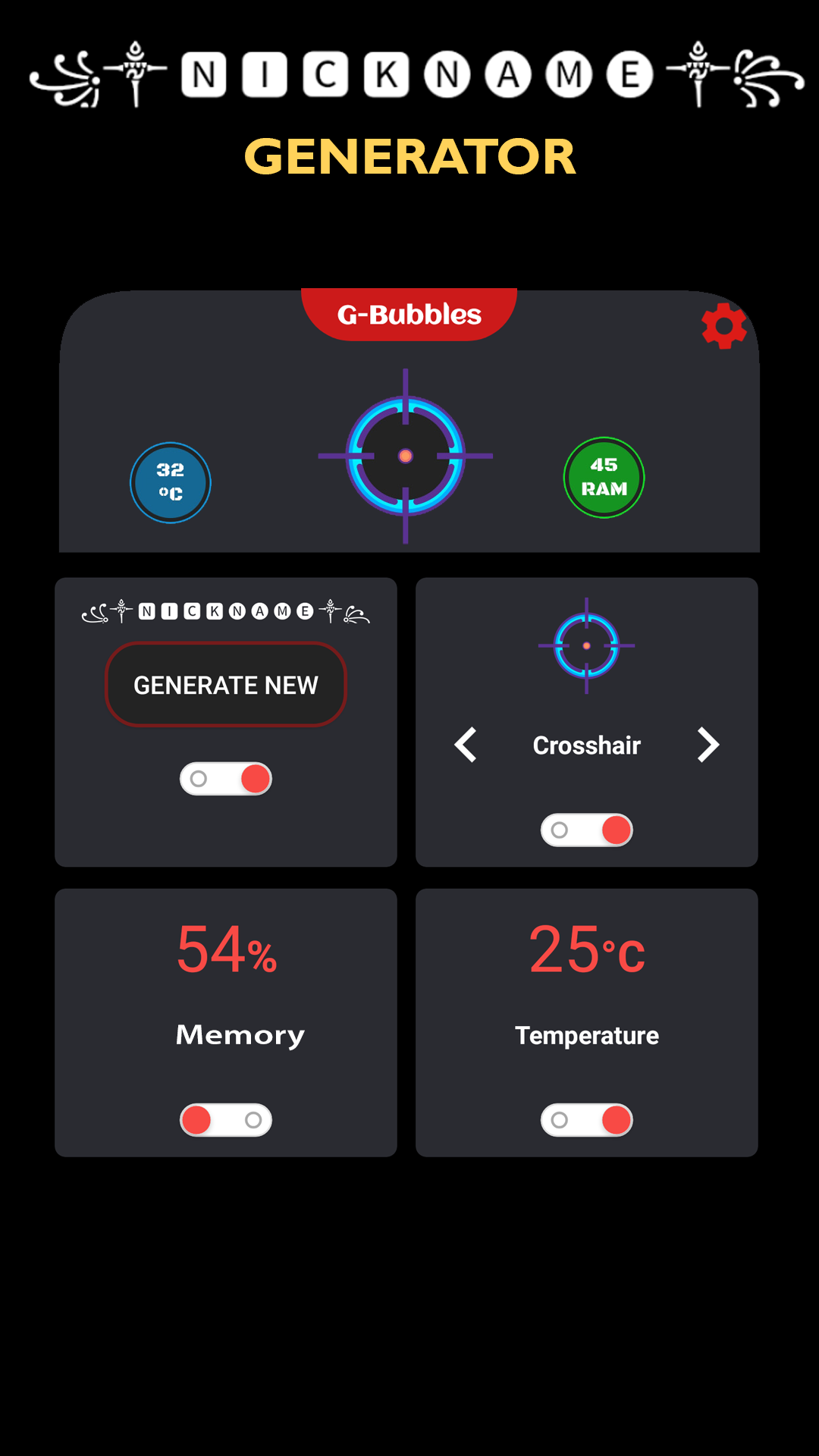
Gamer Bubble let's you put custom overlay bubbles on your game screen to get some usefull values of your device when you need to measure the gaming performance of your device.Also you can now generate cool nicknames and copy them to set as your nickname on the game you play!
Create cool nicknames for all games.
Create beautiful nicknames with ASCII characters.
◉ Memory usage bubble
◉ Temperature bubble
⊕ Crosshair bubble
◉ ▄︻̷̿┻̿═━一Nickname generator☠꧂
You can resize your bubbles on the settings activity when you need.
Create fancy name styles easily and use it EVERYWHERE with no limit ⭐
☀ Can be used in all games.
Nickname generator gives lots of great results for gamers.
With the nickname generator you can create:
☢ Elf-themed nicknames
☢ Orc-themed nicknames
☢ Dwarf-themed nicknames
☢ Human (Male/Female)-themed nicknames
☀ Edit, Copy, Share your nickname anywhere, anytime
Thanks for using G-Bubbles!
Activate your bubbles when need and drag it over the game view. When done, just drag it to trash view on the bottom of the screen.