Game Booster Fire GFX- Fix Lag is a Tools application developed by TOLAN, but with the best Android emulator-LDPlayer, you can download and play Game Booster Fire GFX- Fix Lag on your computer.
Running Game Booster Fire GFX- Fix Lag on your computer allows you to browse clearly on a large screen, and controlling the application with a mouse and keyboard is much faster than using touchscreen, all while never having to worry about device battery issues.
With multi-instance and synchronization features, you can even run multiple applications and accounts on your PC.
And file sharing makes sharing images, videos, and files incredibly easy.
Download Game Booster Fire GFX- Fix Lag and run it on your PC. Enjoy the large screen and high-definition quality on your PC!
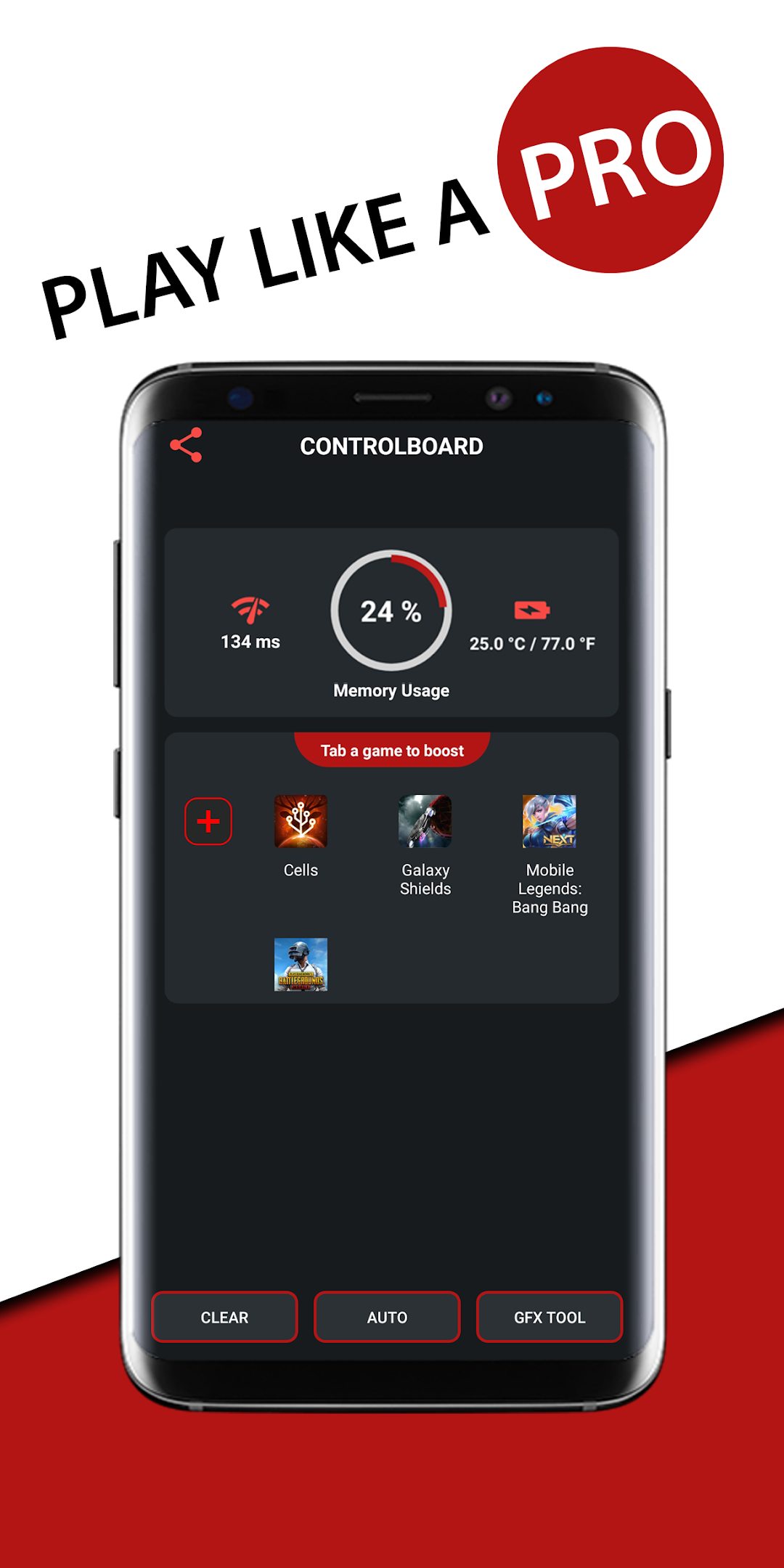
Game booster helps you to bring your game play experience to the next level!Automatically boost, close background apps. This app is the All-In-One Toolbox (Game Launcher, Game Booster, Lag Fixer)
Features
- Launch games from one place
- One touch boost
- Network listener lag fix
- Close background running apps to reduce memory usage
- Optimize your game speed
GFX BenchMark Tool
- High FPS: Detect best graphic settings for the maximum FPS level for your games. More games will be added in every next versions.
Hardware Monitor
- Memory Usage
- Battery Temperature
- Network Latency
Disclaimer
- Vpn service is only used to block internet access for other apps, and app does NOT log any logs related to the user NOR send any data to Vpn server (No real Vpn server connected).
- Vpn feature is NEVER used for for monetization purposes (This app is not redirecting traffic through a country different than that of the user).
Permission : Internet for network listener/pinger
Permission : Kill background apps
Thank you for using this app