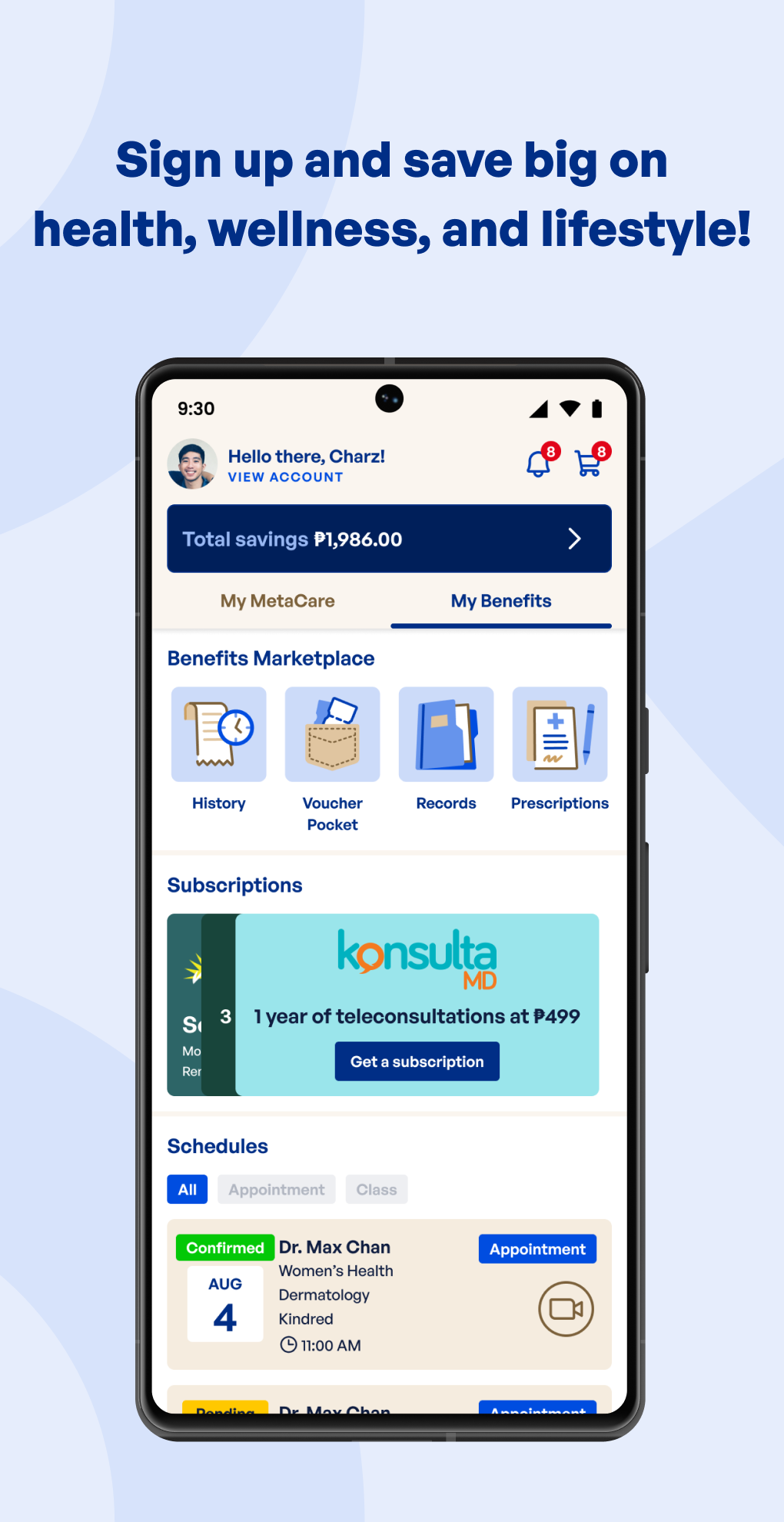
MetaCare is a Shopping application developed by MetaCare, but with the best Android emulator-LDPlayer, you can download and play MetaCare on your computer.
Running MetaCare on your computer allows you to browse clearly on a large screen, and controlling the application with a mouse and keyboard is much faster than using touchscreen, all while never having to worry about device battery issues.
With multi-instance and synchronization features, you can even run multiple applications and accounts on your PC.
And file sharing makes sharing images, videos, and files incredibly easy.
Download MetaCare and run it on your PC. Enjoy the large screen and high-definition quality on your PC!
MetaCare is a mega savings super app, connecting you to health, wellness and lifestyle products and services at the best price. We bring together every Independent Worker, Digital Content Creator and Entrepreneur into one community – simply create a profile and upgrade to a Premium Member to enjoy discounts today.SHOP ANYTIME, ANYWHERE
Shop from the comforts of your own home, and choose from delivery and pick-up options. Done shopping? Track and view the status of all your orders in the MetaCare app.
DISCOVER NEW OFFERS
Find the best deals in our curated catalog of products and services. Browse by brand or merchant by using sort and filter.
SHOP BY CATEGORY
• Medicine, Prescriptions & Over-the-Counter: Lowest price on cough, colds and flu, pain and fever relief, skin creams, ointments and more.
• Tele-consultations & Doctor Appointments: 24/7 online and offline consultations available through video, chat and in-person, including specialist care for dental, vision, and more.
• Insurance: Full coverage on life, health, HMO, accident, dengue, motorcycle, car, phone, laptop, and more.
• Loans: Lowest interest rates in the market for gadget, motorcycle, vehicle maintenance, salary, business and home loans.
• Vitamins and Supplements: Lowest price on your essential vitamins.
• Immunizations, Vaccines, or Laboratory Tests: Flu vaccine, blood extraction, urine test, X-ray, and even fit to work and fit to travel certificates.
• Mental Health: Sessions with wellness coach, psychiatrist or psychologist for individual, family and group sessions.
• Co-working: Access daily or monthly pass, hot desk, or private office at multiple locations.
• Women's Health: Access services such as OBGYN, Fertility, Dermatologist, Vitamin C Drip, Nutrition and Dietetics, Antiviral IV Drip and more.
• Education: Learn programming, coding, web3, and other basic classes and certificates both online and offline. Subscriptions are available.
FAST, AFFORDABLE DELIVERY AND EASY RETURNS
Orders ship fast and at low rates, with free delivery (within Metro Manila for some merchants). If you are unsatisfied, submit your request within 7 days of purchase for hassle-free returns.
100% AUTHENTIC
All orders are fulfilled by merchants that we officially partnered with.
Download the MetaCare app for a healthier you.
We care for you.
For more information, visit www.mymeta.care