Musical Mods Minecraft is a Personalization application developed by MCPE Mods for Minecraft, but with the best Android emulator-LDPlayer, you can download and play Musical Mods Minecraft on your computer.
Running Musical Mods Minecraft on your computer allows you to browse clearly on a large screen, and controlling the application with a mouse and keyboard is much faster than using touchscreen, all while never having to worry about device battery issues.
With multi-instance and synchronization features, you can even run multiple applications and accounts on your PC.
And file sharing makes sharing images, videos, and files incredibly easy.
Download Musical Mods Minecraft and run it on your PC. Enjoy the large screen and high-definition quality on your PC!
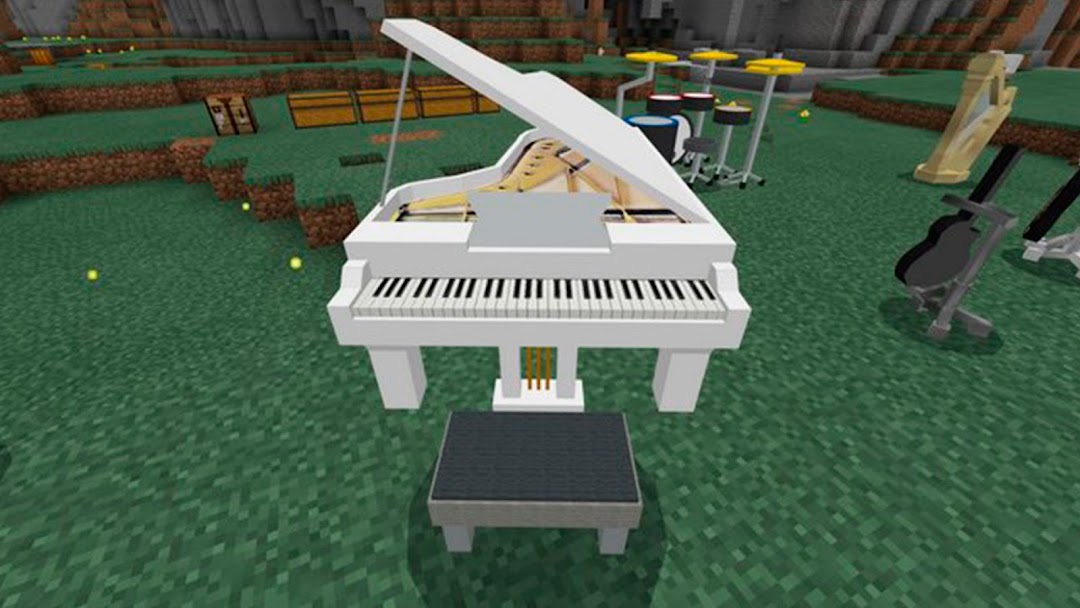
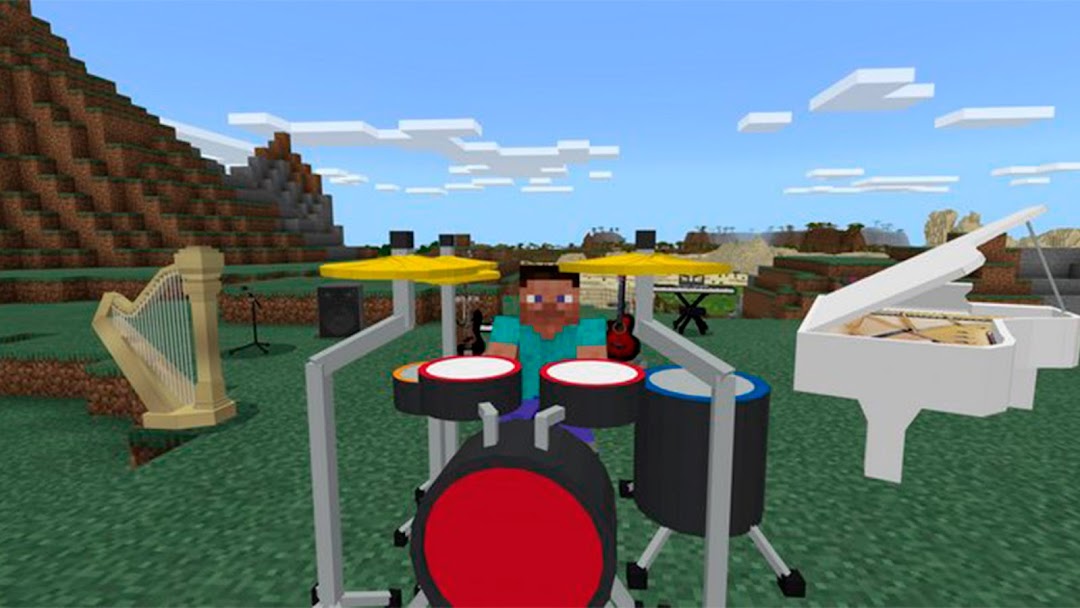
Musical Weapons allows us to create different musical instruments in Minecraft. We can use these instruments for decoration or actually play them through a user interface. In other words, we can use the new instruments from this mod to play any melodies we like. Lets find out what they are. We can create a piano, a big piano, different types of electric guitars, a stand and speaker for the guitar, a set of drums, a digital keyboard, a flute, CDs to record our music, and an old-fashioned record player.DISCLAIMER: This is an unofficial application for Minecraft Pocket Edition. The Minecraft Name, Brand and the Minecraft Assets are all property of Mojang AB or their respectful owner. All rights reserved. According to http://account.mojang.com/documents/brand_guidelines