Open Chat - AI ChatGPT4 is a Tools application developed by AI Chat Labs LLP, but with the best Android emulator-LDPlayer, you can download and play Open Chat - AI ChatGPT4 on your computer.
Running Open Chat - AI ChatGPT4 on your computer allows you to browse clearly on a large screen, and controlling the application with a mouse and keyboard is much faster than using touchscreen, all while never having to worry about device battery issues.
With multi-instance and synchronization features, you can even run multiple applications and accounts on your PC.
And file sharing makes sharing images, videos, and files incredibly easy.
Download Open Chat - AI ChatGPT4 and run it on your PC. Enjoy the large screen and high-definition quality on your PC!
Open Chat – AI ChatGPT4 uses 🤖 AI ( Artificial Intelligence) to give answers to your question. An artificial intelligence (AI) chat is a computer program that uses natural language processing (NLP) and machine learning (ML) techniques to simulate human conversation or interaction.Open Chat chatbots can be found in various applications and industries, such as customer service, healthcare, education, e-commerce, and more. Some AI chatbots use rule-based systems to provide pre-defined responses, while others use ML algorithms to learn from the user's interactions and improve their responses over time.
Overall, AI chat apps offer a convenient and efficient way for businesses to interact with customers and improve their user experience.
App features
Store Messages Offline
💬 You can access messages even after no internet connection is available on your phone
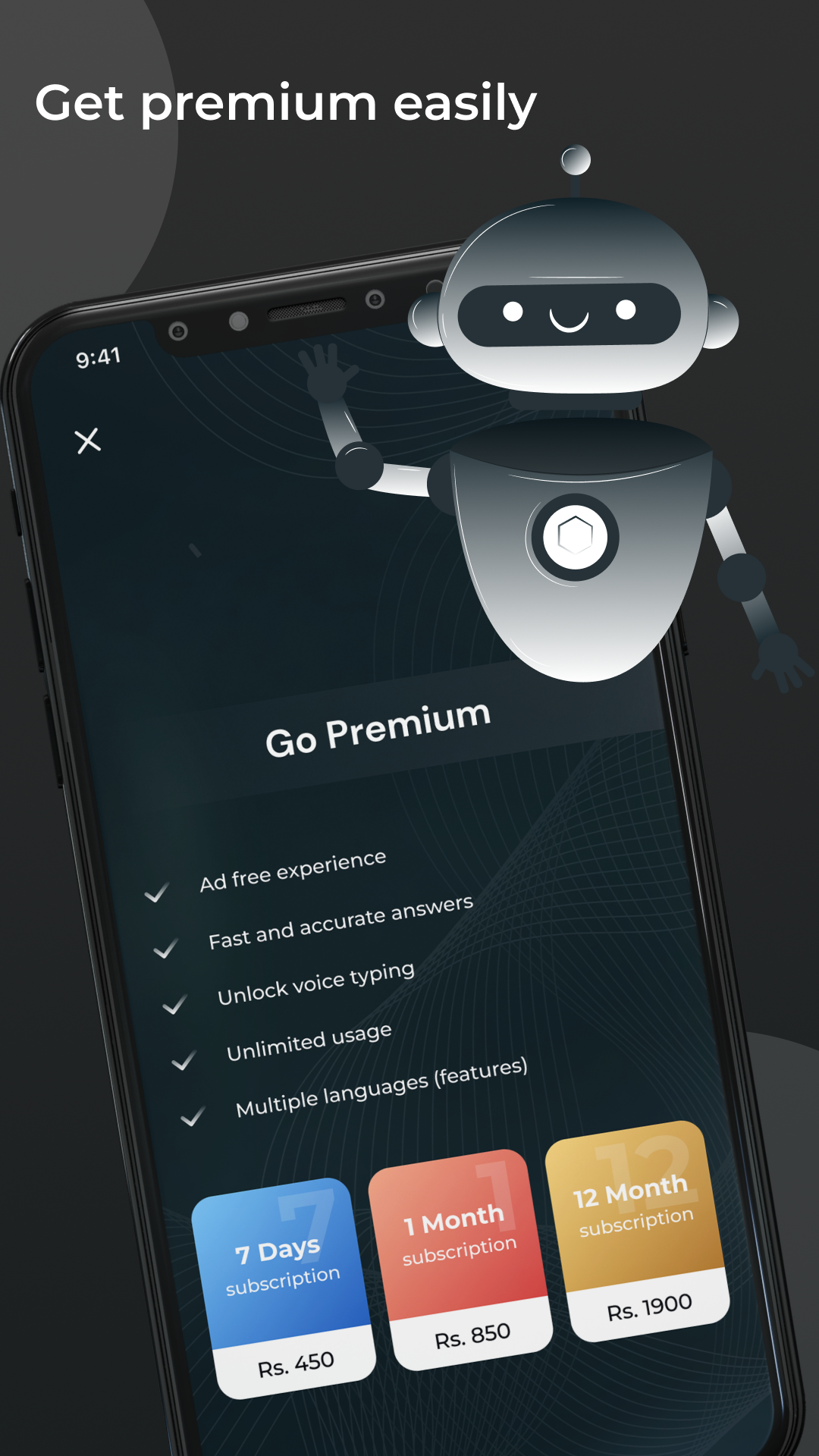
Fast and accurate response
✅ You will get a fast and accurate response to your question asked by our AI engine.
Mark favourite
⭐ You can mark some messages as favourites so you can easily find them whenever it is needed.
Copy message
📋 You can copy text to share with your friends or directly share it using the given functions.
Voice recognition
📢 You can also avail of speech to text function in our app. So don’t need to type much of the long questions.
Clear chat
❌ Sometimes you need to clear all your old data from the chat screen, you can do it too with our app.
I hope you will enjoy our app. Even if there are any queries you can share your thought by email: 💌 aichatlabls@gmail.com
Any suggestion or bug reporting is welcome.
Thank you for using our app.