RevHeadz Engine Sounds is a Music&Audio application developed by RevHeadz, but with the best Android emulator-LDPlayer, you can download and play RevHeadz Engine Sounds on your computer.
Running RevHeadz Engine Sounds on your computer allows you to browse clearly on a large screen, and controlling the application with a mouse and keyboard is much faster than using touchscreen, all while never having to worry about device battery issues.
With multi-instance and synchronization features, you can even run multiple applications and accounts on your PC.
And file sharing makes sharing images, videos, and files incredibly easy.
Download RevHeadz Engine Sounds and run it on your PC. Enjoy the large screen and high-definition quality on your PC!
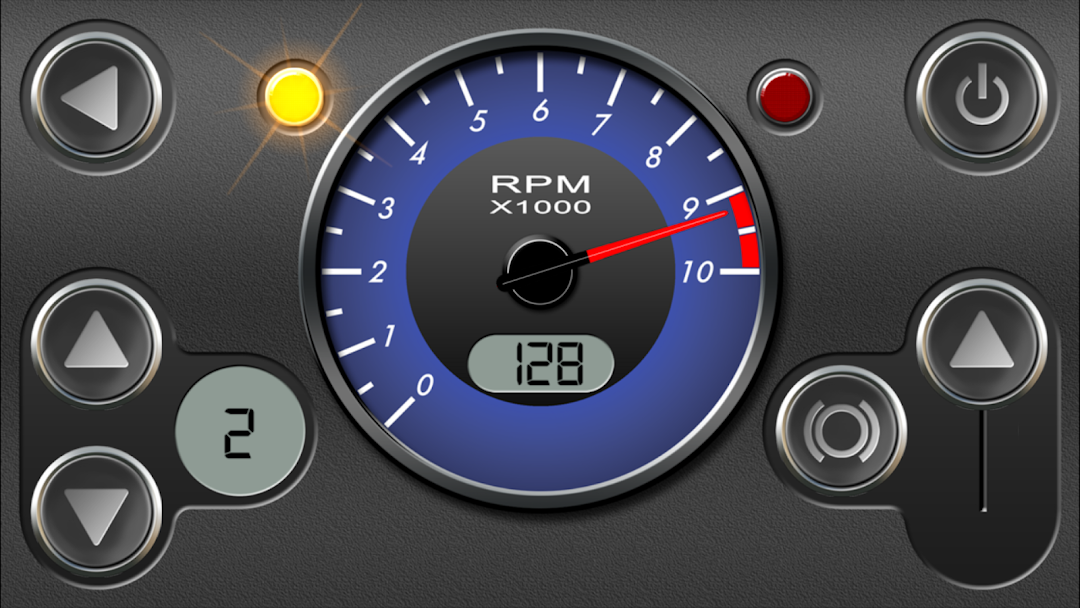
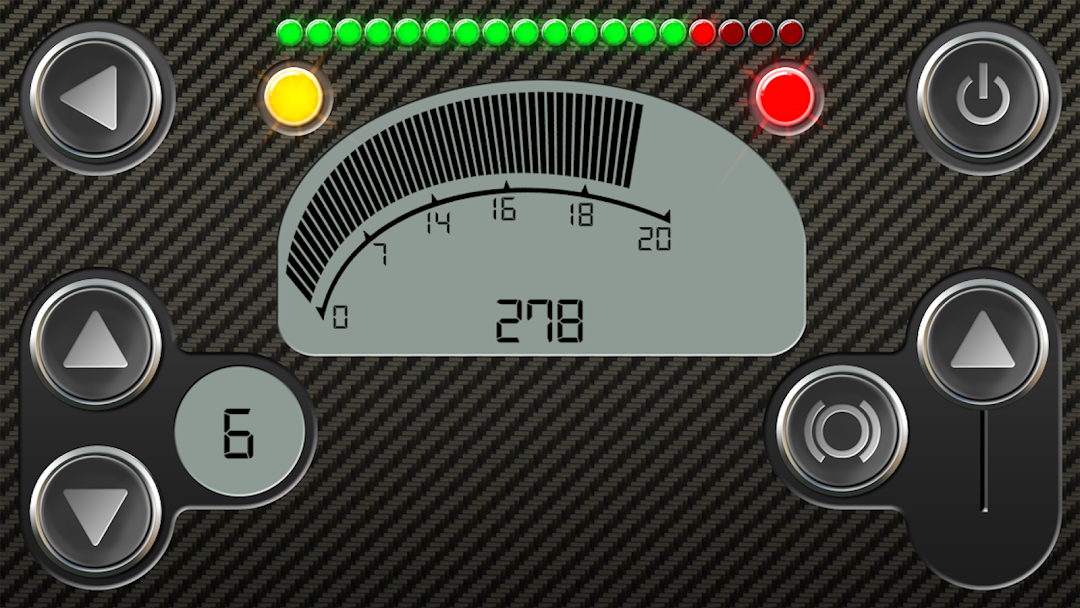
RevHeadz Engine Sounds is a state-of-the-art interactive engine sounds application, accurately simulating a huge range of modern and classic cars and motorcycles from off-road to Grand Prix and everything in-between. RevHeadz Engine Sounds puts you in control of gear-shifts, brakes, and accelerator speed, incorporating sonic models of real engine sounds with real-world mechanical physical parameters including speedometer, tachometer, accelerator, brake, drive ratios, drive lashing, engine load, gear-shifts and backfire logic. To experience the real scope of RevHeadz Engine Sounds, simply connect your device to a home or car sound system and take control of the best engine sounds ever created.OBD2 FEATURE
You can also experience RevHeadz Engine Sounds while driving your own car using OBD-II (On-Board Diagnostics / OBD2) communication. *Requires an OBD-II compliant vehicle that supports engine RPM and an ELM / OBD Wifi or Bluetooth adapter.
For information and troubleshooting OBD-II:
http://www.revheadz.com.au/obd/instructions.htm
Free Pack Includes:
- 6.0L V12 Italian Supercar
- 1000cc V4 Japanese Sports Bike
- 4.7L V8 American Classic Muscle Car
- 1.3L RX Rotary
- 100cc Chainsaw
- 1800cc V-Twin Cruiser
- NIS 350Z V8 Super GT
- AM V12 GT3
- FER 458 GT3
Modern Muscle Car Pack Includes:
- Hellcat
- Mustang GT500
- Camaro ZL1
Classic V8 Sports Car Pack Includes:
- Cobra
- GT40
- Pantera
- Stingray
Classic American Muscle Pack Includes:
- Camaro
- Charger
- Mustang
- Viper
GT Pack 1 Includes:
- AUD R8 LMS GT3
- CHEV CAM GT3
- POR 997 GT3 R
- BENT CONT GT3
GT Pack 2 Includes:
- BMW Z4 GT3
- MERC AMG GT3
- FRD GT LM GT3
- FER FXX K
GT Pack 3 Includes:
- MCLN 12C GT3
- NIS GT-R GT3
- CHEV COR C7.R
- FER 488 GT3
Import Pack Includes:
- 4.8L V10 LF-Nurb Onboard Sound
- 4.8L V10 LF-Nurb Exhaust Sound
- 2.0L 4-Boxer 86 Tuned
- 3.5L V6 Trophy
Historic Grand Prix Pack Includes:
- 3.0L Flat-12 1978 Italian Classic
- 3.0 V8 1976 World Champion
- 1.5L V6-T 1988 World Champion
Modern Grand Prix Pack Includes:
- 1.6L Hybrid V6
- 2.4L V8 2013 Onboard Sound
- 2.4L V8 2013 Exhaust Sound
- 3.0L V10 2004 World Champion
Off Road Pack Includes:
- 2.0L Flat-4T Rallycar
- 450cc 4-Stroke Quad Bike
- 250cc 2-Stroke Dirt Bike
Race Car Pack Includes:
- 5.8L V8 American Stockcar
- 5.5L V10 TDI German LMP
- 3.6L Flat-6 German GT3
Street Tuner Pack Includes:
- 3.7L V6 Z-Car
- 1.6L Inline-4 86 Classic
- 2.0L Triple Rotor Drift
Street Bike Pack Includes:
- 1200cc V-Twin American Chopper
- 1200cc V-Twin Italian Sports Bike
- 1050cc Triple British Sports Bike
Supercar Pack Includes:
- 5.2L V10 Italian Supercar
- 4.5L V8 Italian Supercar
- 3.2L V6 Japanese Supercar
V8 Thunder Pack Includes:
- 6.2L V8 Caddy Racecar
- 5.0L V8 Australian Racecar
- 11.5L V8 Monster Truck