RevHeadz Motorbike Sounds is a Music&Audio application developed by RevHeadz, but with the best Android emulator-LDPlayer, you can download and play RevHeadz Motorbike Sounds on your computer.
Running RevHeadz Motorbike Sounds on your computer allows you to browse clearly on a large screen, and controlling the application with a mouse and keyboard is much faster than using touchscreen, all while never having to worry about device battery issues.
With multi-instance and synchronization features, you can even run multiple applications and accounts on your PC.
And file sharing makes sharing images, videos, and files incredibly easy.
Download RevHeadz Motorbike Sounds and run it on your PC. Enjoy the large screen and high-definition quality on your PC!
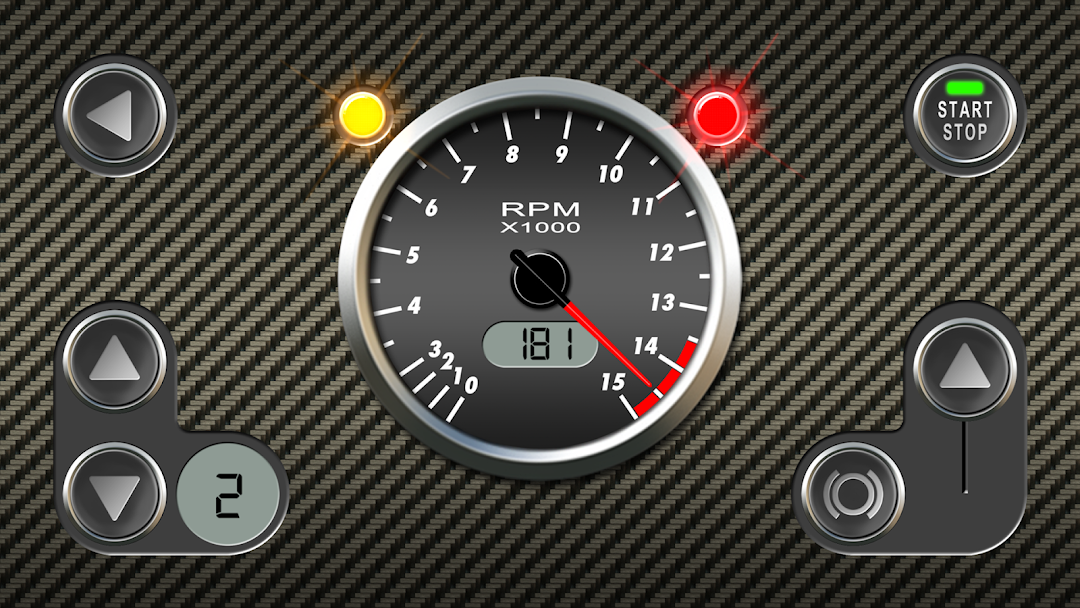
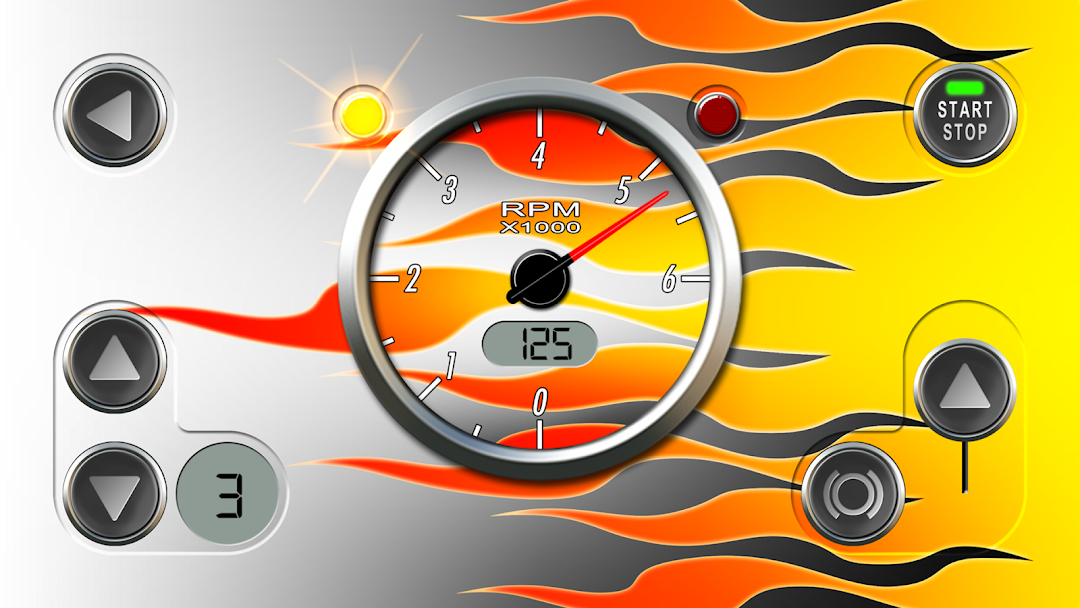
RevHeadz Motorbike Sounds puts the world’s #1 mobile engine sounds technology at your fingertips with an awesome collection of off-road, street, and high-performance racing bikes.Incorporating sonic models of real engine sounds, RevHeadz Motorbike Sounds accurately simulates real-world mechanical physical parameters including speedometer, tachometer, throttle, brakes, drive ratios, turbocharger, drive lashing, engine load, gear-shifts and backfire logic.
RevHeadz Motorbike Sounds lets you interactively start/stop engine ignition, control throttle, speed, gear shifts, braking, and perform awesome tyre-screeching burnouts… you can almost smell the smoke!
Free Pack Includes:
- R1 998cc
- Dark Horse 1811cc
- Ninja 636cc
- Panigale 1198cc
Additional Purchase Pack Includes:
- Adventure 1170cc
- Diavel 1198cc
- Dirt 2-Stroke 250cc
- Dirt 4-Stroke 450cc
- Grand Prix 1000cc
- GSX-R 999cc
- Panhead 1200cc
- Speed Triple 1050cc
- Super Duke 1301cc
- Superbike 1198cc