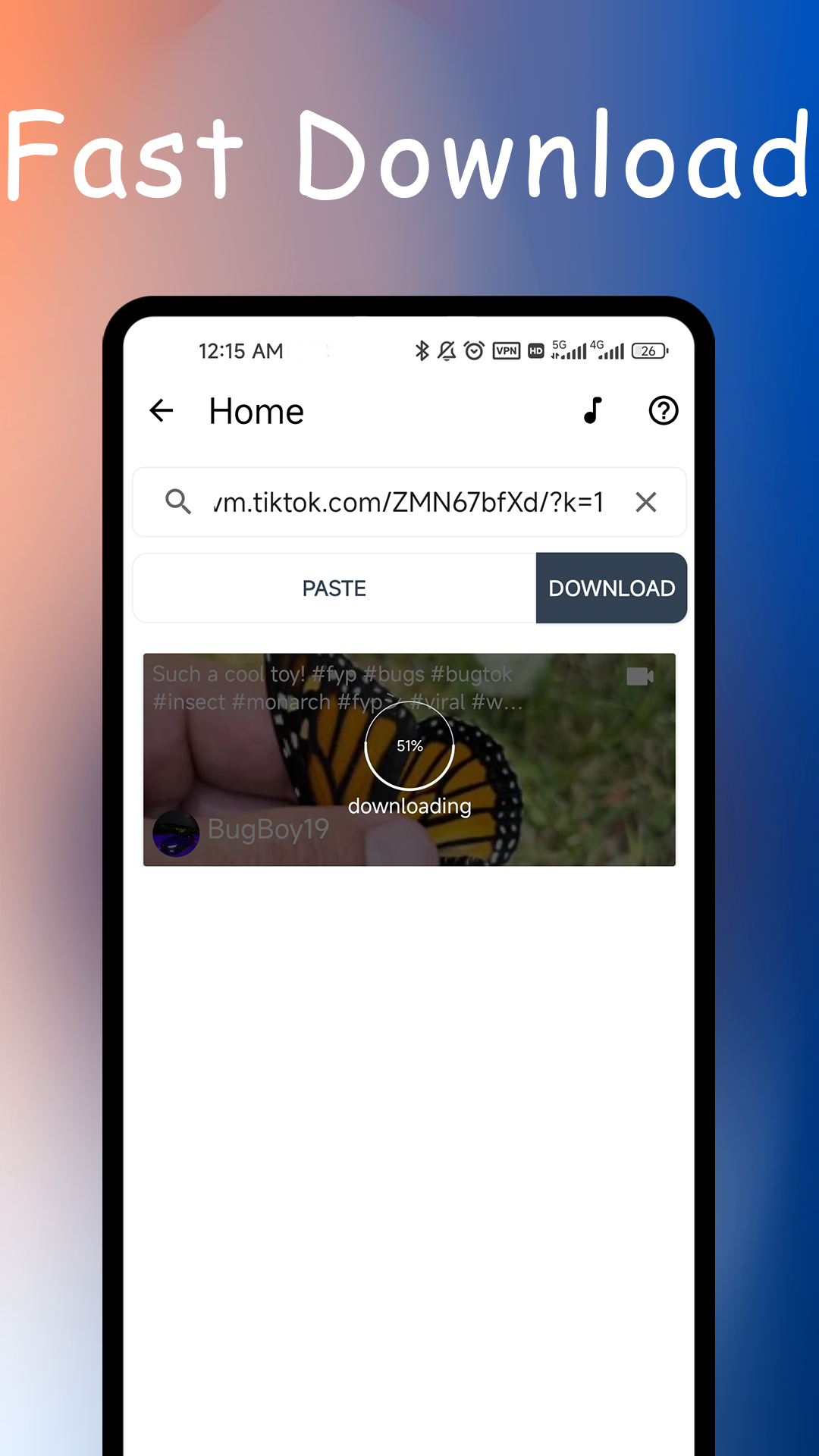
VideoSaver : Watermark Remover is a Video Players&Editors application developed by Video Downloader & Story Downloader & Saver, but with the best Android emulator-LDPlayer, you can download and play VideoSaver : Watermark Remover on your computer.
Running VideoSaver : Watermark Remover on your computer allows you to browse clearly on a large screen, and controlling the application with a mouse and keyboard is much faster than using touchscreen, all while never having to worry about device battery issues.
With multi-instance and synchronization features, you can even run multiple applications and accounts on your PC.
And file sharing makes sharing images, videos, and files incredibly easy.
Download VideoSaver : Watermark Remover and run it on your PC. Enjoy the large screen and high-definition quality on your PC!
Are you looking to download Video Platform videos and audios without watermarks? Look no further! With our "No Watermark Video Saver for Video Platform" app, you can easily and quickly save Video Platform content without watermarks.🔥 How to Use:
⭐️ Method 1:
⚡ Step 1: Choose the Video Platform videos that you like. Click on the share button and select "Other," then choose our "No Watermark Saver for Video Platform" app. It will automatically download the video. You can select to download the video without watermark or the audio.
⭐️ Method 2:
⚡ Step 1: Copy the Video Platform link of the content you like.
⚡ Step 2: Open our app, and it will automatically download the video. You can select to download the video without watermark or the audio.
🎴 Key Features:
⭐️ Easy to Use: No need to log in to Video Platform.
⭐️ Offline Viewing: Enjoy videos and audios from Video Platform even without an internet connection.
⭐️ Free of Charge: Our app is 100% free, safe, and fast.
⭐️ Video Platform Video Downloader and Saver: Download and save videos from Video Platform.
⭐️ Video Platform No Watermark Video Downloader and Saver: Download and save videos without watermarks from Video Platform.
⭐️ Video Platform Audio Downloader and Saver: Download and save audios from Video Platform.
⭐️ Quick Access to Video Platform Posts: Easily open posts on Video Platform.
⭐️ Share Videos, No Watermark Videos, and Audio: Share videos, videos without watermarks, and audios with your friends using the "No Watermark Saver for Video Platform" app.
⭐️ Repost on Video Platform: Repost downloaded videos, videos without watermarks, and audios on Video Platform using the "No Watermark Saver for Video Platform" app.
⭐️ View and Save Profile Pictures and Tag Information.
🎴 Disclaimer:
- This video downloader is not associated with any app. It is a tool for photos and video downloads.
- You should understand that the ownership, intellectual property rights and any other interests of the Videos, Photo even Music on the platform belong to its publishers or owners. We respect such legitimate rights and interests of the publishers or the owners. We recommend you to obtain permission before downloading and using the content . Also, you shall indicate the source of the content when using the downloaded Video, Photo or even Music.