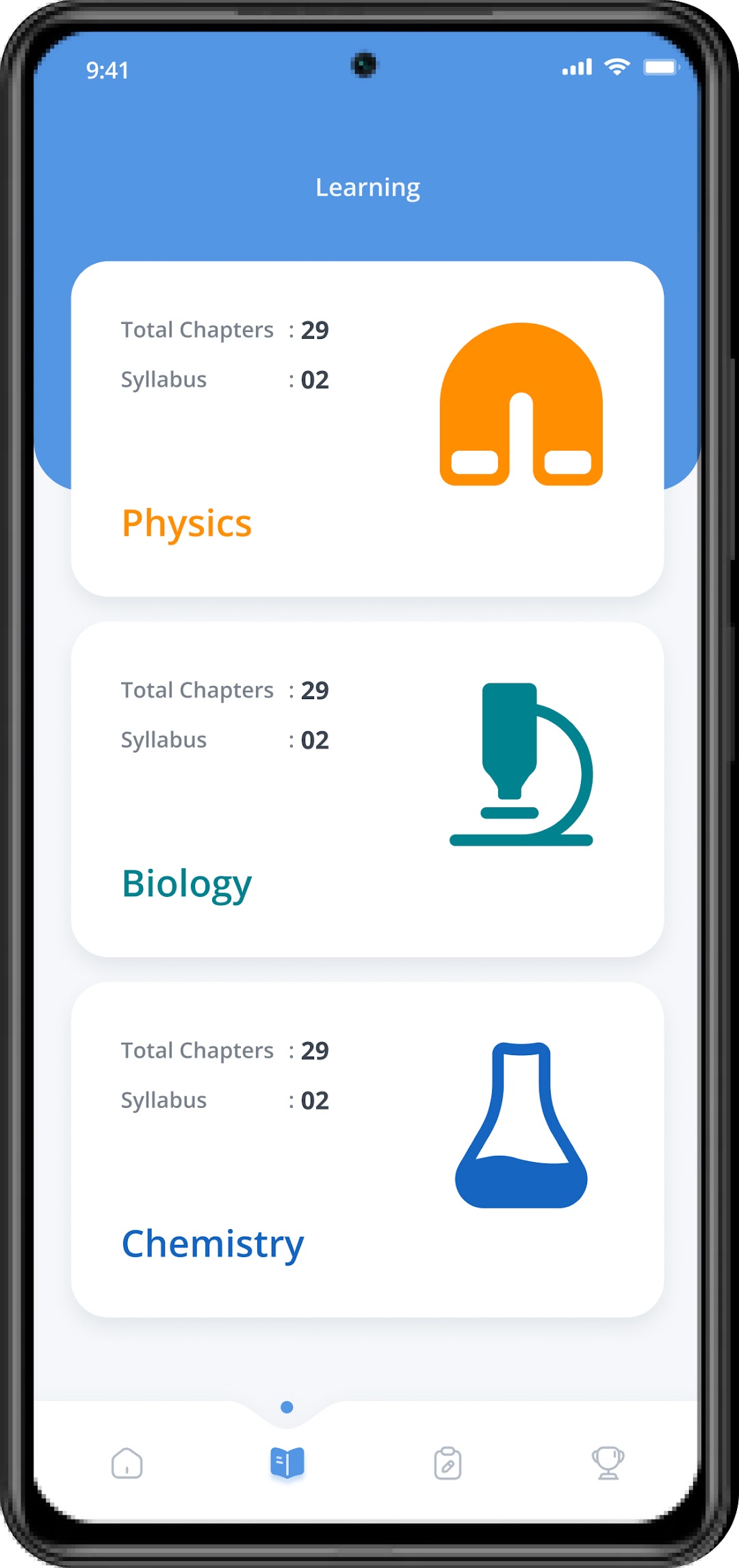
Tutor LPT is a Education application developed by Thinkcove Technologies Private Limited, but with the best Android emulator-LDPlayer, you can download and play Tutor LPT on your computer.
Running Tutor LPT on your computer allows you to browse clearly on a large screen, and controlling the application with a mouse and keyboard is much faster than using touchscreen, all while never having to worry about device battery issues.
With multi-instance and synchronization features, you can even run multiple applications and accounts on your PC.
And file sharing makes sharing images, videos, and files incredibly easy.
Download Tutor LPT and run it on your PC. Enjoy the large screen and high-definition quality on your PC!
Welcome to TutorLPT mobile App (Learning, Practice and Test) with a perfect blend of learning contents for Physics, Chemistry and Biology .It has been designed particularly to help NEET candidates with Competitive mode, practice questions, learn and understand concepts in easy to grasp manners.
App contains Flash cards which displays the key topics from syllabus and subjects, which will helps to revise easily.
App has 2 Mode of assessment, Practice Mode and Test Mode. In Practice Mode, correct answers will be highlighted for every question on answering and explanation for answers can be viewed, which will help candidates to understand the concept.
In Test Mode, questions will be displayed with a specific timer. Summary report will be displayed at the completion of test which will help them to assess themselves.