Game of Titans Beginner's Guide and Gameplay Recommendations
2022-11-10
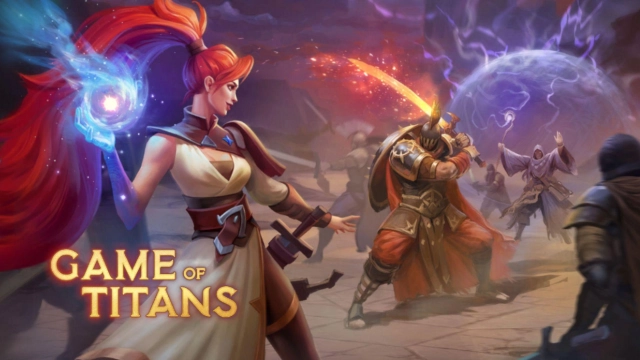
Game of Titan is a role-playing game in which you can enjoy clearing up a map full of bushes, trees, and many bandits and their base camps. The exploration will never end, and the same goes for battles too. You can unlock new areas, gather appropriate resources, and collect more treasure and lots of loot, which will benefit your future gameplay. So, would you like to experience such excellent gameplay? Then as the first step, you need to read this Game of Titans beginner guide.
Table of Contents
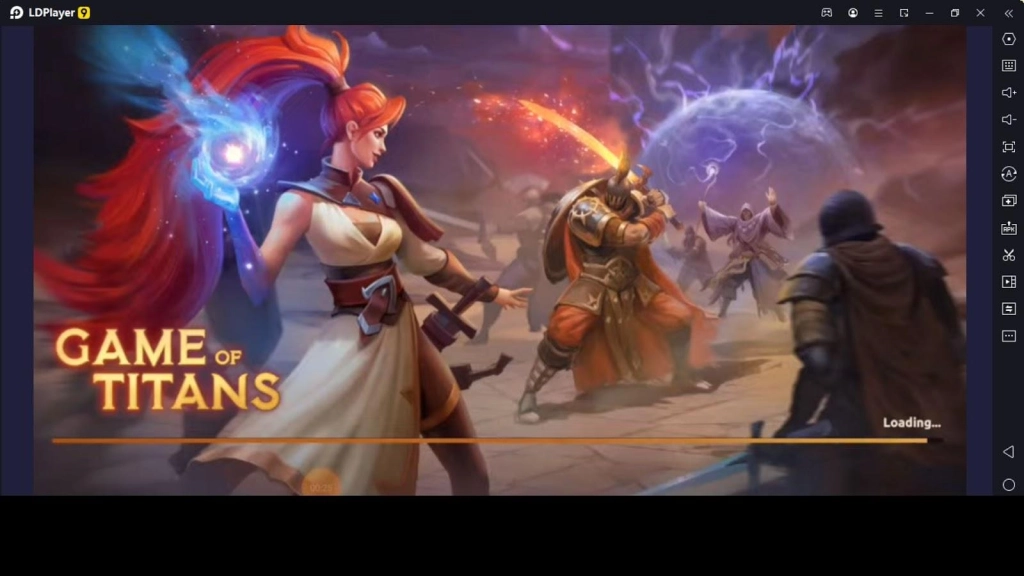
After looking at this Game of Titans beginner guide specially made for beginner players who look for some recommendations before playing it, you can gain a great Game of Titans on PC gameplay. The main aspects the beginners should understand are battles and hero-enhancing methods because the deeper you go on the map exploring everywhere, the stronger the enemies you encounter. So, get ready to have the best combat experience with the most powerful heroes because this Game of Titans beginner guide will guide you toward victories.
Battles Guide
When you move through the map tapping different points to go, you will meet enemies in some places, and when you meet the enemies, you have to battle. So through this Game of Titans beginner guide, let us see the way of fighting here.
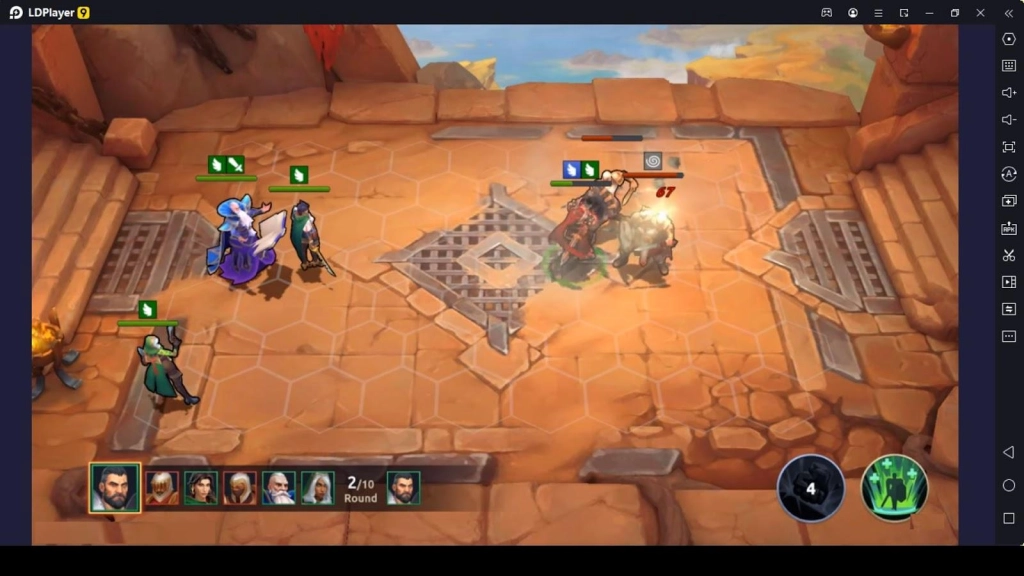
When you see a group of enemies lying somewhere, you need to tap on them to start a battle. And when you tap on it, it will show you the enemies you have to face, a comparison of your combat power vs. enemy power, and the rewards that will be dropped after winning the battle.
After you are okay with battling with these enemies, you can start the battle, but let us tell you one piece of advice, which is do not begin battles if your combat power is lesser than the enemy's combat power because it will give you direct loss.
After starting the battle, you must select the soldiers to battle with the enemies. Once you choose a mercenary, you need to tap on the arena area to position the relevant mercenary. Like this, you must select and position the mercenaries to deal with the shown enemies.
But when you position the mercenaries in the battle arena, you can position the mercenaries only in the area shown in green color, and the tiles that are not green color are not available for positioning soldiers. You can select up to five mercenaries for one battle. The most crucial factor for a successful battle is the best soldiers as well as the best positioning.
There are unique spells for each character, and once these special spells are ready to cast, you need to grab the spell into a specific enemy to cast a spell on that enemy. The characters you assign in battles attack the enemies automatically, and the only way you engage in fighting is by casting spells on the enemies.
Enhance Mercenaries
As we said earlier in the Game of Titans beginner guide, mercenaries, or soldiers are essential for a successful battle. There are different ways of enhancing the mercenaries, and the first one is upgrading the mercenaries to improve their power and other attributes.
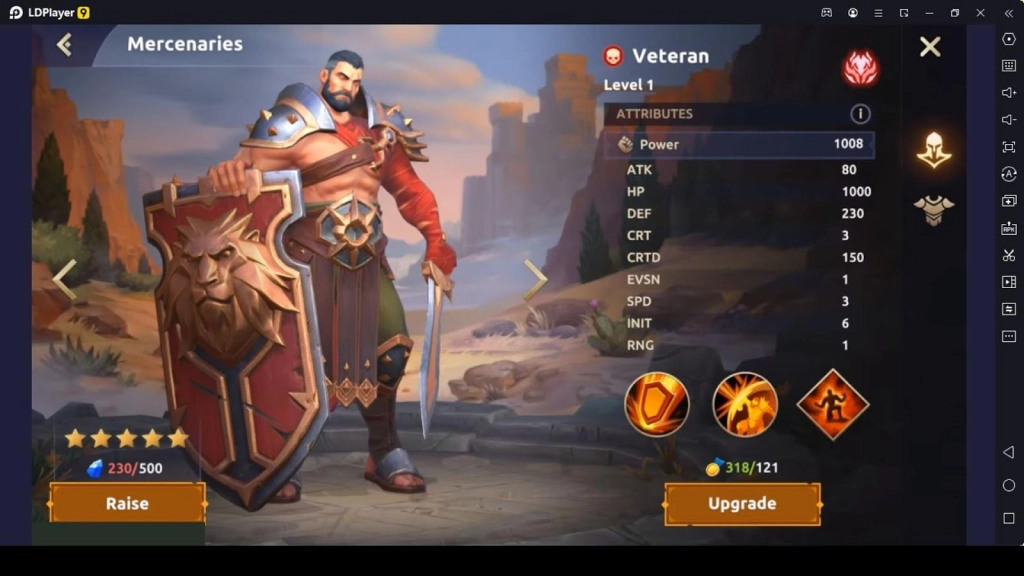
First, go to the Mercenaries menu and tap on the mercenary you need to upgrade. After that, you can upgrade the selected mercenary using special requirements. When you upgrade a character, the character's level will upgrade along with other semi-statistics such as power, health, defense, speed, crit rate, etc.
The following method of enhancing the mercenaries is, equipping the characters with the best gears. When you do so, it will add extra protection to the characters with additional statistics. To provide a character with better equipment, tap on a gear slot, and if you have a gear or equipment piece to equip in the selected slot, it will be shown. And if there is equipment, you can equip it in the relevant slot.
Although if there is more than one gear for each slot, you can tap on the Equip best option below the slots, and it will automatically select the best equipment pieces for each gear slot. So, as a Game of Titans beginner, you need to enhance the mercenaries using the above two methods and have an incredible journey.
Other than these two methods, you can raise the character's star level using a particular requirement in necessary amounts. When you raise the star level, the character's power will be enhanced, transforming the character into a more robust new being.
Explore Everywhere
Once you enter the gameplay, the first thing you have to do as a Game of Titans beginner is, clear the whole area of the map by exploring everywhere because if you need to progress more in the game, you need to explore the map and expand the playable area.
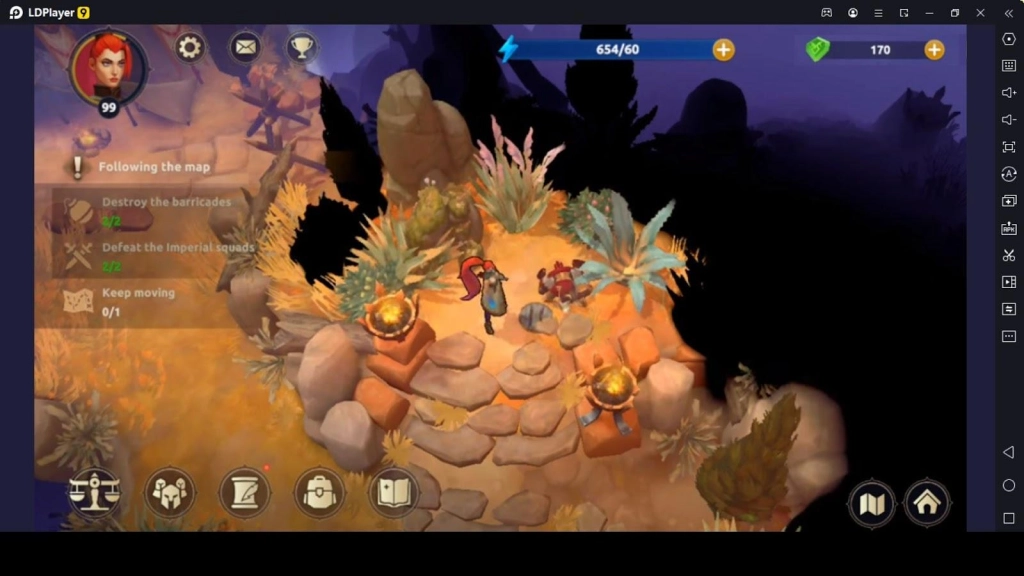
When you move your character in different directions on the map, you can see many obstacles, such as bushes and trees, and you can clear each obstacle on the map by tapping on those obstacles. But clearing these obstacles will consume your energy, but you will find lots of fascinating rewards when you remove the map and explore everywhere.
So, without being worried about energy consumption, you need to examine each area of the map, and that is when you will be able to unlock more things in the game and progress more in the game.
So as mentioned in this Game of Titans beginner guide, you need to explore everywhere without just sitting in one place. When you do so, you will earn numerous benefits, and you will be able to gather the resources essential to a progression in the game.
Storage Guide
This is where everything you collect through explorations, battles, quests, etc., will store, and you can access the storage through the main game screen backpack icon. When you open the storage, you can see different categories such as resources, equipment, and essentials.
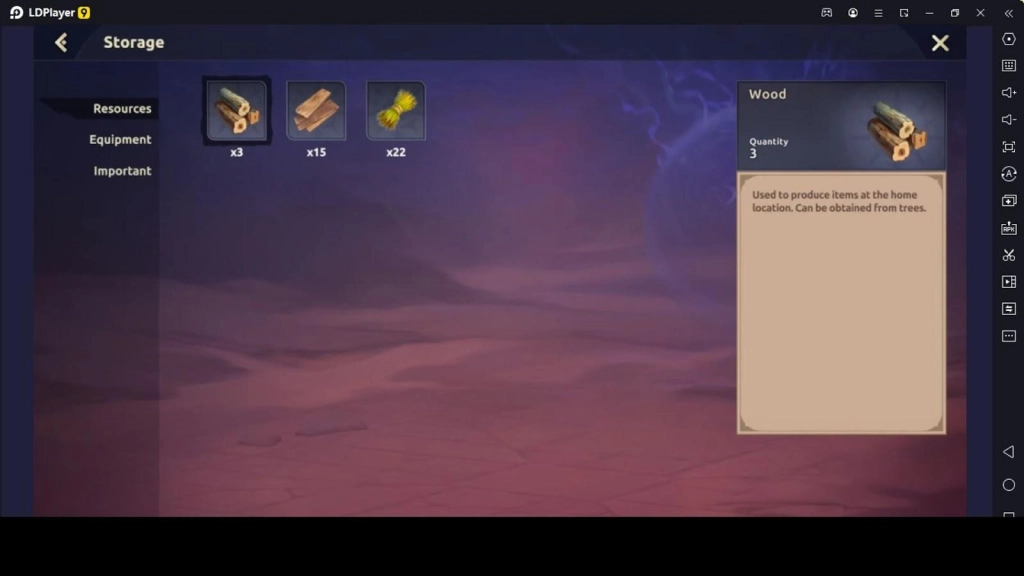
The things or items you collect will be stored in the storage according to their category; for example, if you collect wood, then it will be kept in the storage resource section. But if you collect weapons, armor, or amulets for the characters, those items will be stored in the equipment category.
Since there is a storage with much space to keep all the items you gather safely, you should not ignore any of the resources you meet in your gameplay. And if you face any scarcity of a specific type of resource, you can use the resources stored in the storage as you learned through the Game of Titans beginner guide.
Quests
Main chapter quests are given to you in the game; each chapter quest completion will earn you more rewards. Therefore every Game of Titans beginner should understand the value of the quests and why each newbie player should complete these given chapter quests in this game.
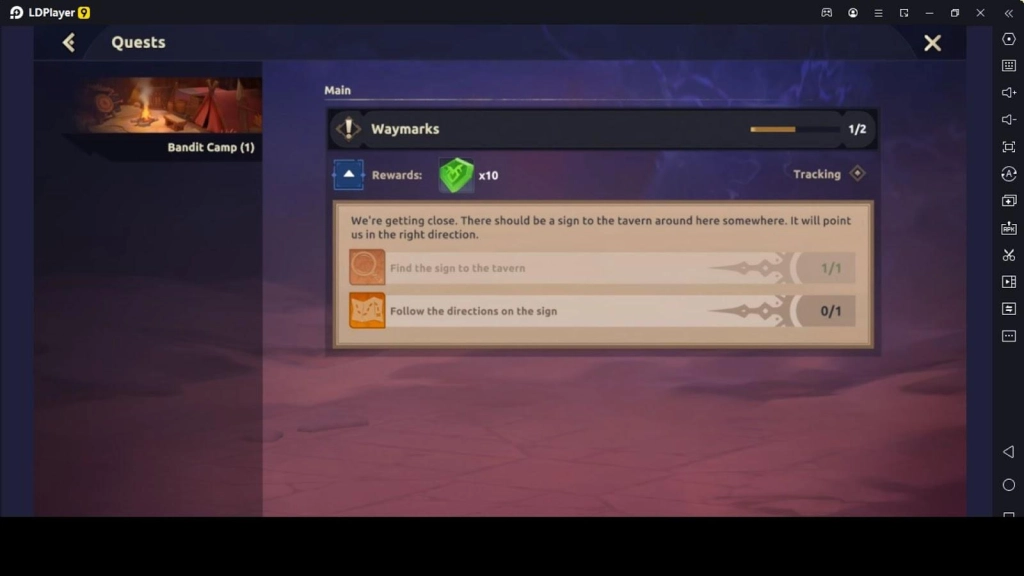
The quests you have to do in each chapter will be shown in the quest menu or on the main game screen, and these quests are accessible at the beginning of the game, but the quests will be more challenging gradually when you progress through different chapters.
But despite how tricky and confusing the chapter quests are, if you want to earn more rewards, if you want to unlock more things, and if you have faster progression with better guidance of what you want to do next in the gameplay, you can complete these chapter quests.
Since there are more benefits in completing these chapter quests that each Game of Titans beginner can obtain, do not forget to complete the chapter tasks and the gameplay correctly.
Conclusion
Now that you have this Game of Titans beginner guide, you only want some tips and tricks to make you a full-fledged player with beginner knowledge and pro tricks. And when the game is released globally, you can use the best android emulator LDPlayer 9 to play it, as it will help you achieve the fastest progression you can achieve here because of the top-level features and tools there.