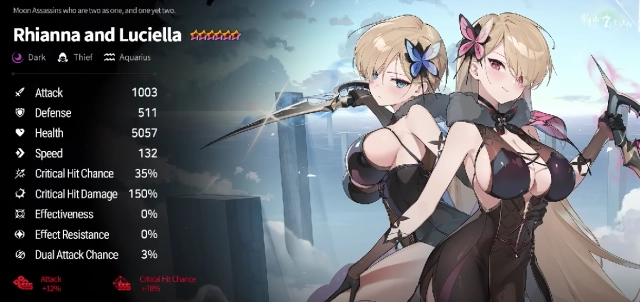
Best&Fastest Emulator to Play Epic Seven on PC 2021
2021-07-30
Epic Seven is a mobile game not only available for Android devices, but also available on PC with the help of an Android emulator. Thousands of Epic Seven players have joined LDPlayer to play the game on PC with the best gaming experience. You can auto-farm Hunts, Spirit Altar, Adventure or Side Story for a long time without using your mobile device. Now check out how to play Epic Seven on PC below.
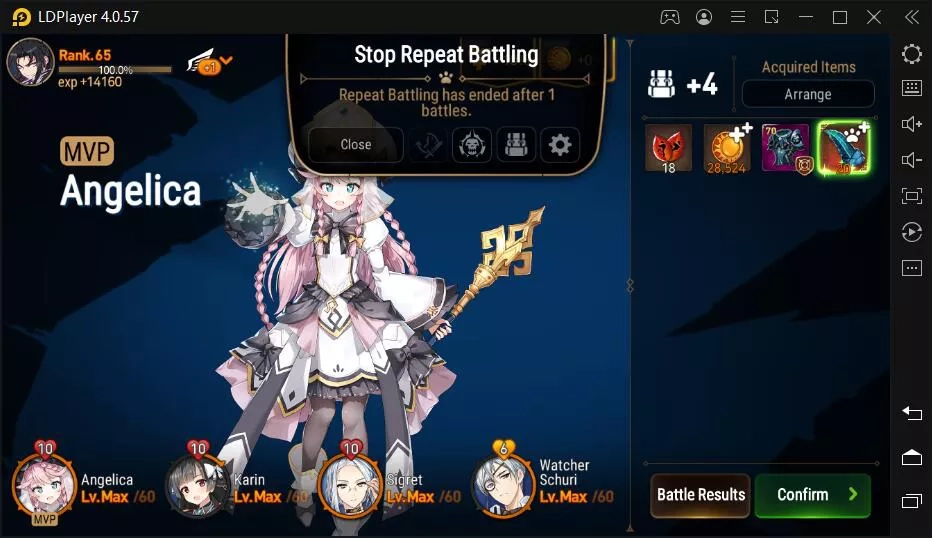
Why LDPlayer: LDPlayer is a free Android emulator that enables you to play most Android games on PC with keyboard and mouse. Trusted by millions of people from different countries, LDPlayer offers multiple languages including Korean, Portuguese, Thai, etc to make it more user-friendly. Besides simulating a basic Android OS, LDPlayer also contains many features that will bring your Android gaming to the next level on PC.
1. Full Android experience with well-developed Android 5.1 and Android 7.1
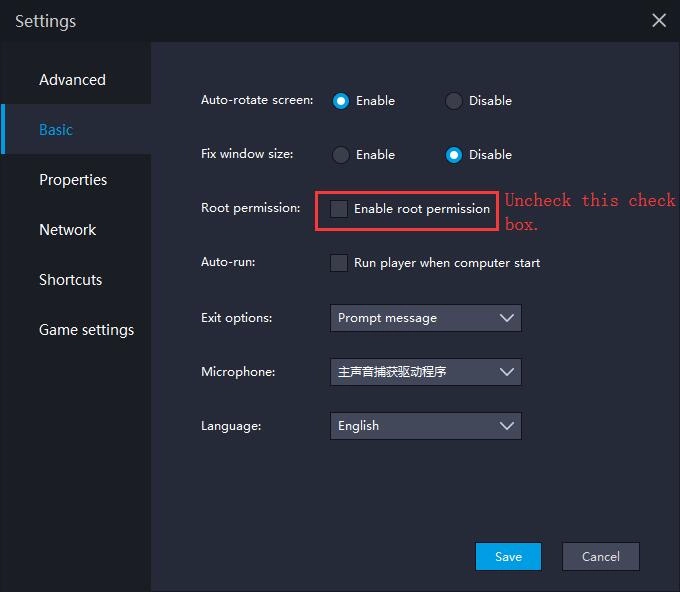
2. Flexible customization for CPU, RAM, Resolution, Device Model, Root Mode, GPS, etc
3. Support keyboard and mouse controls to replace screen touch
4. Support multiple instances to play several games simultaneously
5. Support script writing with Operation Recorder
6. File sharing between Your Windows and Android
7. Fast and convenient APK installation by dragging and dropping
How to install and play Epic Seven on PC?
If you are looking for the best way to play Epic Seven on PC, then LDPlayer is the recommended Android emulator that helps you to power up the gameplay. The following will show you how to install Epic Seven on LDPlayer.
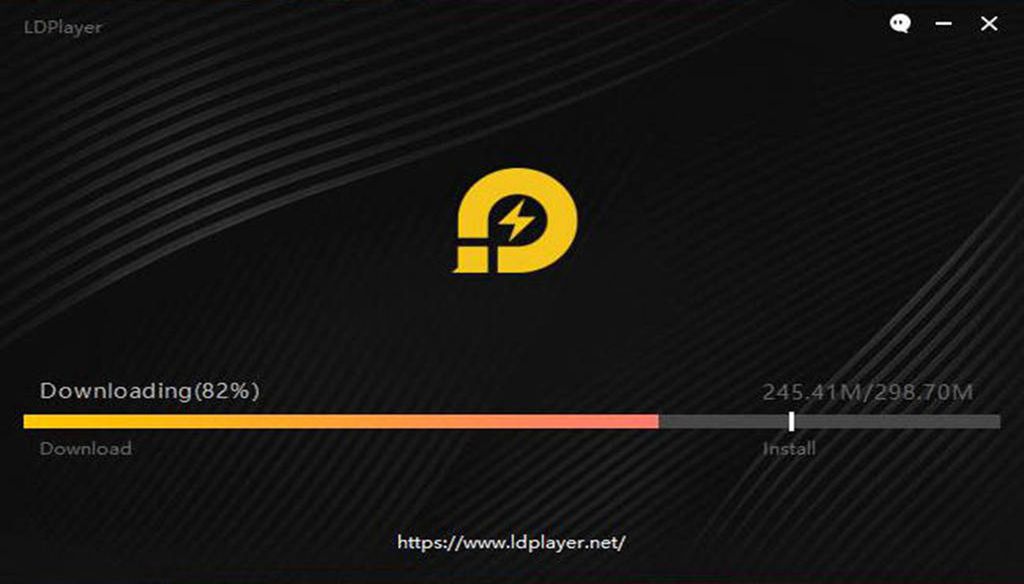
Step 1: Download and install LDPlayer on your desktop (Choose LDPlayer 3.0 for low-end PC)
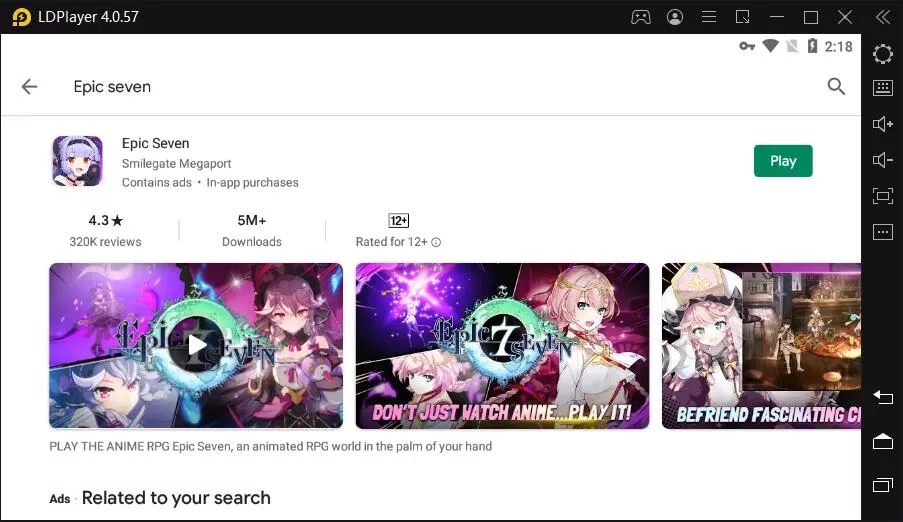
Step 2: Search and download Epic Seven on your emulator through Google Play
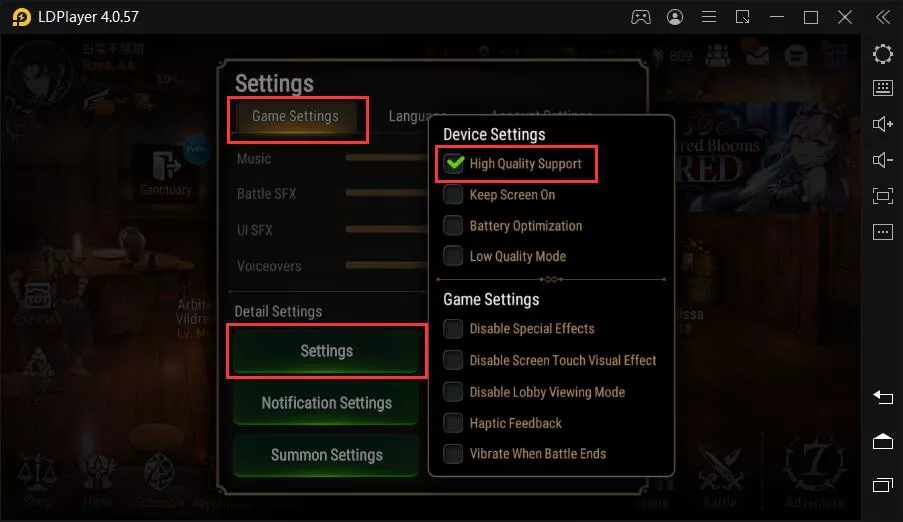
Step 3: Turn off Battery Optimization and Low Quality Mode to enable High Quality Support in Game Settings
Step 4: Enjoy playing Epic Seven on PC with LDPlayer
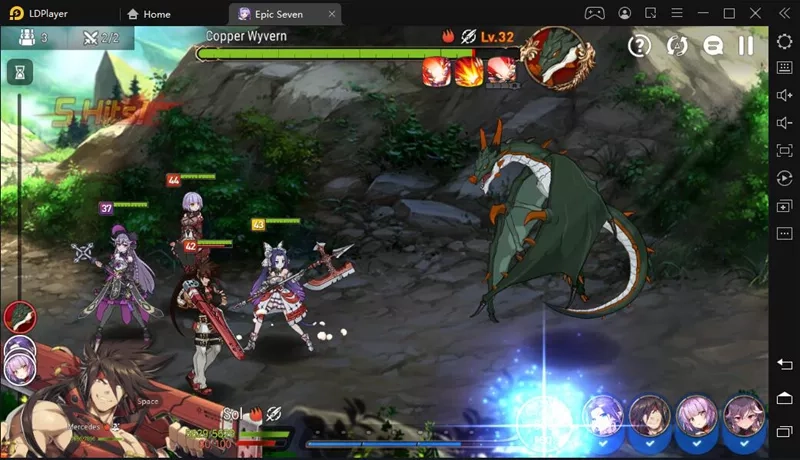
Setting up to play Epic Seven on PC with LDPlayer is quite simple. You can download LDPlayer 3 simulating Android 5.1.2 or LDPlayer 4 using Android 7.1.2 first on your desktop. Both versions are capable of playing Epic Seven is Coming smoothly on PC while LDPlayer 3 is more stable and LDPlayer 4 is faster. You can download LDPlayer 4 from our home page.
Note: If you already had LDPlayer 3 installed on your desktop and you want to try LDPlayer 4, then you should install LDPlayer 4 in a different path from your current version of LDPlayer 3. These two versions are separated.
How to Use Keyboard to Control Epic Seven PC
By using LDPlayer Android emulator, now you can use your mouse and keyboard to operate your Epic Seven gameplay. After you enter the gameplay of Epic Seven, you can go to the toolbar and enable keyboard mapping settings. You will see a panel with several icons that command different actions. You just drag the one you need to the exact input position and assign a key for that command.
Maxing out the Performance for Epic Seven
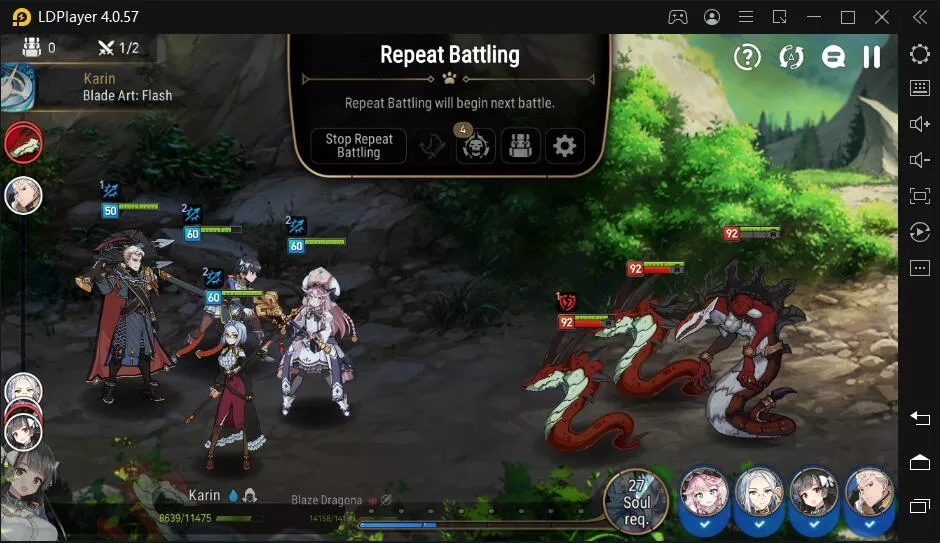
If this is your first time playing Epic Seven on PC with an Android emulator, then you can check the following tips to optimize your gameplay performance for Epic Seven.
Enable Your Virtualization Technology
Most CPUs come with the Virtualization Technology(VT) and this technology can enable your CPU to act as if you have several independent computers. It's designed to enable several operating systems to run at the same time on the same machine. That's how LDPlayer Android emulator operates on your computer. By enabling VT, you can boost the performance of LDPlayer and Epic Seven.
Read: How to Enable VT (Virtualization Technology)
Update Your Graphics Driver for Maximum Gaming Performance
Graphics driver is the software that allows your operating system and programs to use your computer's graphics hardware. However, if you have both integrated graphics and dedicated graphics, you may want to make sure LDPlayer is using the dedicated graphics. After that, you can use a free Driver Booster to update your graphics driver, which will increase the graphics and FPS of Epic Seven.
Read: How to Update Graphics Driver for Maximum Gaming Performance
Configure More CPU/RAM to LDPlayer
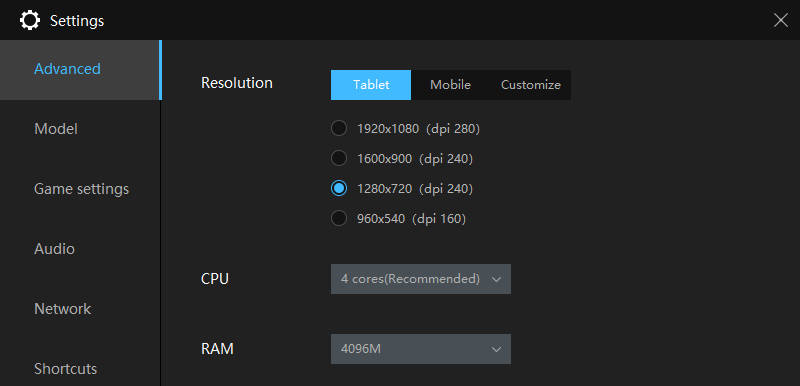
The performance of your LDPlayer emulator depends mostly on your computer. The most computer resources you assign to LDPlayer, the better performance you can get for your Epic Seven gameplay. However, if you have a beast computer, there's no need to allocate too many resources to LDPlayer as well. It might slow down your computer.
Why Play Epic Seven on PC with LDPlayer
Reduce Memory Usage on Your Android Phone
More and more Android games are getting heavier in size, which usually occupies ROM of your device's memory. If you don't have a high-end Android phone which can handle games with heavy graphics easily, then LDPlayer Android emulator is the best choice for you to play the heaviest Android games on your PC.
Larger Display and Better Controls
When it comes to gaming, bigger is pretty much always better. Even the screen of the biggest Android phone you can buy today cannot match that of your monitor. A large screen allows you to appreciate graphics more and it's much more comfortable to stare at your monitor than a phone screen, especially over long periods.
Using a keyboard and mouse makes apps easier to use for both work and play. You get a clear view of the app or game without your finger getting in the way. Even better, if you're more used to playing using your gamepad or controller, you can do so with LDPlayer Android emulator.
More Power than Your Mobile Device
Most mobile games and apps that come up in the Google Play Store require a lot of resources to use. Even with a powerful, high-end phone, this can cause performance problems. With LDPlayer Android emulator, you can use your computer's resources to run resource-intensive apps and games without having to worry about lags or crashes.
Conclusion
LDPlayer is one of the best Android emulators for playing Epic Seven on PC. Enter the seventh world and duel up to 16 heroes in epic battles! And become the strongest guild with your guild members! And now to guard the world with the hope of Queen Diche. Now download LDPlayer as the Android emulator for playing Epic Seven on PC.