How to Play The Tower - Idle Tower Defense on PC: 24/7 AFK Farming Guide

Xiang Shang
|2026-02-13The Tower - Idle Tower Defense is a minimalist idle tower defense game where strategy matters more than flashy graphics. You will build your tower, choose upgrade paths and optimize your setup to survive increasingly difficult waves
Since this game rewards long sessions and potential reroll, playing on mobile can quickly become incovenient. That's why this guide will show you how to play The Tower on PC with LDPlayer for smoother controls, better efficiency, and uninterrupted progression.
Contents
Issues You Might Encounter in Mobile Gameplay
While The Tower shines on phones, extended play reveals several pain points that hold back dedicated strategists:
Relying on online Progress
It must requires a constant online connection to generate resources. This forces players to keep their phones powered on for extended periods—draining battery life, causing overheating and accelerating device deterioration.
Dominating the use of phones
PC allows to run 24/7 without impacting your phone's daily use. No need to worry about low battery, screen burn-in or sacrificing your primary communication device just to farm fragments.
Repeatedly Farming Ultimate Weapons
Obtaining your ideal ultimate weapon often requires repeatedly creating new accounts. On mobile, this process is slow and cumbersome—constantly reinstalling and manually configuring settings wastes valuable time.
Why Play The Tower on PC with LDPlayer
LDPlayer transforms The Tower from a battery-hungry mobile pastime into a true desktop strategy experience:
✅ Uninterrupted Progression
LDPlayer completely eliminates the drawbacks of playing games on your phone. Your computer becomes a dedicated tower defense server—running the game 24/7 without worrying about low battery, screen burn-in, or performance degradation.
Whether you're farming gold at level 1, reforging shards at level 21, or completing 100 waves of challenges, your progress continues uninterrupted, while your phone remains available for calls, texts, and everyday tasks. For a game that rewards long playtime, this isn't just a convenience—it's a necessity.
✅ Multi-Instance & Sync
Ultimate Weapons like Golden Tower and Black Hole define your entire account trajectory. The standard method: grind one account to Tier 1 Wave 60, spend 5 Power Stones, pray, restart if you pull other weapons instead.
On a single phone, this takes several hours per attempt . LDPlayer changes the math. With Multi-Instances, you can clone your the instance across four, eight, or even sixteen parallel accounts.
✅ Precise Controls
The Tower appears simple, but its depth emerges in micro-decisions. Activate Demon Mode one second too late, your defense collapses. On a touchscreen, these errors compound—especially during hour-long runs when sweat, screen sensitivity shifts, or simply tired thumbs sabotage your run.
LDPlayer replaces uncertainty with precision. Your mouse hovers, confirms, and clicks exactly where you intend. Card activations become instantaneous, not swiped. Touchscreens ask approximately where; LDPlayer asks exactly where—and in tower defense, that distinction
✅ Screen Recording & Replay
Every defeat in The Tower contains a lesson—but only if you can see it. Why did that elite enemy survive three extra hits? Did your attack speed fall off just before the boss wave? In the moment, chaos obscures answers. You reset, try again, and hope instinct improves.
LDPlayer’s screen recording turns instinct into analysis. Run your session, save the footage, and review frame by frame. You are no longer guessing at optimizations; you are verifying them. Every defeat becomes a lesson.
How to Play The Tower on PC
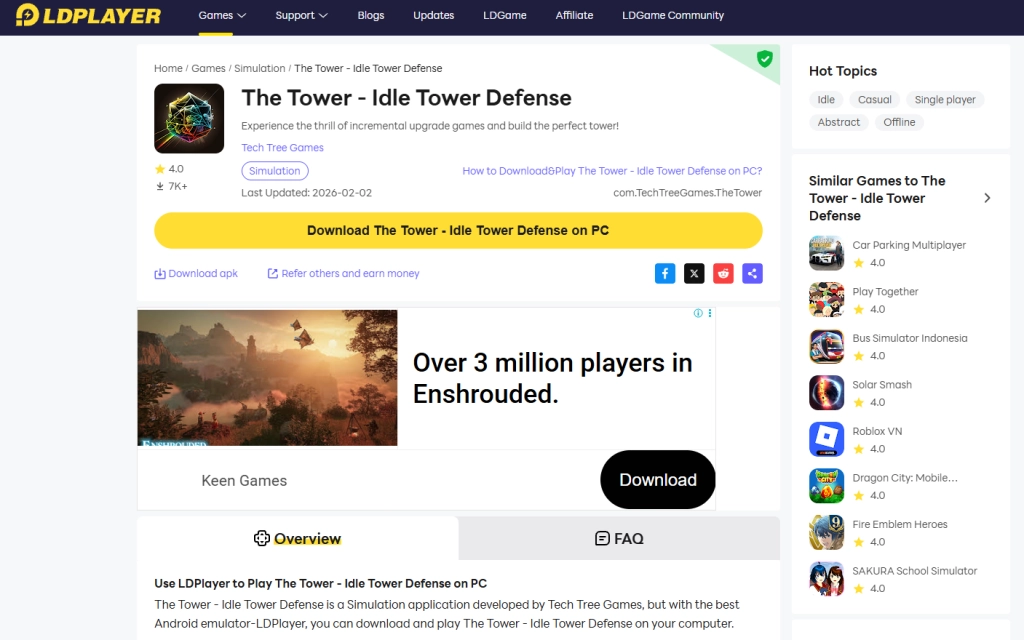
Download LDPlayer offical website and install it on your PC.
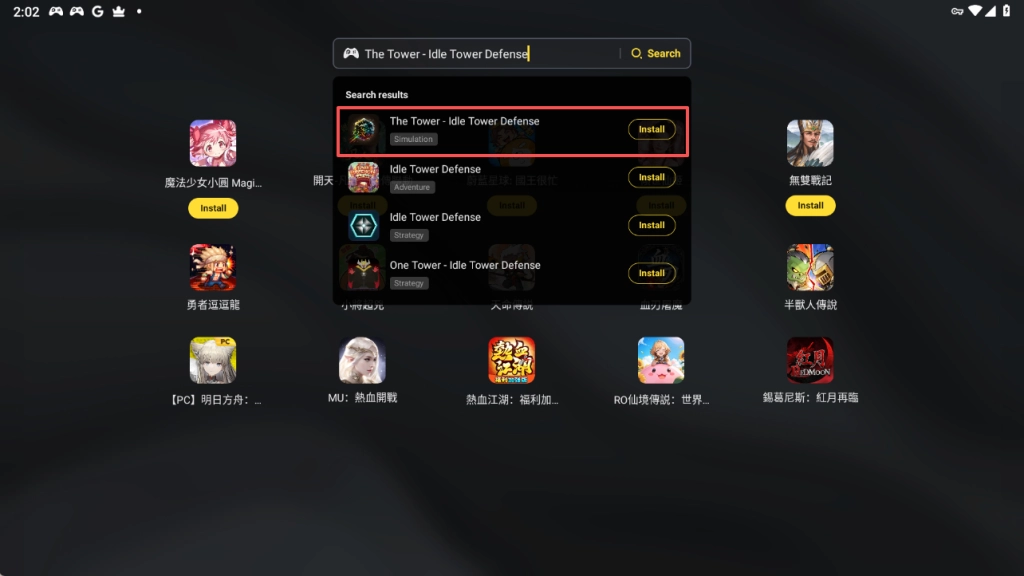
Open LDPlayer and search "The Tower - Idle Tower Defense".
Click the button to install the game.
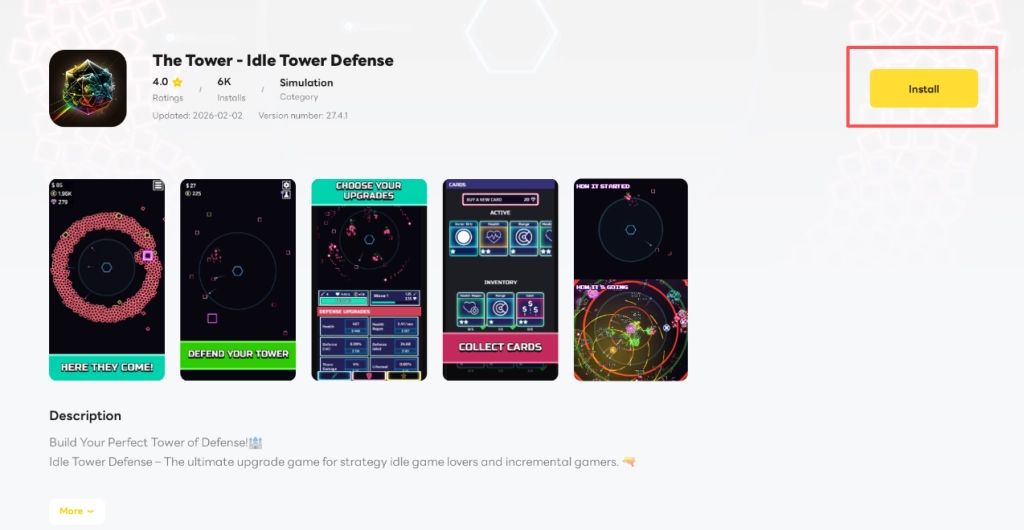
Download The Tower - Idle Tower Defense, enjoy your time in The Tower on PC!


Conclusion
The Tower is built for thoughtful play, and nothing beats the precision of a mouse and keyboard. By running the game on LDPlayer, you get a crisp, lag-free PC experience with full control over your defenses. No more cramped fingers or battery anxiety—just you, the tower and an uninterrupted view of your strategy in action. Download LDPlayer now and take your tower defense game to the next level.