
LDPlayer Introduction
Introduction to LD Premium Membership
2026-04-09
1. Premium's subscribers can enjoy special benefits
1.1. There are no ads on the emulator desktop, and you can have a fresh interface.
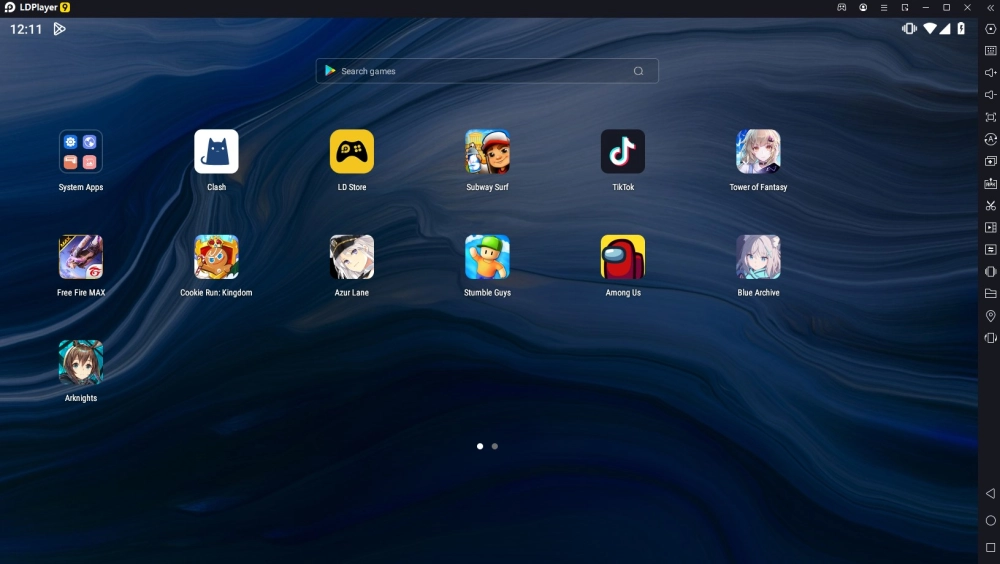
1.2. You will not receive any big or small pop-ups and ads from sponsored apps.
2. How to subscribe to LD Premium Membership
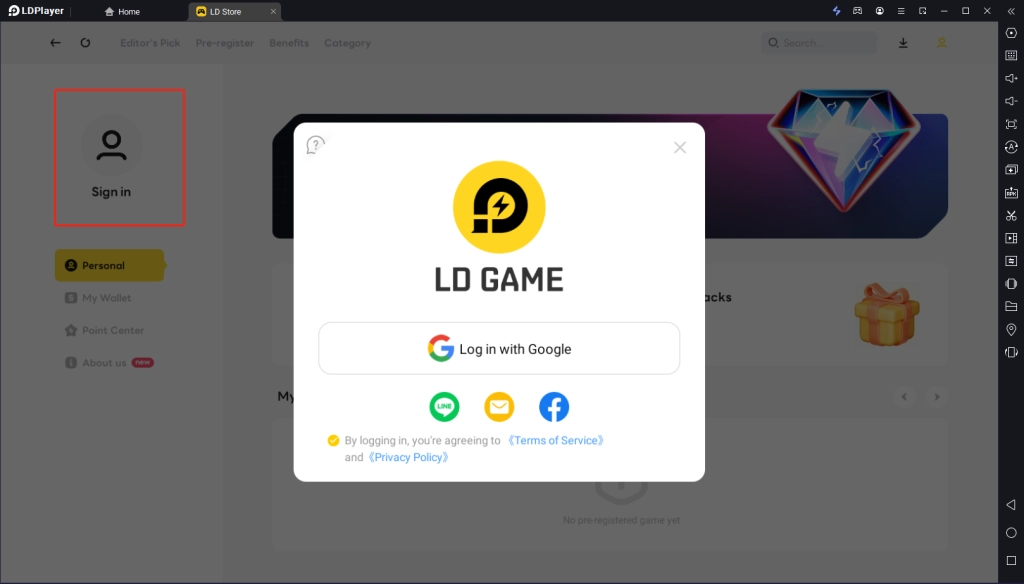
2.1. Click the "My" icon on the top toolbar or LD Store to enter the LD Premium page.

2.2. Click the Sign in button to log in.
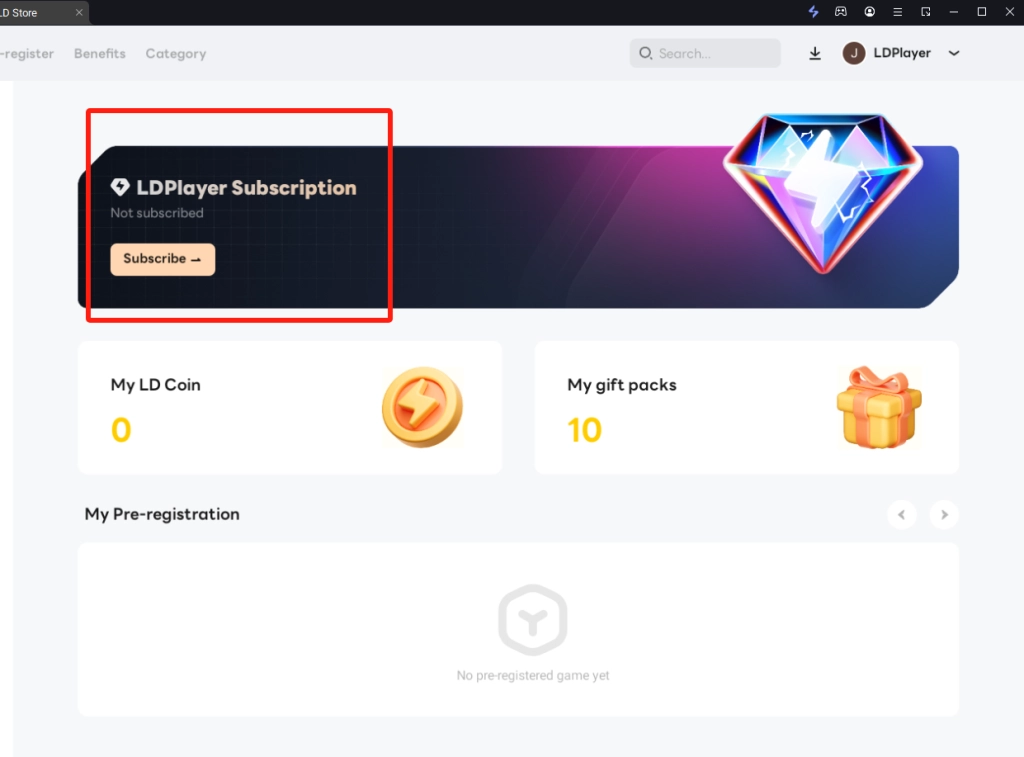
2.3. After logging in, click 'Subscribe' icon and choose the monthly or yearly plan and click Subscribe to create an order.
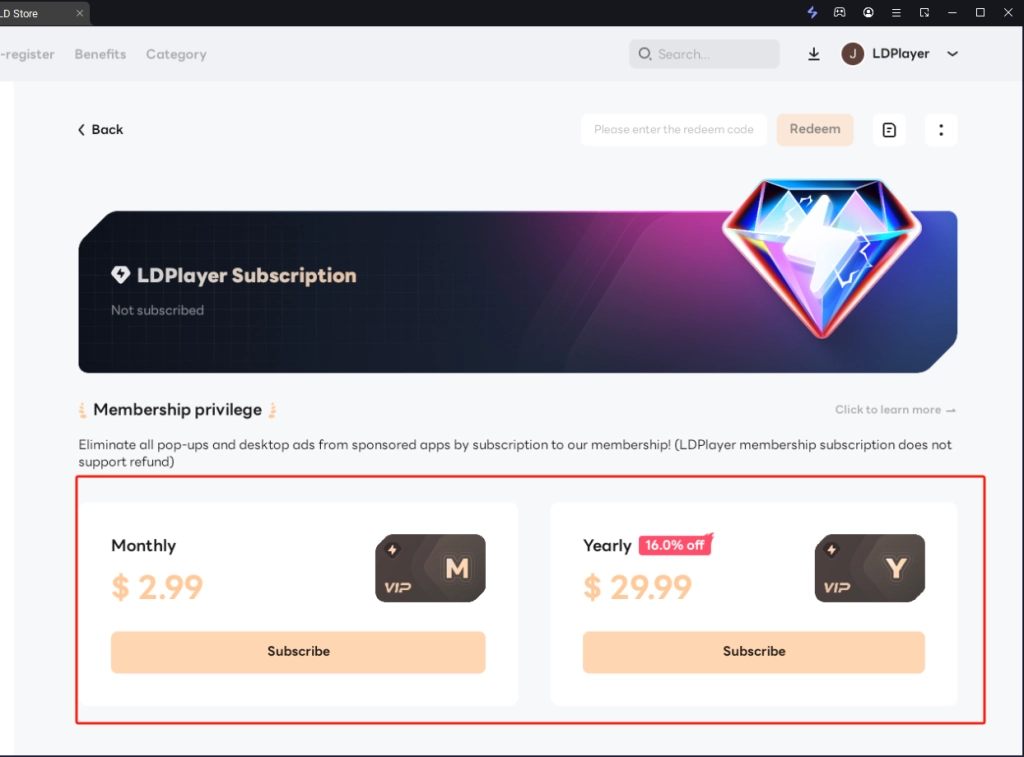
2.4. After creating the order, your browser will jump to the payment page, Click 'TOP UP NOW' to make the payment.
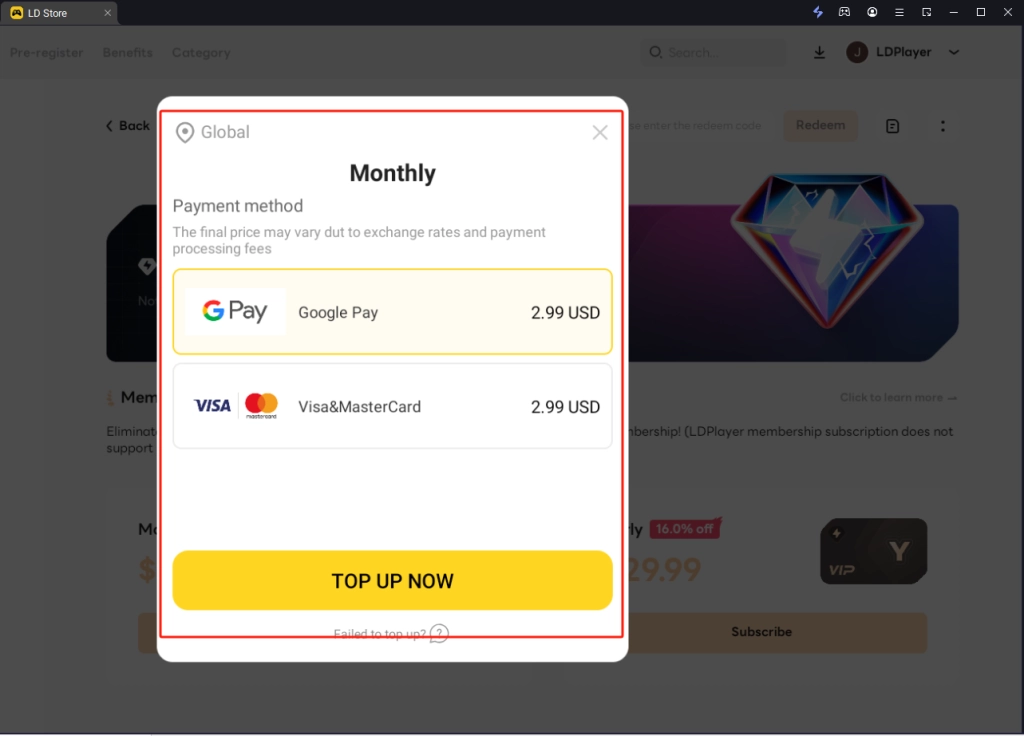
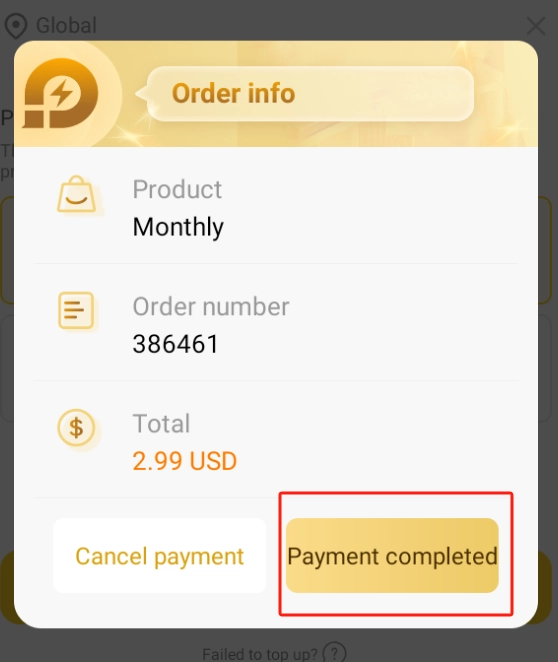
2.5. After the payment is completed, click the Payment complete button and you will become a member of LD Premium.
LD Premium Subscription & Refund Policy
-
Refund Policy: All LDPlayer Premium subscriptions are non-refundable. Except as required by applicable law, we do not provide refunds or credits for any partial-period subscriptions, unused services, or one-time purchases.
-
Account Status: Please note that if your account is suspended or terminated due to a violation of our Terms of Service, you will forfeit any remaining subscription time without entitlement to a refund.
For a comprehensive understanding of your rights and obligations, please refer to our full User Agreement.
If you have any further questions related to the subscription, please contact us via support@ldplayer.net