The Seven Deadly Sins on PC: How to Download and Play
2020-03-03
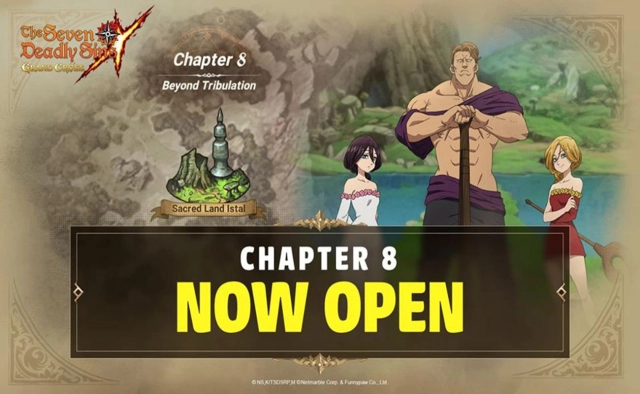
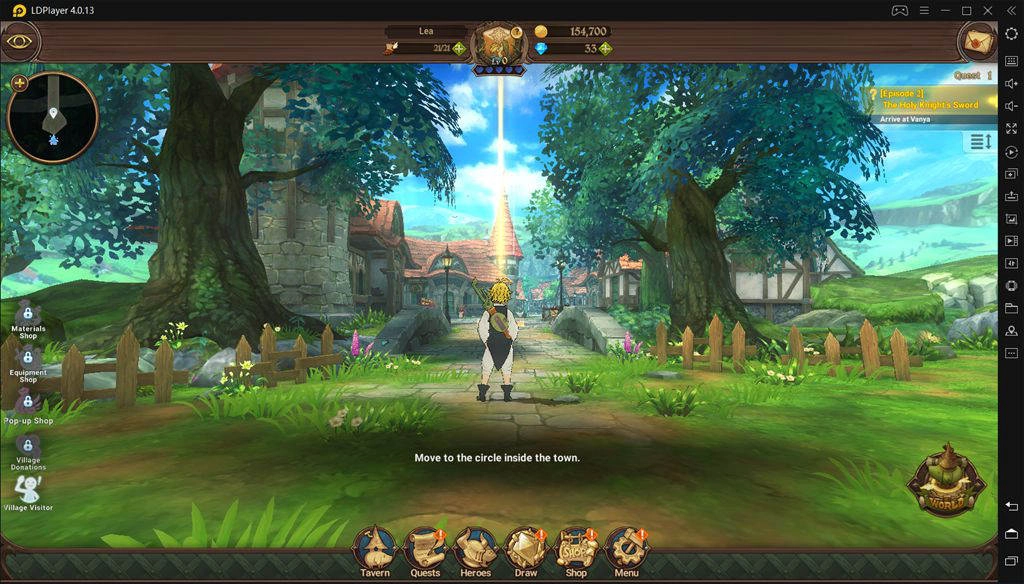
The Seven Deadly Sins is now available on mobile! It is a brand-new turn-based RPG with a strategic combat system utilizing skill synthesis. The Cinematic Anime Game features unrivaled 3D visuals, dynamic combat, breathtaking animations, and a riveting story true to the original.
To fully experience this amazing cinematic anime game, high-end devices are required to power it up. LDPlayer is a free Android emulator to play The Seven Deadly Sins: Grand Cross on your PC. It thrives on virtualization technology, which brings you the best PC gaming experience.
How to Download The Seven Deadly Sins: Grand Cross on PC
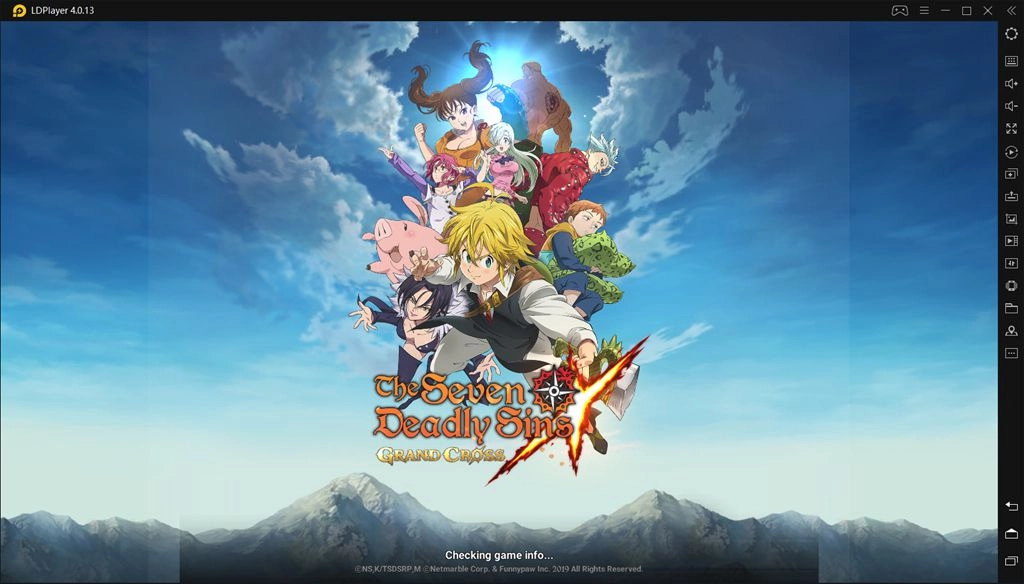
If you are looking for a way to play The Seven Deadly Sins: Grand Cross on PC, then LDPlayer is the recommended Android emulator that helps you to power up the gameplay. The following will show you how to play The Seven Deadly Sins: Grand Cross on LDPlayer.

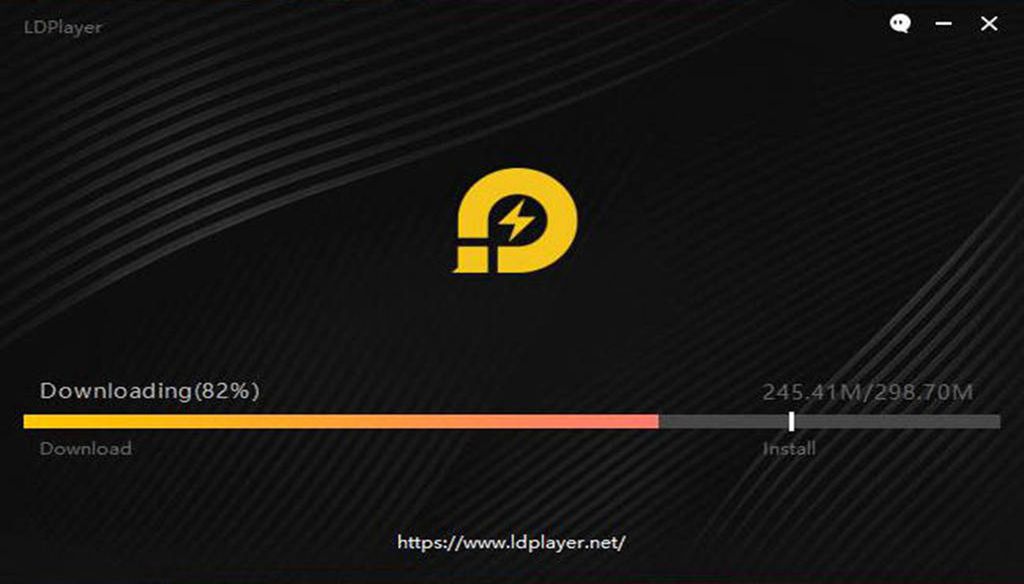
Step 1: Download LDPlayer Android emulator on your desktop (Version 3.0 is more stable)
Step 2: Open LDPlayer and search for The Seven Deadly Sins: Grand Cross
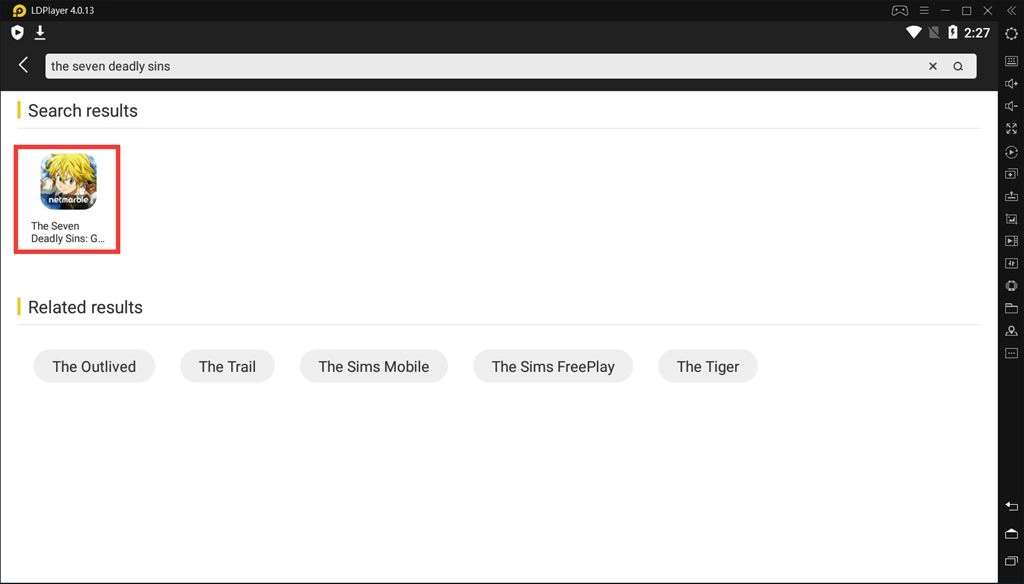
Step 3: Install The Seven Deadly Sins: Grand Cross on LDPlayer
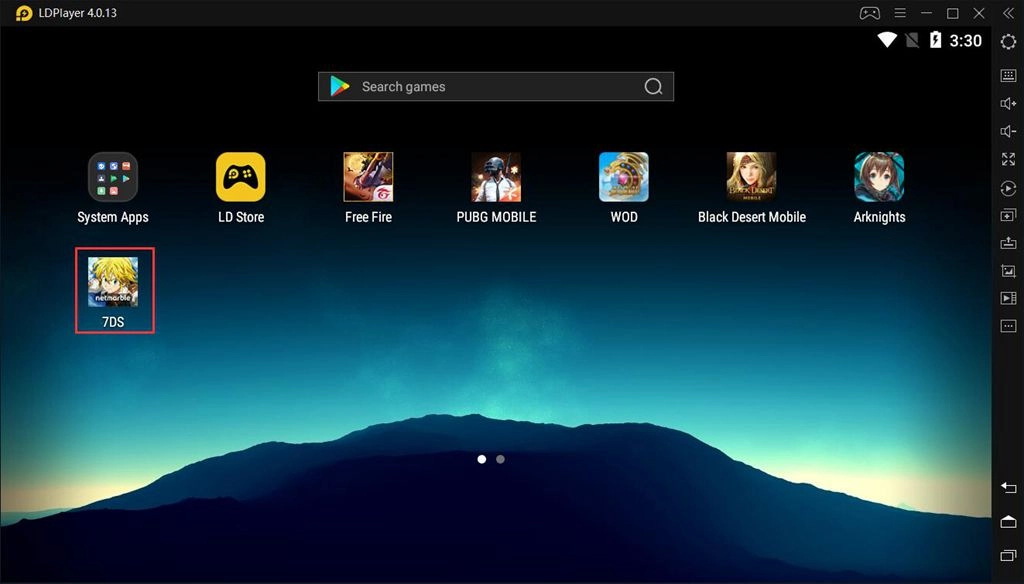
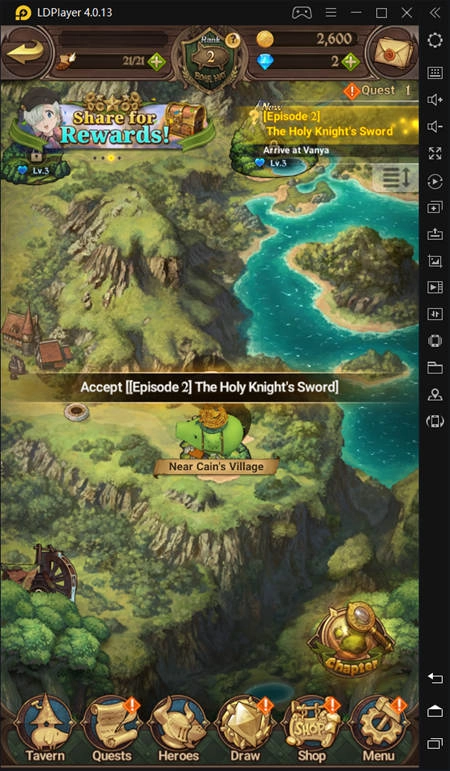
Step 4: Enjoy playing The Seven Deadly Sins: Grand Cross on your PC freely
More than PC gaming, a bunch of powerful tools are built in the LDPlayer like keymapping, multi-player, operation recorder, etc., improving your gameplay of The Seven Deadly Sins with powerful computers.
How to Play The Seven Deadly Sins: Grand Cross in Landscape
It is possible for LDPlayer to forcely use landscape mode with a feature named “Lock Landscape”. The following is a simple guide for those players who prefer to play The Seven Deadly Sins: Grand Cross in landscape.
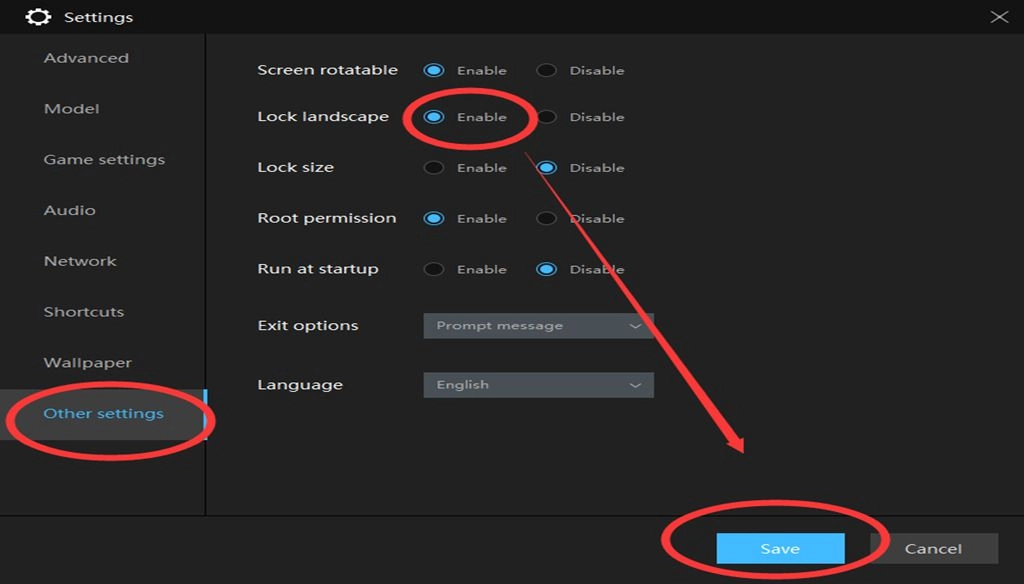
1. Click the Settings button in the upper right corner of the LDPlayer windows.
2. Then, jump to Other Settings, and enable the landscape as shown below. Also, don’t forget to click save to save your settings. (You will find the setting on the Basic tab if you're using LDPlayer 3.0)
3. When you finish the settings, what you should do is to restart The Seven Deadly Sins: Grand Cross on LDPlayer. Now, you have switched to landscape mode successfully!
The Dynamic Combat System in Seven Deadly Sins
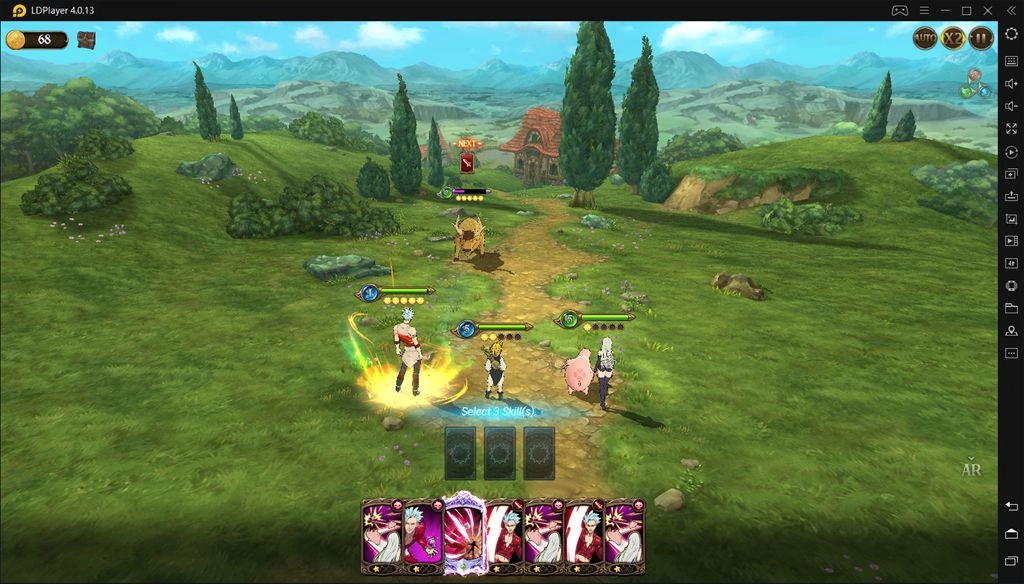
The Seven Deadly Sins: Grand Cross was originally a Japanese fantasy manga series by Nakaba Suzuki. As we all know, it’s a turn-based RPG. You can team up with friends to take down a giant demon in Death Match mode or explore diverse PvP content. Things are more efficient if you create your keymapping on LDPlayer, which helps you control your actions with keyboard and mouse.
In the combat, skills with the same star rank upgrade to a higher rank when they’re next to each other. Beyond this, it mixes with gameplay from collectible card games so players can trigger an "Ultimate Move" by combining cards and use them to decimate opponents. The special thing is that it’s available for you to create your strategy by combining the unique skills of characters.
Minimum System Requirements for LDPlayer
Intel or AMD CPU Processor x86 / x86_64
Windows XP XP3 / Win7 / Win8 / Win8.1 / Win10
Windows DirectX 11 / Graphics driver with OpenGL 2.0
Minimum 4GB of system memory (RAM)
Minimum 36GB of free hard disk space
Hardware Virtualization Technology (Intel VT-x/AMD-V) enabled in BIOS
Recommended Specification for LDPlayer
CPU: Intel i5 7500 and better
RAM: 8GB and above
Disk Space: Over 100GB
Graphics Driver: NVIDIA GeForce GTX 750 Ti and better
Conclusion
If you want to begin your journey in this fantastic world, it would be the best choice to play The Seven Deadly Sins: Grand Cross with LDPlayer. The latest LDPlayer 4 virtualizing Android 7.1 can handle 3D visuals like a piece of cake. Now, feel free to download The Seven Deadly Sins on LDPlayer and embark on the vast world!