Animal Warfare is a Strategy game developed by PlaySide Studios, and LDPlayer is the best platform for playing Animal Warfare on Windows PC, offering powerful features for an immersive experience.
When playing Animal Warfare on your computer, you can enjoy long game sessions using the operation recording feature to record repetitive operations to complete the same tasks automatically. It allows you to level up faster and makes resource grinding much more efficient.
In addition, if you want to execute combo moves or the game requires repeated skill actions, the macro feature is your best helper. It enables you to complete kills with just one click!
If you want to manage multiple accounts, LDMultiplayer and Synchronizer will assist you. You can run multiple alternative accounts at the same time to assist the leveling of your main account. Download and play Animal Warfare on PC with LDPlayer now!
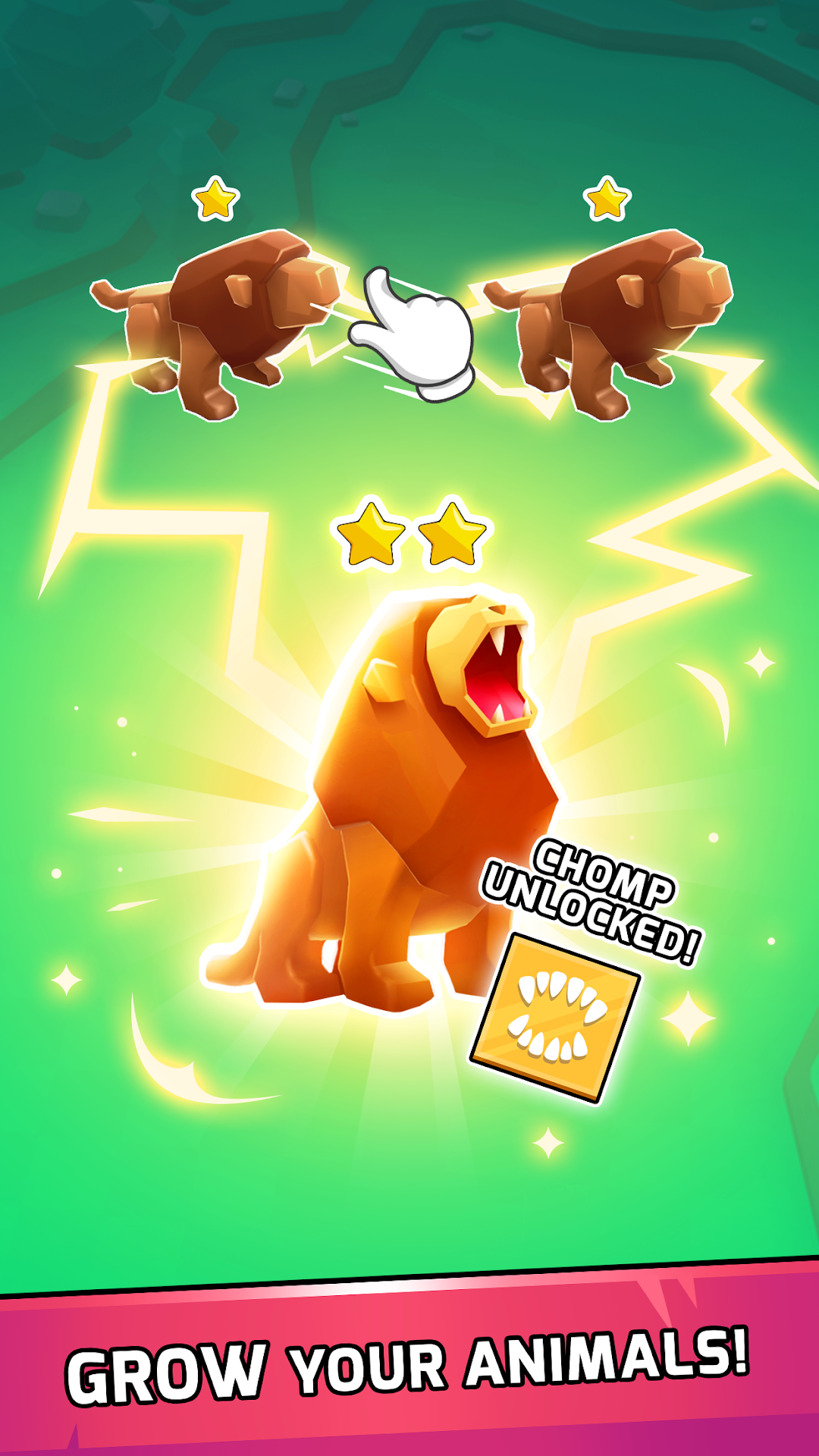
Collect from cute to vicious animals in this auto-battle sim game!Build your animal army with lions, dogs, bears, and more animals and send them into battle to win gold and glory in Animal Warfare.
- EVERY ANIMAL IS SPECIAL -
Each animal has a unique perk and ability, which means they all fight differently and no battle is the same!
Build and upgrade your animals to unlock their special skills, increase their strength and health, and win challenging fights.
- STRATEGISE YOUR ATTACK -
Mix melee and ranged animals, design your army’s formation and plan your attack.
Get coins by winning the battles and collect more animals to keep winning your next fights!
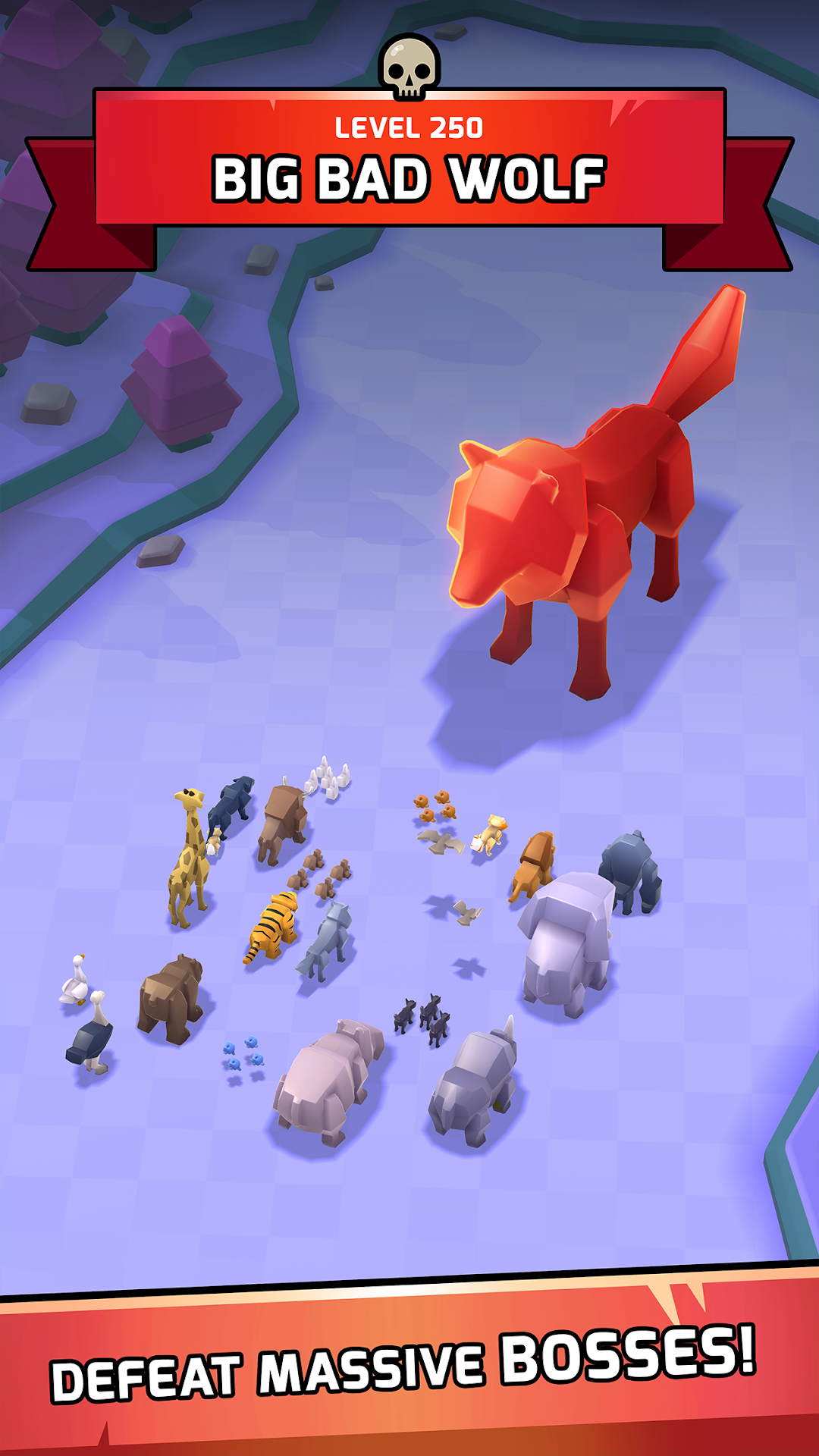
Don’t forget to strengthen your army to win the Boss Battles and Challenge Mode.
- BE THE LEADER OF THE PACK -
Face off other users in the Arena and show everyone who the strongest one is!
Obtain bonuses by accumulating your number of wins in the Arena, and beat everyone to be at the top of the leaderboard.
Other interesting features:
- Deep and addictive progression systems
- A crisp and minimalistic art style
- An expansive campaign with 100s of unique levels
VIP membership subscription:
You can subscribe to our Animal Kingdom VIP membership, which gives you 4500 coins and 100 gems daily, unlocks all Animal Perks no matter what level they are, and grants 50% faster Chest unlock speeds.
The VIP membership has three duration options: Per Week, Per Month, and Per Year.
1)Weekly Subscription costs $6.99 and starts after 3 days of the free trial.
2)Monthly Subscription costs $9.99 and starts after 3 days of the free trial.
3)Yearly Subscription costs $99.99 and starts after 3 days of the free trial.
Payment will be charged to Play Store Account at confirmation of purchase.
You will be able to use premium features for the duration of the subscription.
Subscription automatically renews at the same price unless auto-renewal is turned off at least 24-hours before the end of the current period.
Subscriptions can be managed by the user and after purchase, auto-renewal may be turned off in the user's Play Store Account Settings.
No cancellation of the current subscription period is allowed.
You may cancel a subscription during its free trial period via the subscription setting through your Play Store account. This must be done 24 hours before the end of the trial period to avoid being charged. Please visit https://support.google.com/googleplay/topic/1689236?hl=en&ref_topic=3364264 for more information.
Our privacy policy and terms of use:
www.playsidestudios.com/privacy-policy