

Banana Island: Kong Journey is a Adventure application developed by MGIF, but with the best Android emulator-LDPlayer, you can download and play Banana Island: Kong Journey on your computer.
Running Banana Island: Kong Journey on your computer allows you to browse clearly on a large screen, and controlling the application with a mouse and keyboard is much faster than using touchscreen, all while never having to worry about device battery issues.
With multi-instance and synchronization features, you can even run multiple applications and accounts on your PC.
And file sharing makes sharing images, videos, and files incredibly easy.
Download Banana Island: Kong Journey and run it on your PC. Enjoy the large screen and high-definition quality on your PC!
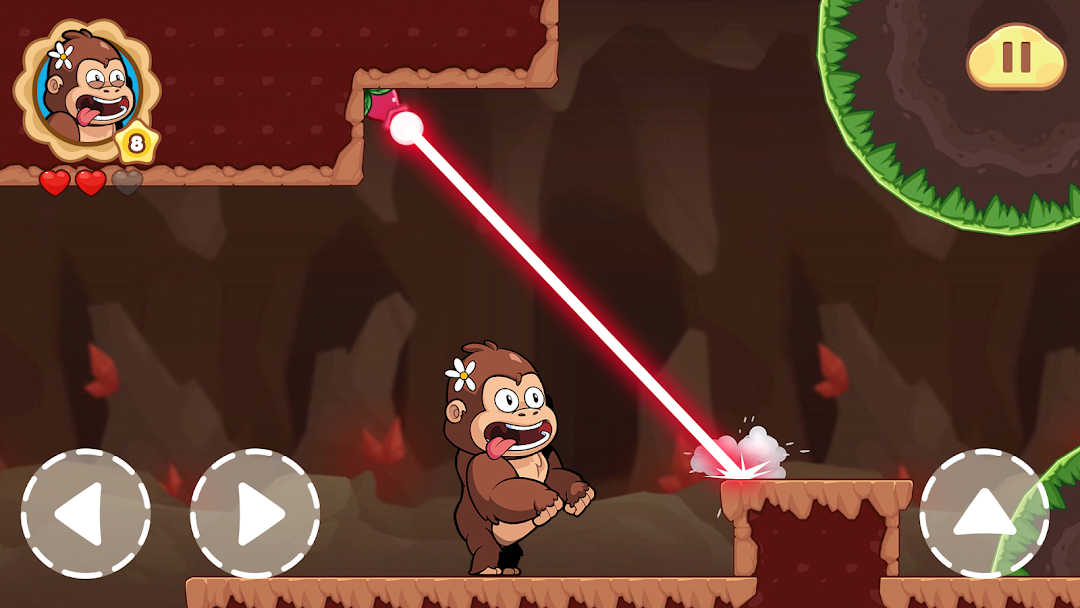
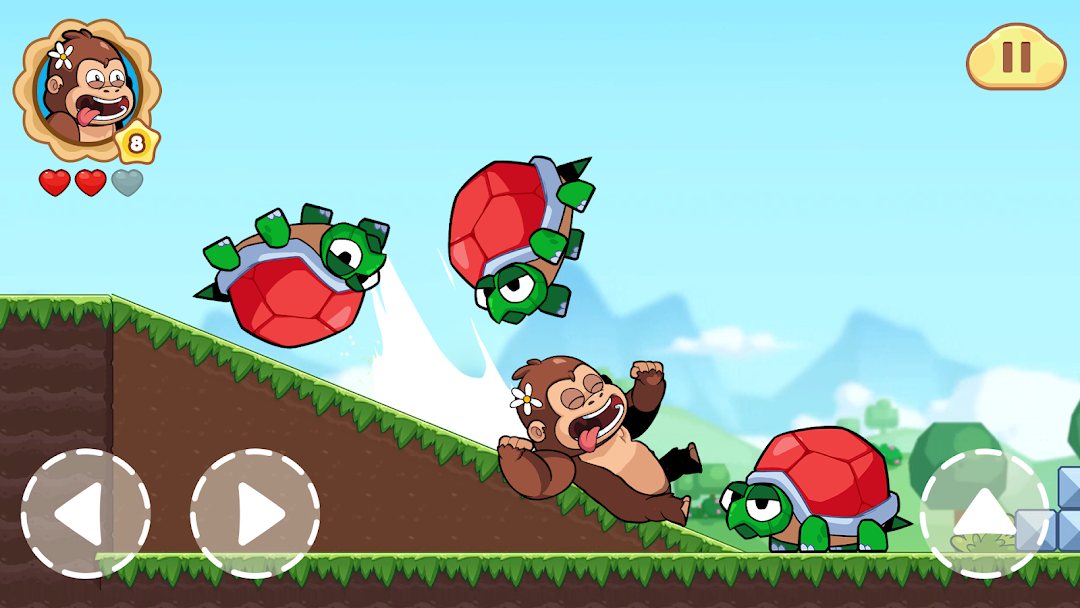
If you come looking for a game in the platform genre, give it a try for Banana Island: Kong Journey as it is definitely a funny challenge for you . Jump and Run, Jump and Run through 200 awesomely spectacular places in every level to find the chest of gold. Try not to bump into the beastly enemies and easily kill them by making high jumps over their heads . Use your smooth, easy moves to guide Kong on his adventure and nothing can stop him from collecting all the coinsThe controls are fluid, the level design is fun, and gameplay all together takes a fun spin on classic 2D games. Every level is different and they get harder as you go. They are just hard enough to be entertaining. Like any other games in the family, this game has so much to do with quickness and also intelligence.
👉 Tips tips tips for you to get stronger against the evil enemies. Seek out 3 types of power ups that are intentionally hidden in some places that are not easily visible, or you can buy all of them in store with the coins you collected:
+ Get "Size x4" to become super giant and undefeatable
+ Get "Fire Bullet" to shoot the enemies
+ Get "Shield" to protect in a limited amount of time from any rivals attack
What makes Super Meno have its own thing and stand out:
- Make double jumps to higher places where possible
- Dive into the marine with many lively creatures
- Super bigger Meno can kick away any enemies on the way like a roller coaster..
- Some hidden places with lots of bonus coins are covered! Try to discover every corner of the level maps otherwise you will miss out on the huge treasure you deserve.
- Various world themes symbolize the diverse adventure you needs to get through: marine, jungle, galaxy,...
- In some levels designed, the pets follow Meno and sometimes hurt him. Why? Let’s check it out in the Banana Island: Kong Journey game yourself and we're sure there are many surprise are waiting for you!