Play Call of Dragons on PC
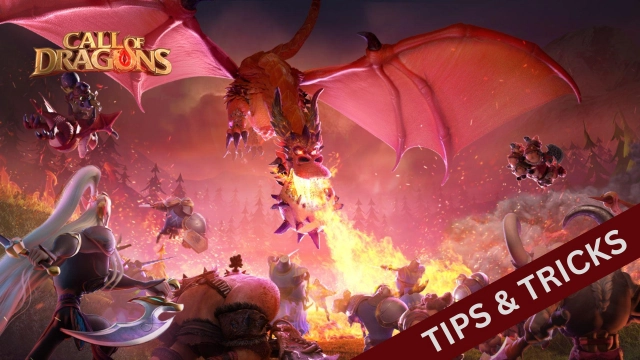
Call of Dragons is FARLIGHT’s multiplayer game with all the fantastic strategies you expect , and it holds a fascinating story filled with a vibrant land. There is a fantasy adventure to be started here, and many mythic races are here to be engaged. The game is currently under pre-registration.
This is the land of Tamaris, and now it has been invested with the Behemoths. So there, the Hydras, Dragons, and Thunder Rocs are already here, and as a player, you will have to stand with your allies to heal them all. After the healing, they are going to be available for you for training, and those are entirely free to use as some of the secret weapons to beat the enemies.
Several Creatures, Hero Skills, and Dominating the Skies
You can participate in several activities in Call of Dragons, like building guard towers, flying troops, and sending long-range strikes. So you are entirely free here to dominate the skies.
Throughout the game, you will encounter many creatures like Orcs, elves, eagles, and more, and they can be recruited into your forces.
You can lead the forces by assigning a hero, and they have some powerful abilities to be trained up in the game. There will be some coolest AOE attacks that they will perform, and if you manage to master them in the battles, victory will no longer be a dream. To take these all to the next level of experience with better optimizations, you can use the best emulator: LDPlayer 9.
Easiest Attacks with some Better Optimizations
If you seek the best attacks in your Call of Dragons, go with LDPlayer 9. You have a Keyboard Mapping feature to set all your controls as per your need with shortcuts, and you will be able to make the attacks as you want. And for training, you can also make them happen in a loop with the Operation Recorder option. So if you are seeking the best optimizations for your game: Call of Dragons, know that LDPlayer 9 is the key.