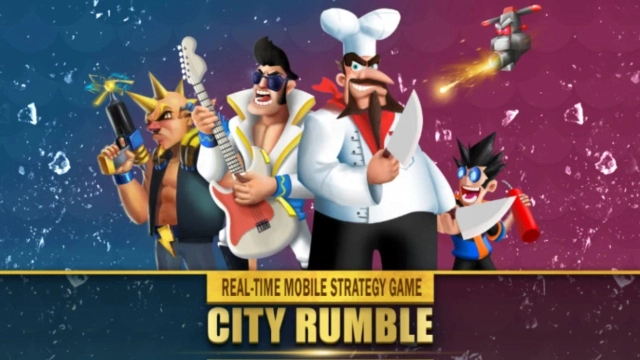
City Rumble Overview
City Rumble is an immersive Real-Time Strategy (RTS) game that thrusts players into a world of strategic warfare and tactical brilliance. Command your forces, build alliances, and showcase your strategic prowess in intense real-time battles.
City Rumble Features:
- Real-Time Strategy Battles: Engage in fast-paced and intense battles that demand quick thinking and strategic planning.
- Tactical Brilliance: Showcase your tactical prowess by outmaneuvering opponents and making strategic decisions.
- Card Collection: Collect a variety of cards to expand your tactical options and create unique strategies.
- Alliances and Alliances: Form alliances with other players to enhance your strength and conquer the battlefield together.
- Rewards and Progression: Earn rewards through battles and unlock additional cards to strengthen your arsenal.
- Dynamic Gameplay: Experience the thrill of real-time battles and adapt your strategies on the fly.
- Strategic Depth: Dive into a game that challenges your strategic thinking and decision-making skills.
Play City Rumble on PC:
- Real-Time Strategy Battles: Immerse yourself in the world of City Rumble on your PC with LDPlayer Android emulator. Experience the intensity of real-time battles on a larger screen with improved controls.
- Tactical Brilliance: Harness the precision of keyboard and mouse controls to execute your strategic maneuvers with greater accuracy.
- Card Collection: Enhance your card collection and strategic options more efficiently on PC, allowing for better management and utilization of your cards.
- Alliances and Alliances: Coordinate with alliance members effectively using the emulator's communication features, ensuring seamless teamwork in battles.
- Rewards and Progression: Maximize your rewards and progression by optimizing your gameplay on PC, accelerating your card unlocking and strengthening process.
- Dynamic Gameplay: Enjoy a smoother and more immersive gameplay experience on PC, enabling you to adapt to the fast-paced battles with precision.
- Strategic Depth: Immerse yourself fully in the strategic depth of City Rumble on your PC, enhancing your decision-making abilities and tactical brilliance.
Experience the exhilarating world of City Rumble on your PC using LDPlayer Android emulator and dominate the battlefield with your strategic mastery!