

สามก๊กแมว is a Role Playing game developed by , and LDPlayer is the best platform for playing สามก๊กแมว on Windows PC, offering powerful features for an immersive experience.
When playing สามก๊กแมว on PC, as a new player looking to start with a fresh account, the multi-instance and sync features are extremely useful for rerolls. You can use them to run multiple instances and begin the synchronization process. Bind your account until you draw the desired heroes.
In addition, operation recorder is great for games that require you to level up and complete tasks! Run the sync and record your actions, then repeat the main instance's actions in real-time. By doing so, you can run 2 or more accounts simultaneously. You can always get the heroes you want before others by faster rerolls and more efficient summoning! Start downloading and playing สามก๊กแมว on your computer now!
Cat's Claws Rule the World: A Epic Battle of Love and Love!
The Three Kingdoms is in chaos again as the generals transform into cats! When Zhuge Liang waves his fan with fluffy ears and Guan Yu, the enraged tabby, begins his adorable conquest of kingdoms! Here, command a hundred feline generals, experience new adventures through collectible cards, and raise cuddly cats. Write your own Three Kingdoms legend with "irresistible cats"!
▶4 Powerful Highlights◀
1. Cat Gods Stroke Their Claws, Conquering the Heavens and Earth
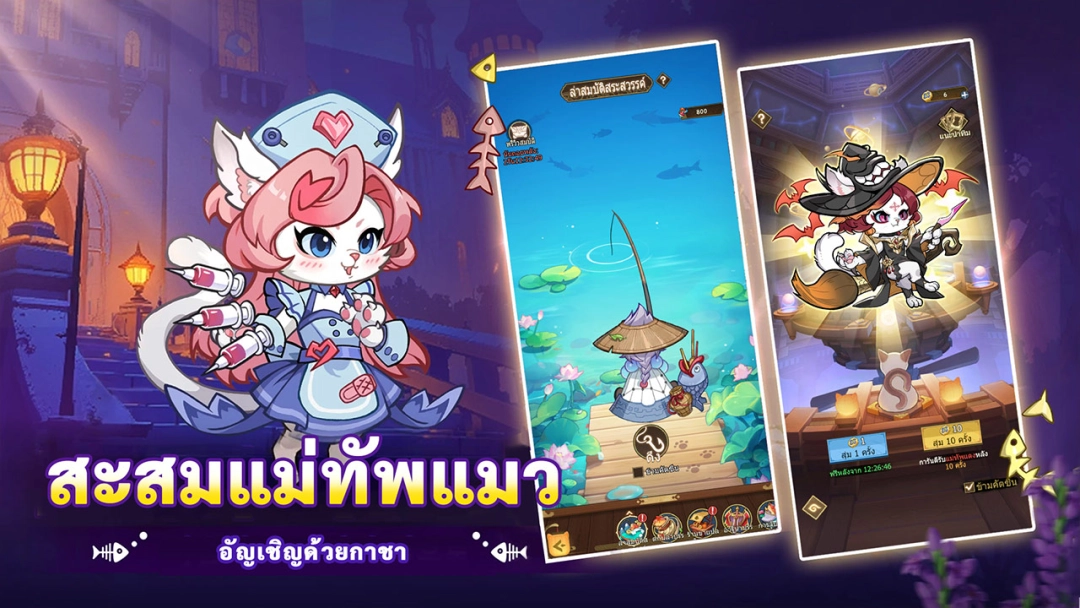
• Log in to instantly receive the SSR Cat Goddess, Diao Chan! Her fluffy tail wags, relieving all the war!
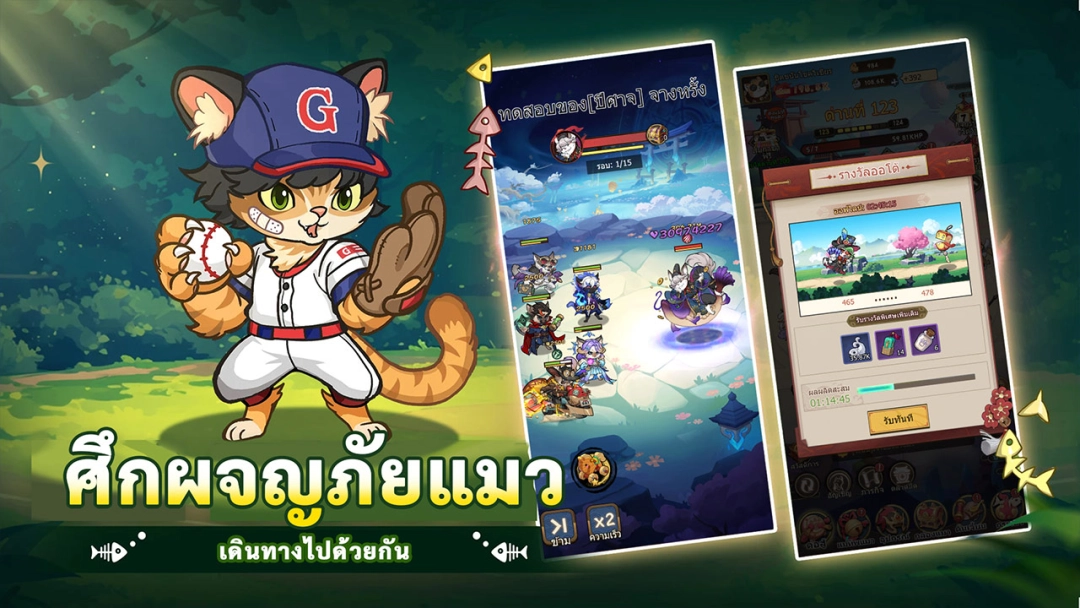
• Famous Three Kingdoms heroes transform into cute feline generals: The Persian cat Zhuge Liang calculates to conquer the world, and the silver cat Zhao Yun charges through seven battles. Build a feline team and unleash battle-changing combos!
2. Strategic Cat Warfare: Win with Wisdom
• Utilize your cat's skills wisely, form strategic teams, and overcome superior enemies with your plan!
• Assemble your 5 feline knights, watch your Maine Coon "Zhang Fei" roar and crush the enemy, performing spectacular "turning the tide" moves!
3. Cat Palace Secrets: Embrace with Love
• Create your own private cat home! Pet and strengthen your bond, unlocking even more fun with your adorable feline companions!
• Invade cities during the day, cuddle with your cats at night. Healing moments amidst war are in your hands!
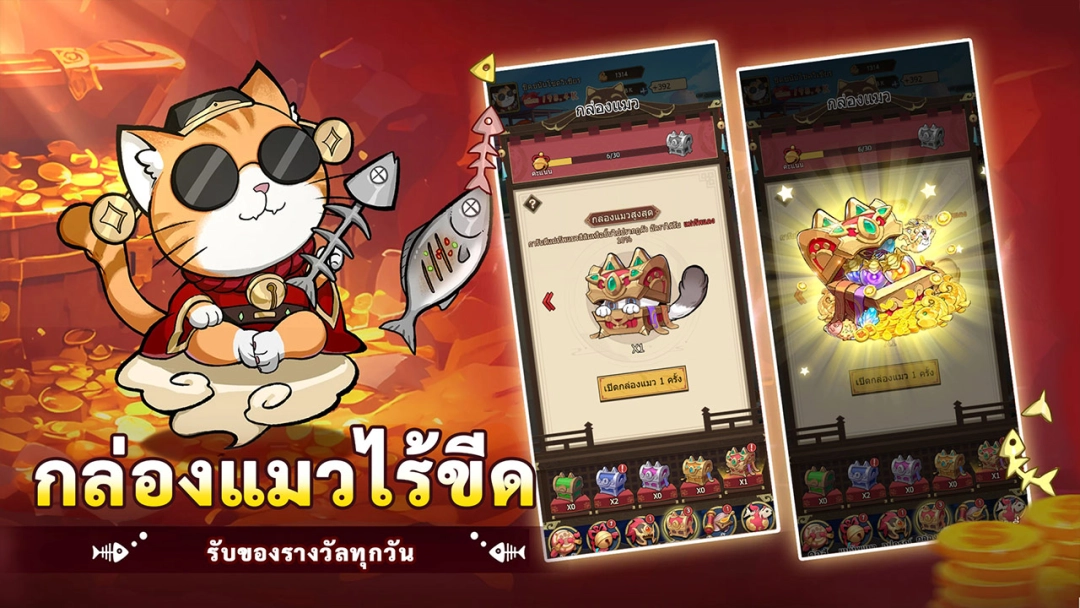
4. Relaxing Development, Abundant Rewards
• Development is possible even when you're asleep! Automatically clear stages even while you sleep – a ready-made "Conquer the World While Leaning Back" solution!
• Log in for 7 days and receive a thousand gacha pulls! Guaranteed to get your choice of SSR Red Cat (Guan Yu/Lu Bu, etc.), a powerful character from the start!