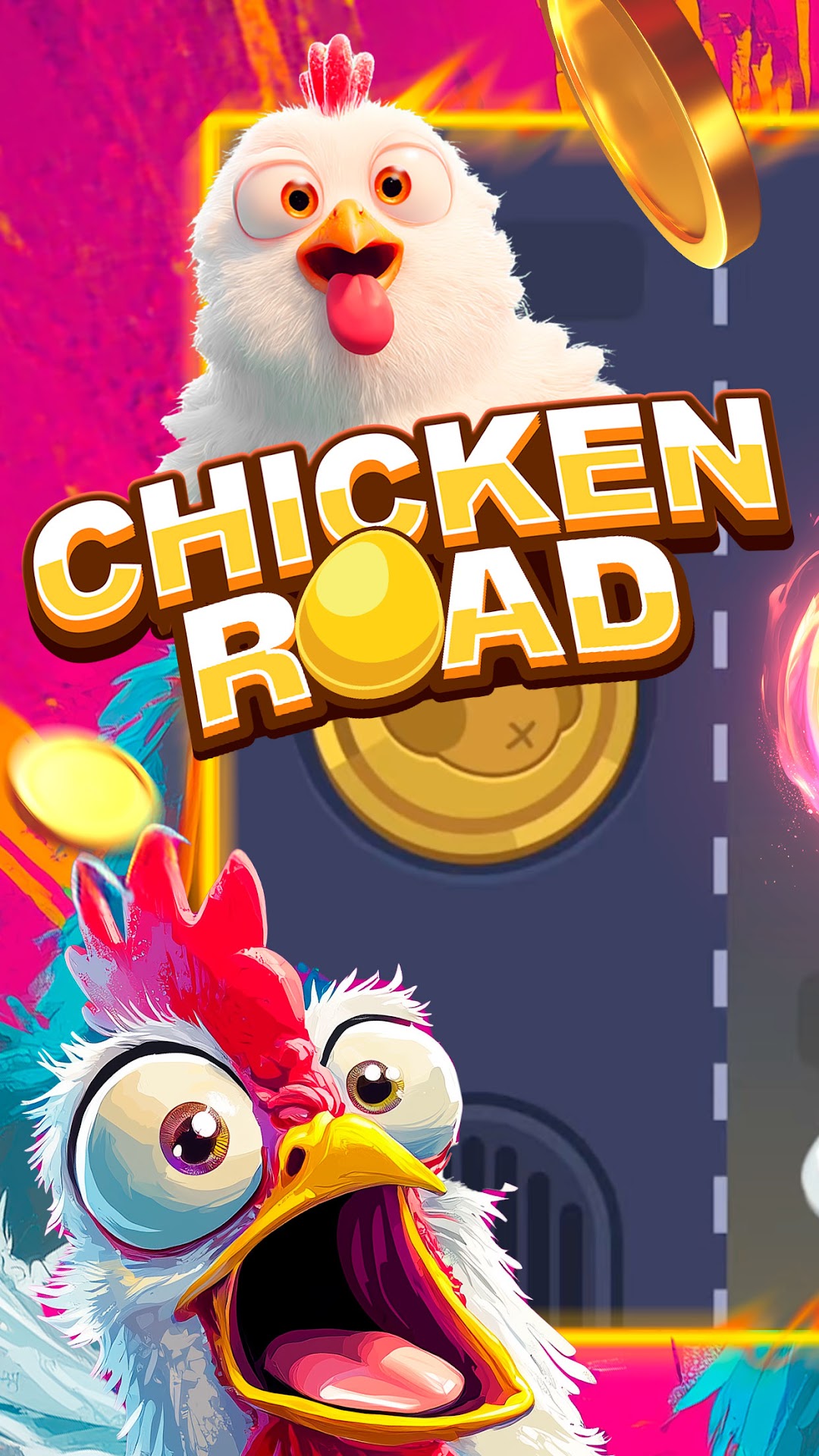


Chicken Road is a Casual game developed by Pick N Go Pvt. Ltd.. LDPlayer is the best platform for playing Chicken Road on Windows PC, offering powerful features to enhance your immersive experience in Chicken Road.
When playing Chicken Road on your computer, if you find repetitive actions or tasks tedious and time-consuming, fret not! Macro can alleviate your concerns. Simply record your actions with a click of the screen recording feature and let macros take care of the rest. Macros automate your operations, allowing you to effortlessly conquer the game with minimal effort! Start downloading and playing Chicken Road on your computer now!
Guide your chicken along the road of life and earn x100 coins to unlock the main bonus of Chicken Road!Welcome to Chicken Road, a thrilling journey where your courage and skill help a determined chicken hatched from a golden egg.
Face traps, test your instincts, and accept increasing risks in each location — from easy walks to hardcore survival.
Will your chicken cope with the challenge or will it get fried along the way?
The road is dangerous, but the reward awaits you.
Chicken Road is a fun and addictive arcade pet simulator for casual players! Raise your own virtual chicken, take care of it, and dive into exciting mini-games, logic puzzles, and reflex challenges — all in one charming game.
Feed, clean, and play with your chick to keep it happy and healthy. But Chicken Road is more than just a virtual pet — it’s a full interactive experience. Catch balls, dodge obstacles, and explore brain-training math and word games.
Each activity improves your reflexes, boosts your logic, and earns you coins to unlock more content. Whether you’re looking to relax or craving a challenge, Chicken Road has something fun for everyone.
Easy to learn, hard to master — whether you're in for a quick break or a deep run, there's always a reason to come back.
🟡 Game Highlights:
– Virtual pet care with real-time interaction
– Arcade-style reflex gameplay: catch balls, avoid traps
– Physics-based puzzle mode: use strategy
– Educational mini-games: words, numbers, logic challenges
– Smooth drag-and-drop controls and intuitive UI
– Satisfying sound effects and bright animations
– All the fun of Chicken Road packed into one playful experience
– Perfect for casual gamers
Challenge yourself or your friends — beat your high score and climb the chicken leaderboard!
👉 Download Chicken Road now and discover a colorful world of fun, learning, and chicken-powered challenges! 🐤💥