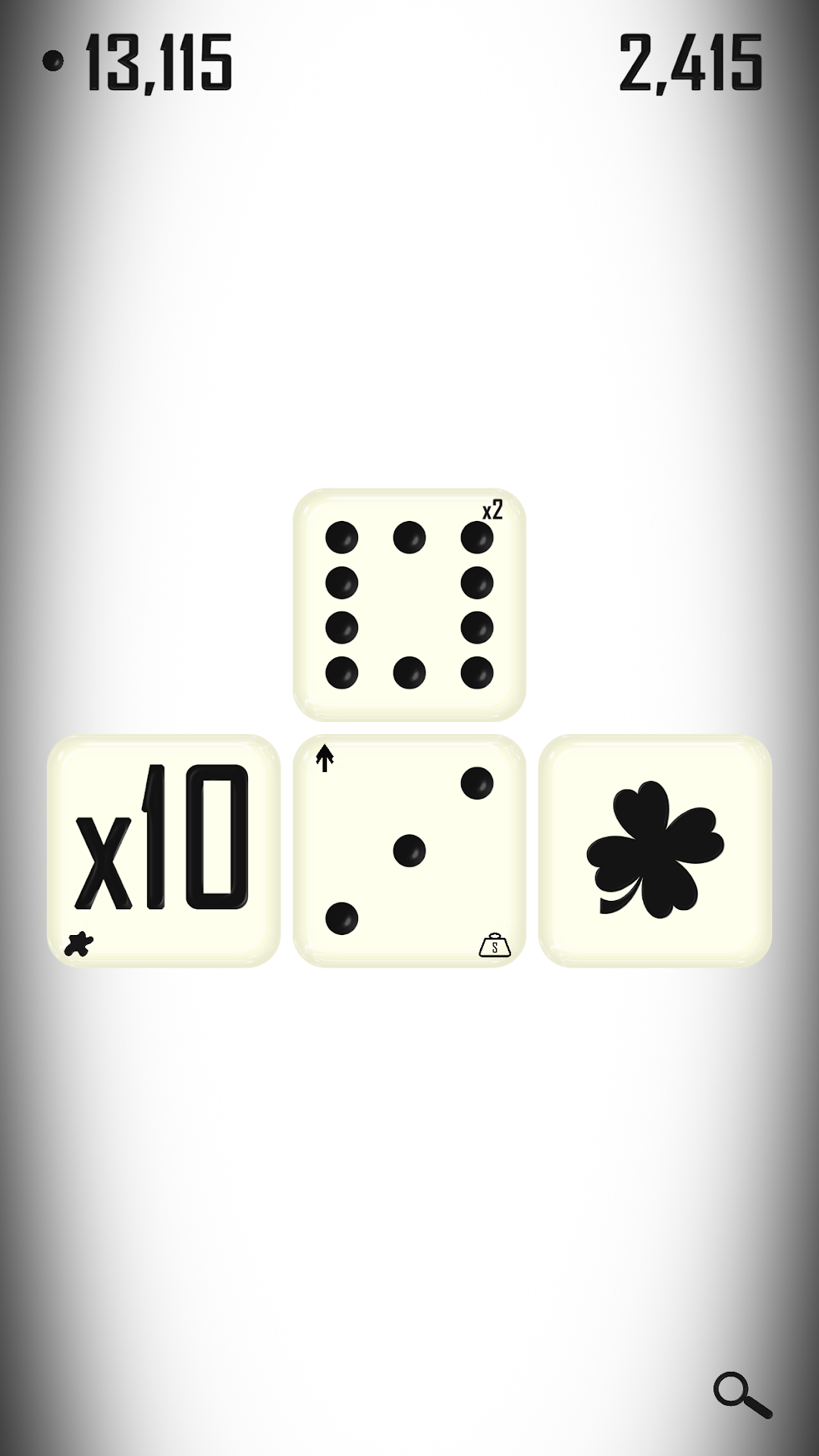
Roll is a Strategy game developed by Xrai Studios, and LDPlayer is the best platform for playing Roll on Windows PC, offering powerful features for an immersive experience.
When playing Roll on your computer, you can enjoy long game sessions using the operation recording feature to record repetitive operations to complete the same tasks automatically. It allows you to level up faster and makes resource grinding much more efficient.
In addition, if you want to execute combo moves or the game requires repeated skill actions, the macro feature is your best helper. It enables you to complete kills with just one click!
If you want to manage multiple accounts, LDMultiplayer and Synchronizer will assist you. You can run multiple alternative accounts at the same time to assist the leveling of your main account. Download and play Roll on PC with LDPlayer now!
In Roll, you have 2500 rolls to collect as many points as possible. Roll your dice to gain points, spend your points to upgrade your dice, and repeat. Borrowing gameplay elements from strategy, clicker, and roguelike deckbuilder genres, Roll creates a perfect balance of relaxation with critical thinking. While the "Clicker"/"Incremental" genre is not known for its variety or depth of game mechanics, Roll offers a unique dicebuilding system which allows you to explore different strategies and synergies between upgrades. Each run will present you with new and interesting decisions creating a huge depth of strategy and keeping the game feeling always fresh. Roll is designed to be a relaxing and meditative experience. Get lost in the satisfying sounds and effects as all your worries melt away. From the minimalistic UI to the slow peaceful music, everything was designed to create the perfect zen environment. If you enjoy building an engine and watching it grow, chasing down highscores, or just need to escape from your own thoughts, then I really hope you'll enjoy my game, Roll. :)