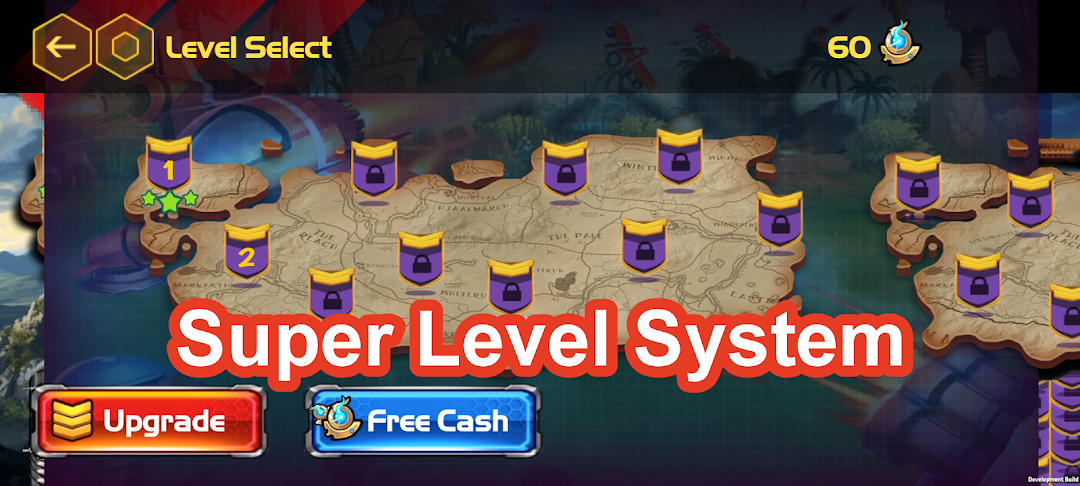
Defence AI is a Strategy game developed by hakfil, and LDPlayer is the best platform for playing Defence AI on Windows PC, offering powerful features for an immersive experience.
When playing Defence AI on your computer, you can enjoy long game sessions using the operation recording feature to record repetitive operations to complete the same tasks automatically. It allows you to level up faster and makes resource grinding much more efficient.
In addition, if you want to execute combo moves or the game requires repeated skill actions, the macro feature is your best helper. It enables you to complete kills with just one click!
If you want to manage multiple accounts, LDMultiplayer and Synchronizer will assist you. You can run multiple alternative accounts at the same time to assist the leveling of your main account. Download and play Defence AI on PC with LDPlayer now!
The world's best game in the category of strategy games, among tower and castle defense games.It allows you to place defense towers in any area you want, offering complete freedom.
The doors of a brand new world will be opened to you with artificial intelligence, in short AI, strategy games, and various castle defense brain training strategies.
"Defense" is an addictive gaming experience that offers a perfect synthesis of strategy and action. Players must make critical decisions to develop their own defensive strategies and repel waves of enemies.
In the game, players find themselves on various maps and must confront waves of enemies, each with different challenges. These waves, which at first seem like simple hostilities, become more complex over time, forcing players to constantly adjust and improve their defensive strategies.
There are a number of defensive towers and military units available to players. Each has different features and abilities, allowing players to develop strategies that suit their playstyle. Managing resources wisely and making strategic positionings is critical for players to succeed.
Graphics and visual effects immerse players in an immersive battle atmosphere, while challenging enemy waves and diverse maps increase the game's replayability.
"Defense" offers an exciting gaming experience for strategy enthusiasts and encourages players to constantly develop better strategies. Are you ready to prove yourself as a strategy master?