

Designer City 2: city building is a Simulation application developed by SGS - City Building Games, but with the best Android emulator-LDPlayer, you can download and play Designer City 2: city building on your computer.
Running Designer City 2: city building on your computer allows you to browse clearly on a large screen, and controlling the application with a mouse and keyboard is much faster than using touchscreen, all while never having to worry about device battery issues.
With multi-instance and synchronization features, you can even run multiple applications and accounts on your PC.
And file sharing makes sharing images, videos, and files incredibly easy.
Download Designer City 2: city building and run it on your PC. Enjoy the large screen and high-definition quality on your PC!
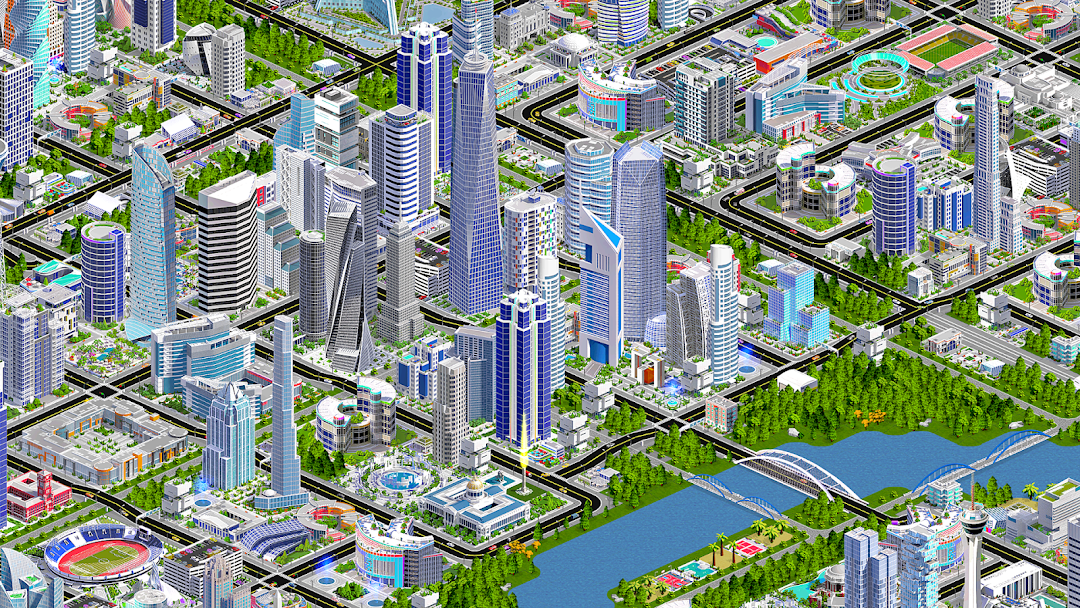
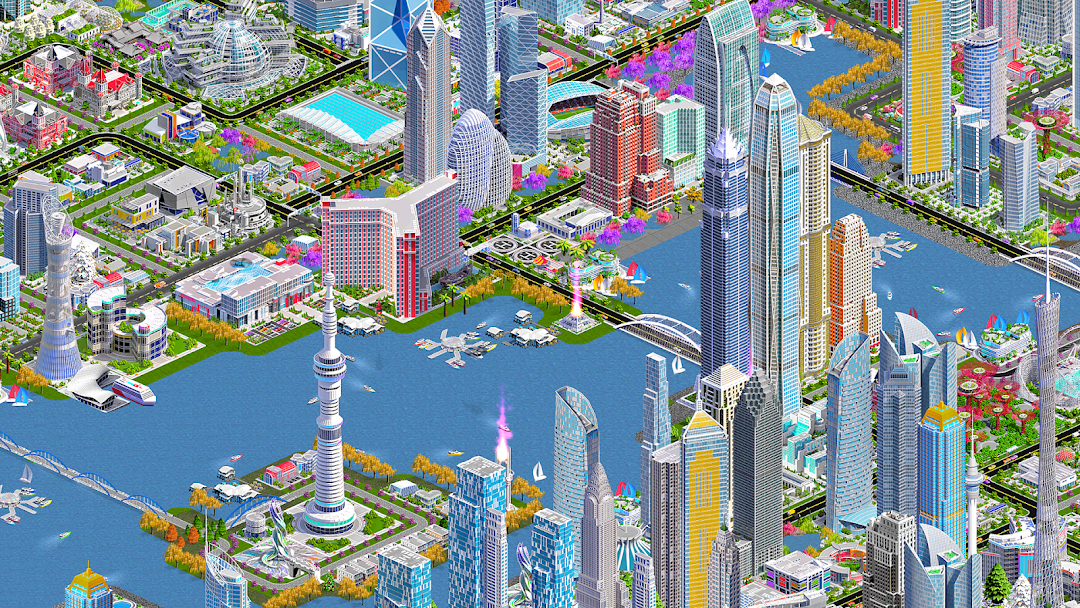
Design and Build Your Ultimate City Skyline in Designer City 2Tired of waiting in other city games? In this free offline city building simulator there are no timers or energy bars - you control the pace. Design and build your dream town, evolve it into a city, and expand into a massive metropolis with a unique city skyline.
BUILD YOUR DREAM CITY
Construct houses, apartments and skyscrapers to attract residents. Zone commercial and industrial areas to provide jobs. Add parks, schools, hospitals, police and fire stations to keep citizens safe, happy and productive.
CREATE YOUR SKYLINE
Design a city skyline filled with world landmarks, monuments and over 2,000 unique buildings. Shape the land by raising mountains, carving rivers, or creating coastlines. Every city is unique, every skyline different.
CITY MANAGEMENT & STRATEGY
This is more than just a casual builder—it’s a city tycoon simulator. Balance jobs and housing, manage resources, control pollution, and deploy services efficiently. Build complex transportation systems with roads, highways, railways and subways to keep traffic flowing.
EXPAND BEYOND THE CITY
Boost your economy with airports, seaports and farms. Explore military and space programs to add extra depth to your growing city empire.
PLAY OFFLINE OR ONLINE
Designer City 2 is completely free to play and works offline. No internet connection needed, no energy bars, no timers. Play your way, whenever you want.
THE ULTIMATE CITY BUILDER
If you love city building games, town builders, city simulators, tycoon games or skyline design, Designer City 2 gives you endless freedom. Build again and again on new landscapes with the city reset feature.
Download today and start your city building adventure. Free, offline and without limits, this is the city skyline game you’ve been waiting for.