

Designer City: Empire Edition is a Simulation application developed by SGS - City Building Games, but with the best Android emulator-LDPlayer, you can download and play Designer City: Empire Edition on your computer.
Running Designer City: Empire Edition on your computer allows you to browse clearly on a large screen, and controlling the application with a mouse and keyboard is much faster than using touchscreen, all while never having to worry about device battery issues.
With multi-instance and synchronization features, you can even run multiple applications and accounts on your PC.
And file sharing makes sharing images, videos, and files incredibly easy.
Download Designer City: Empire Edition and run it on your PC. Enjoy the large screen and high-definition quality on your PC!
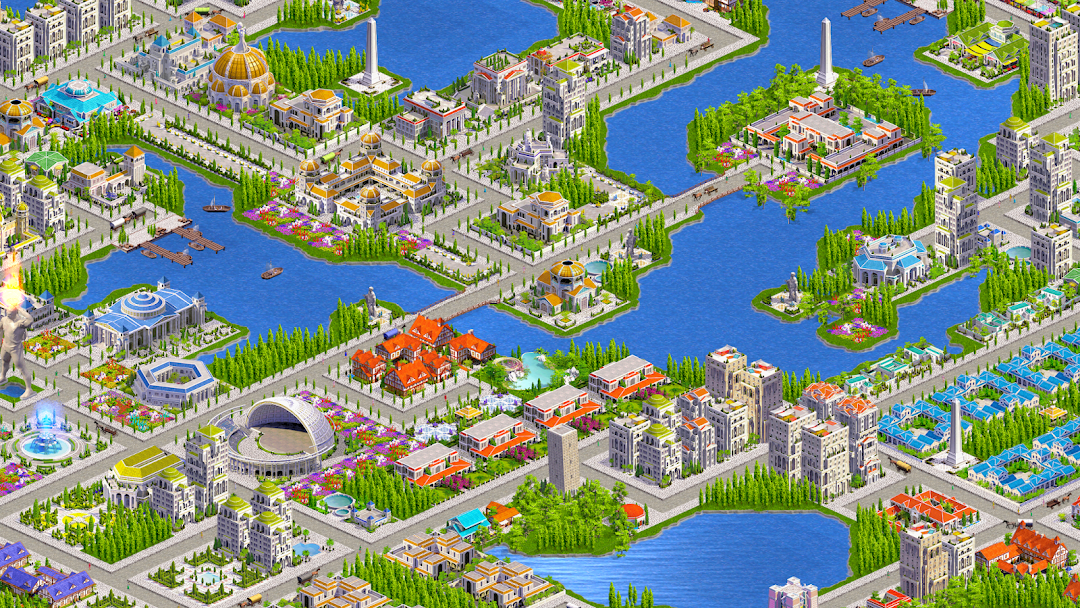
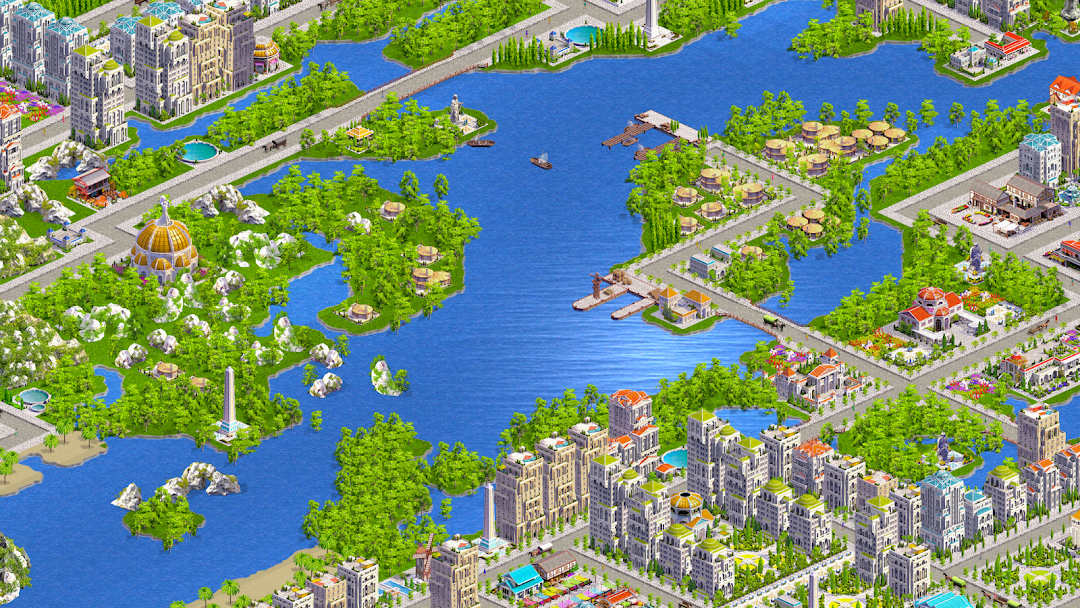
Design and Build Cities Across Civilizations – Offline Empire Building SimulatorLooking for an empire building game without battles or waiting? Designer City: Empire Edition is a free offline city building simulator and tycoon game where you design, build and manage cities across civilizations. Create thriving towns and historic skylines inspired by Rome, Egypt, Japan, the Aztecs, Medieval Europe and more.
BUILD YOUR EMPIRE
Attract citizens with homes, apartments and villas. Provide jobs with markets, industries and workshops. Add temples, arenas, theaters and monuments to keep your people entertained and happy.
CIVILIZATIONS & HISTORY
Mix and match iconic architecture from legendary cultures. Construct aqueducts, pyramids, pagodas, cathedrals and castles. Build your city your way—blend styles or focus on one civilization to create a unique empire.
CITY MANAGEMENT & STRATEGY
Balance economy, happiness and resources like a true empire tycoon. Manage power, water, waste and services to keep your city running smoothly.
PLAY OFFLINE OR ONLINE
Play at your own pace with no timers and no forced waiting. Offline or online, you have complete freedom to design and manage your city.
ENDLESS CREATIVITY
No limits, no fixed path—just pure empire building freedom. Create sprawling ancient cities, medieval towns, or cultural marvels with over 1,200 unique buildings and decorations.
If you love city building games, empire builders, civilization simulators, tycoon strategy or historical city skylines, Designer City: Empire Edition is the ultimate empire city building game for you.
Download today and start building your empire across civilizations!