Evil Carton Cat Call is a Simulation application developed by Kany Games Inc, but with the best Android emulator-LDPlayer, you can download and play Evil Carton Cat Call on your computer.
Running Evil Carton Cat Call on your computer allows you to browse clearly on a large screen, and controlling the application with a mouse and keyboard is much faster than using touchscreen, all while never having to worry about device battery issues.
With multi-instance and synchronization features, you can even run multiple applications and accounts on your PC.
And file sharing makes sharing images, videos, and files incredibly easy.
Download Evil Carton Cat Call and run it on your PC. Enjoy the large screen and high-definition quality on your PC!
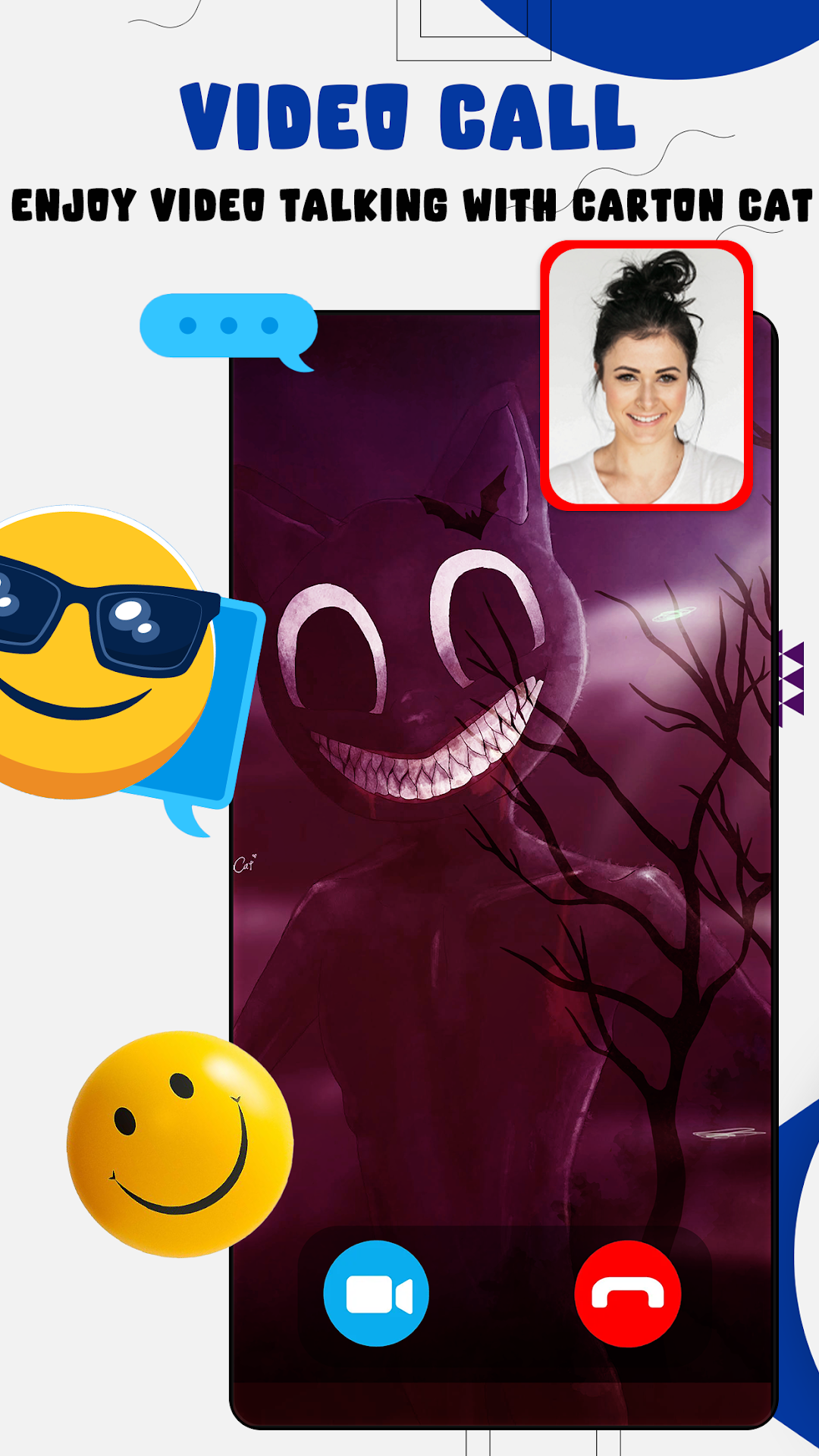
Carton Cat Call Chat talk Game allow you to receive a prank call from your favorite idol scary Cartoon Black Cat and the tailes in such a realistic way that no one can guess that it's fake and will cheer up all of your relatives and friends, and family.Welcome everybody to the new prank scary call the Carton Cat and chat with him !
after doing this you can just schedule the call after a time of your choosing.
Cartoon Cat Calling You: Fake Video Call app to accompany your days in leisure time. when you feel lonely and boring then you can easily entertain yourself and your friends too with fake video calls from your Cartoon,Cat. There is many features of this application have lots of contacts to entertain you.
- live chat and live video calls.
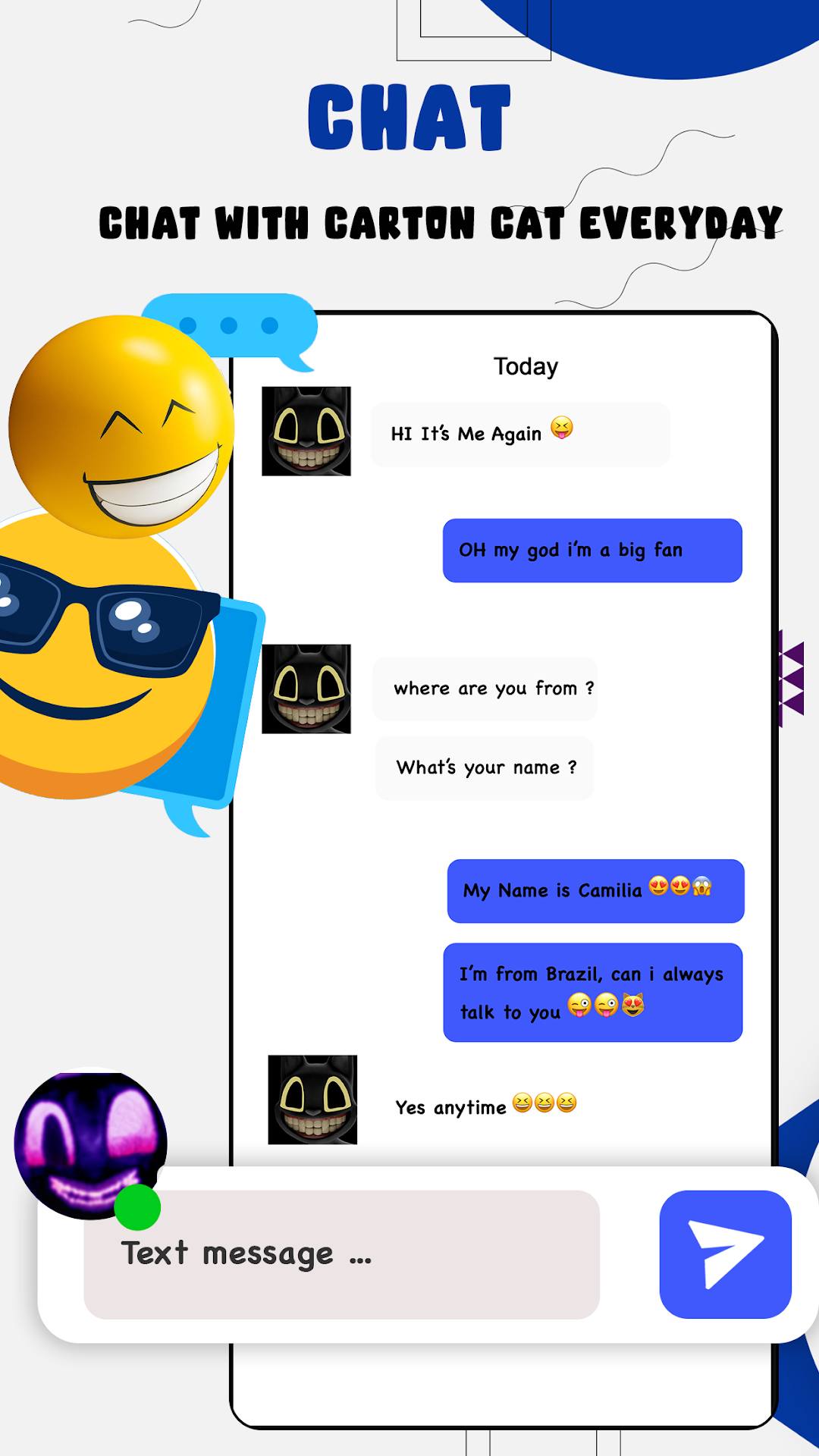
- chat with scary Carton cat-call 3d by answering properly her question.
- have a texting conversation with cartoon cat
- Possibility for you or your friends to accept or reject the call.
- Answer the fake incoming call from the teacher
- Sounds Just For Fun
- Have a blast
- replicate fake incoming video call from cartoon,cat.
This game is purely fictional and is not an official app created by cartoon_cat. This is just entertainment for you carton cat fans! This app is for entertainment purposes only and does not provide real calling functionality.
It is not a real vocation and only an imitation! The app bears no harm and is for fun only! Thank you for joining us, please give good feedback and five star rating if you are really a carton cat fan. Thank you for downloading our Enjoy app.