Play Google Snake - Snake Game on PC
Drunk Games studio developed this Google Snake - Snake Game, one of the most popular video games in the gaming universe. You all have heard of the snake game as a popular concept. This snake game will give you a unique experience in a classic snake game. The LDPlayer 9 is the best emulator to play Google Snake - Snake Game on PC.
Crawl Your Snake with Easy Controls without Being Crushed
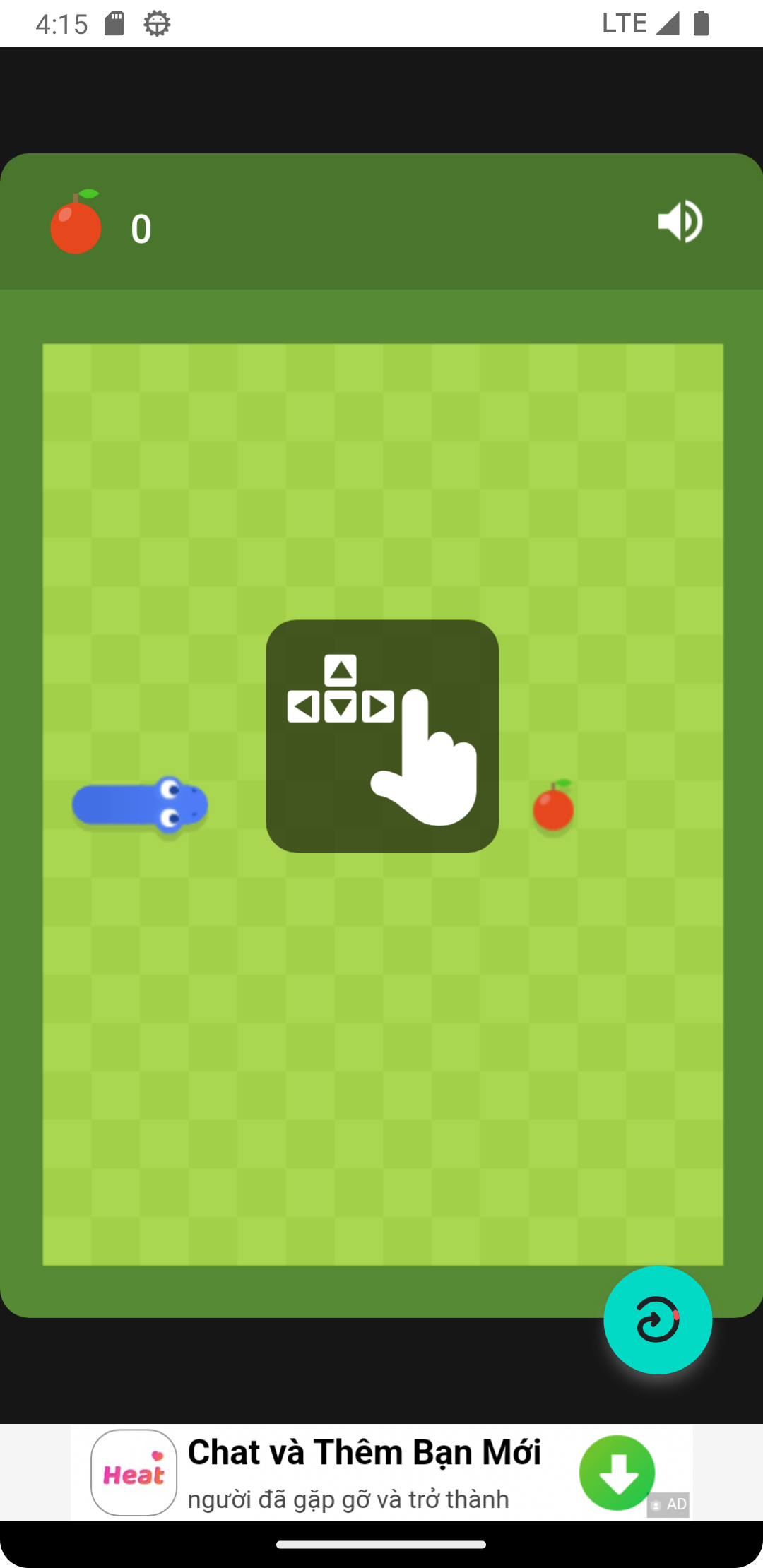
The game concept is very simple, and all of you know about it. Here you control the snake in a given space, and when the food appears, you need to move your snake to where the food is. When your snake eats food, your snake gets bigger with an extending tail. The more your snake eats food, the more your snake gets bigger.
But what is most challenging about this game is that you need to prevent your snake from getting crushed by the walls, and also, you should also make sure that your snake will not get crushed with its own tail. Because when your snake gets bigger, it is hard to control in the given tiny room, and you need good patience. So try your best to grow your snake and control its movements carefully.
Google Snake - Snake Game with Easy Controls
The game is about controlling your snake carefully without letting it get crushed by any external object or with its tail. If touch-based controls piss you off during the gameplay, you should try the game on your PC with LDPlayer 9. The LDPlayer 9 offers the Keyboard Mapping feature, which lets you assign your most preferable key shortcuts to control your snake carefully.