hARmony (AR Game) is a Adventure application developed by My Flying Colours, but with the best Android emulator-LDPlayer, you can download and play hARmony (AR Game) on your computer.
Running hARmony (AR Game) on your computer allows you to browse clearly on a large screen, and controlling the application with a mouse and keyboard is much faster than using touchscreen, all while never having to worry about device battery issues.
With multi-instance and synchronization features, you can even run multiple applications and accounts on your PC.
And file sharing makes sharing images, videos, and files incredibly easy.
Download hARmony (AR Game) and run it on your PC. Enjoy the large screen and high-definition quality on your PC!
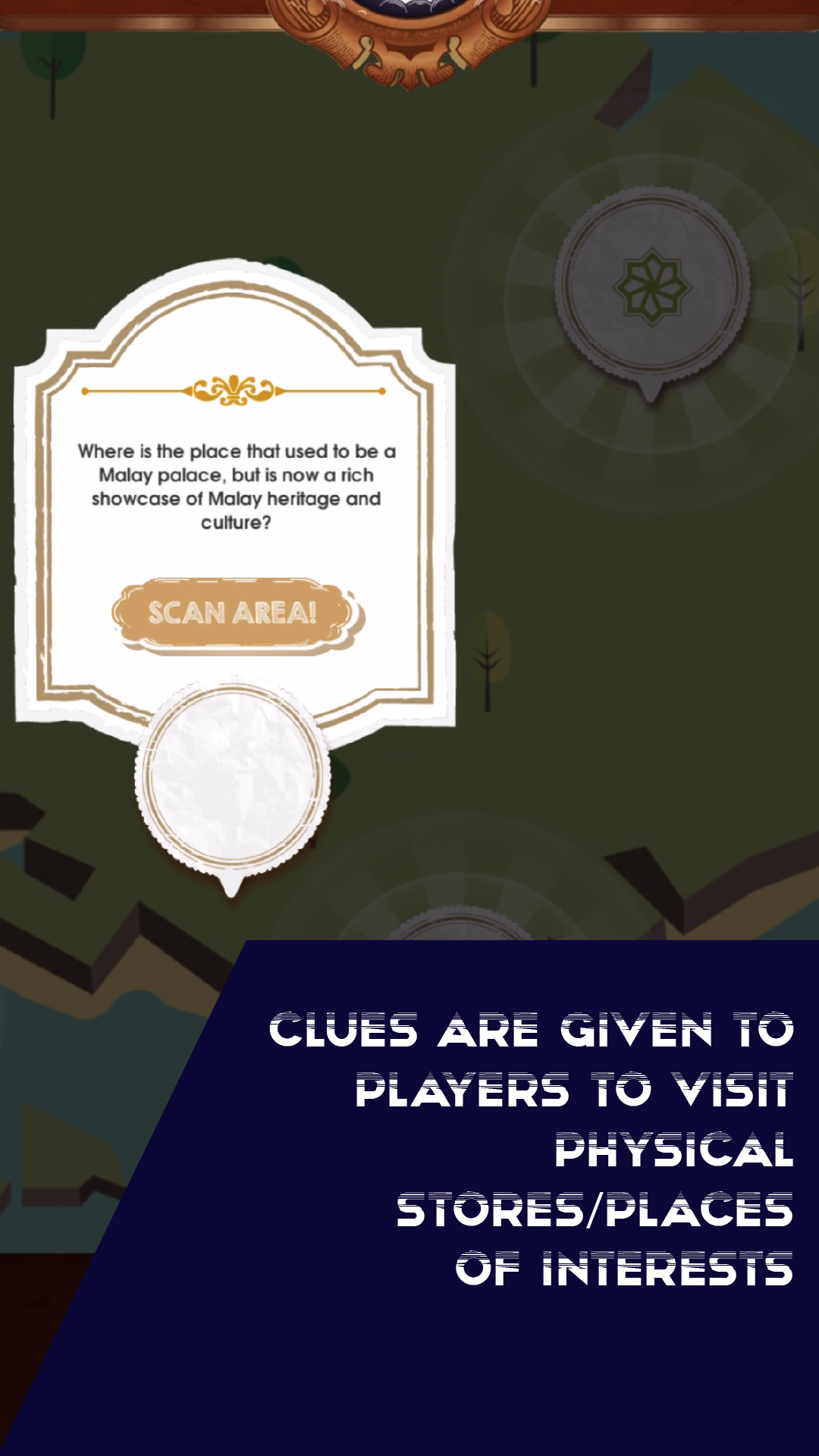
hARmony tells the story of a cute alien robot has somehow crash landed in Singapore and its spaceship parts are scattered all over Singapore. The player’s mission is to help the robot to find all the scattered parts of the spaceship, so that it can go back to its home.The missing parts of the spaceship are found in three areas in Singapore- Little India, Chinatown and Geylang Serai. The user needs to physically go to these places in order to open up ‘portals’.
These portals have an ability to time shift, bring user and robot back in time, thereby allowing user to experience different important historical time and landmarks that has important racial or cultural meaning.
hARmony app aims to educate the player, but done in a fun and creative way. We are teaching the ‘innocent’ alien robot hARmony, about racial harmony and its importance, especially in such a diverse and multi racial country like Singapore.