

Illusion Connect: Re
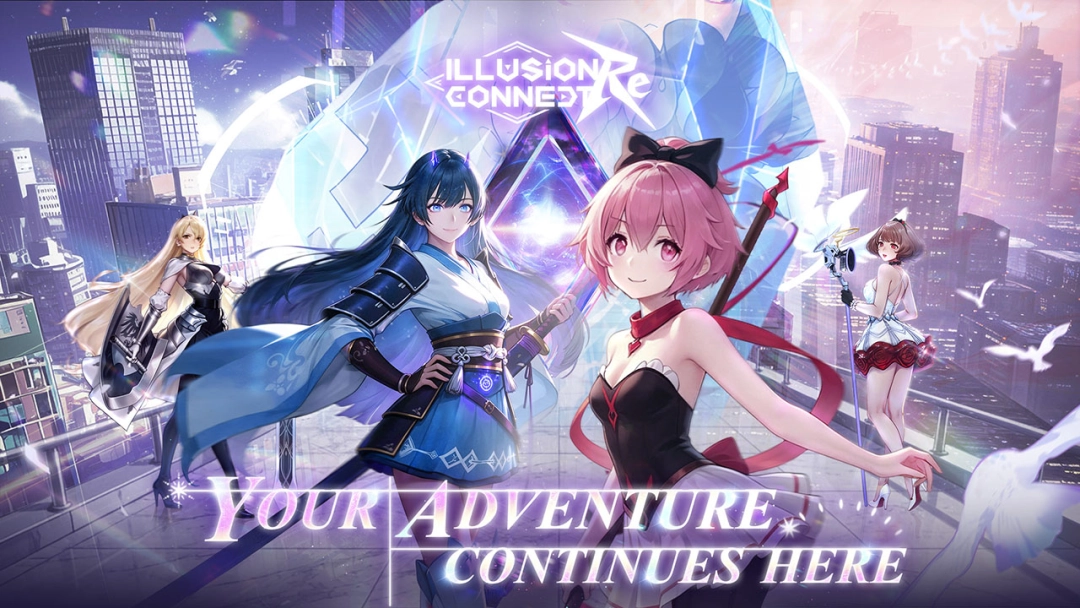
Introduction Step back into the world where your grand adventure once began! Illusion Connect: Re invites you to reconnect with the Radiants who once fought bravely by your side and relive the tactical excitement of past battles. As the leader, you must direct your heroes to protect reality from the encroaching, powerful Nightmares. Featuring dynamic real-time grid combat, a massive roster of over 130 beautifully illustrated Live2D characters, and a legendary Japanese voice cast, this revived anime strategy RPG promises new encounters, deeper memories, and grand challenges as your story moves forward.
Core Gameplay & Features
-
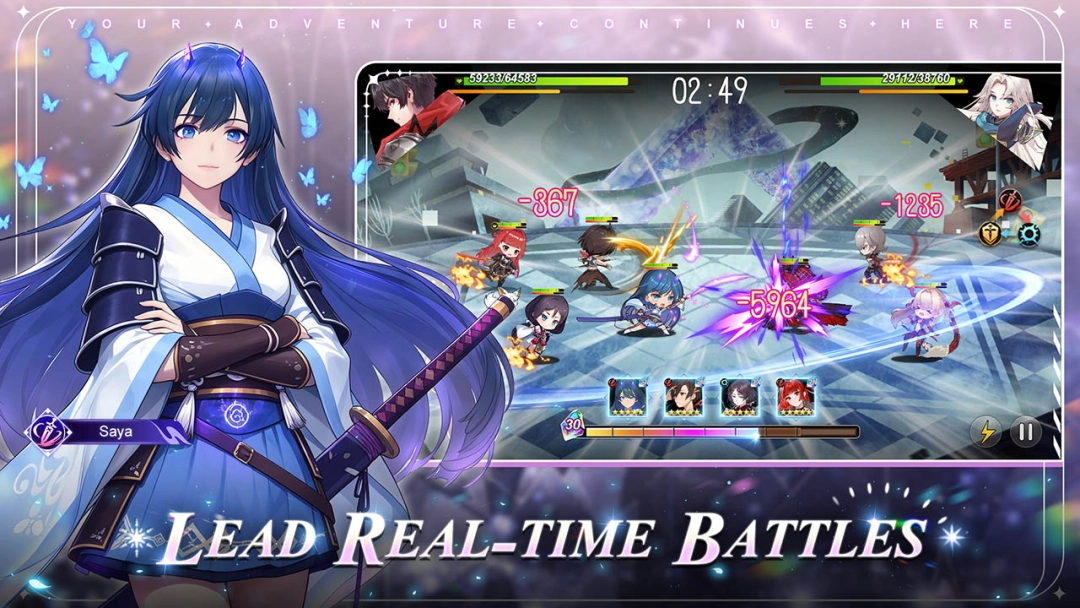
Lead Thrilling Real-Time Battles: Take absolute command in fast-paced, real-time tactical combat where timing is everything. Deploy your Radiants onto the battlefield, shift formations mid-battle, and unleash devastating combo strengths to counter diverse Nightmare mechanics.
-
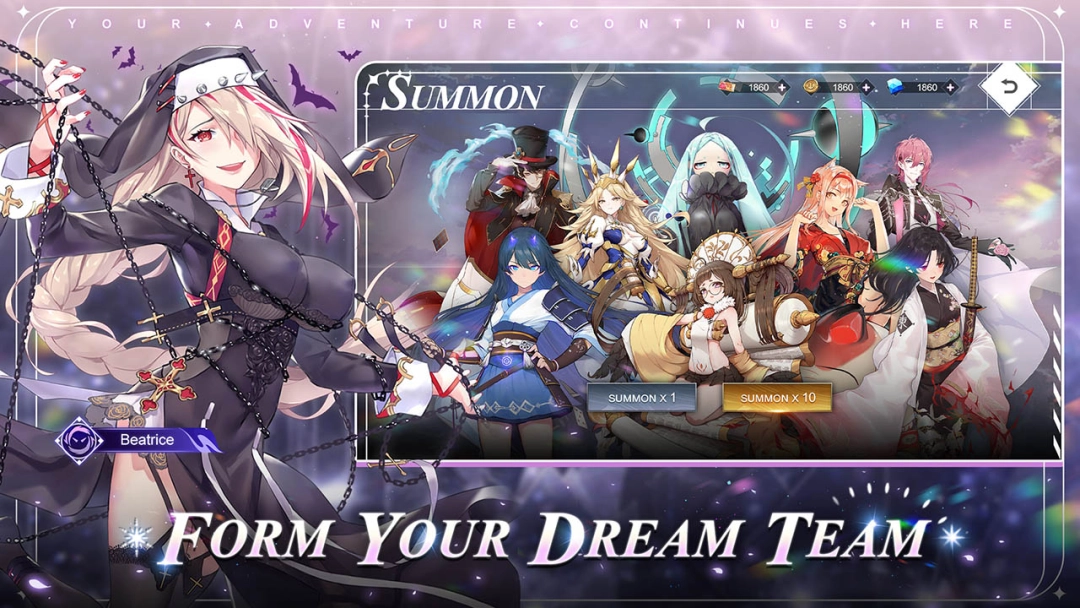
Form Your Dream Team: Build your ultimate squad from an expansive roster of over 130 stunningly illustrated characters. Each hero is brought to life with highly expressive Live2D animations, unique abilities, distinct personalities, and critical battle roles.
-
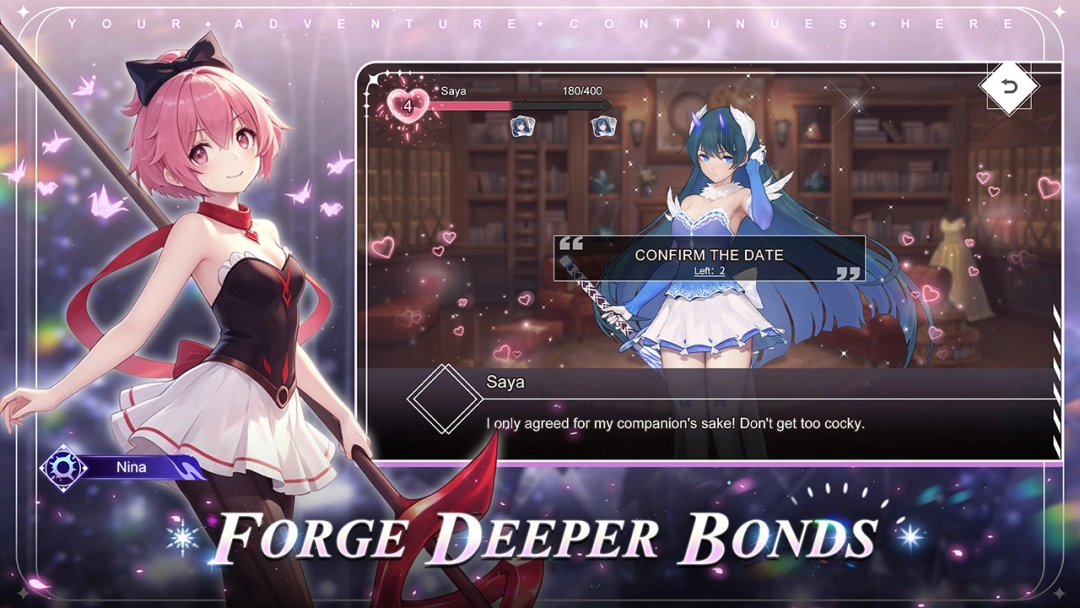
Forge Deeper Character Bonds: Your Radiants grow stronger through the personal relationships you build with them. Spend quality time with your favorite companions, explore their backstories, and unlock powerful new hidden abilities as your bonds deepen.
-
Decorate Your Dream Home: Create a cozy and peaceful personal retreat for your battle-weary team. Customize and decorate your home base with a wide variety of themed furniture and wallpapers where your companions can rest before the next raid.
-
Voices of Legendary Anime Talent: Immerse yourself in the story with a celebrated, star-studded lineup of Japanese voice actors, including Saori Hayami, Natsuki Hanae, Aoi Yūki, Ayane Sakura, Maaya Uchida, Yui Ishikawa, and many more!
Players are incredibly hyped for Illusion Connect: Re because it perfectly recaptures the unique, adrenaline-pumping speed of real-time card deployment strategy while offering a modern, visually upgraded anime aesthetic.
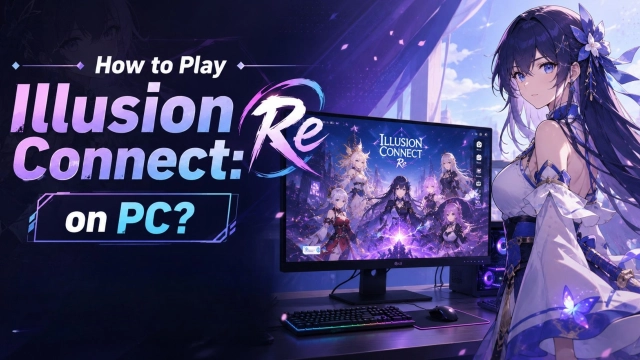
Play Illusion Connect: Re on PC with LDPlayer for Best Experience
-
Precision Controls for Real-Time Strategy: In high-stakes real-time battles, a split-second delay or a misplaced character card can cost you the match. LDPlayer lets you map your character cards and battlefield grids perfectly to your keyboard and mouse, ensuring lightning-fast, flawless deployment and skill timing.
-
Multi-Instance for Fast Rerolling: Want to start your journey with the strongest SSR Radiants from the very beginning? Use LDPlayer’s Multi-Instance tool to run multiple accounts simultaneously, speeding up the early gacha reroll process drastically at launch.
-
Breathtaking Live2D Art on a Big Screen: Do not let a small mobile screen limit the gorgeous character designs and smooth Live2D interactions. Enjoy the crisp details of over 130 beautifully rendered characters and their flashy ultimate skill animations in full HD on a large PC monitor.
-
Stable, Cool, and Lag-Free Performance: Real-time combat with full-screen particle effects can cause mobile devices to stutter and overheat. Playing on LDPlayer guarantees a stable, high-frame-rate experience, keeping your tactical decisions fluid and unhindered.
-
Effortless Resource Farming: Let the game run smoothly in the background on your PC to manage your home base resources or complete daily material stages while you comfortably multitask or work.
Reconnect with your Radiants, master the grid, and shatter the Nightmares—download Illusion Connect: Re on PC and experience the ultimate real-time anime strategy with LDPlayer!