Kick Fishing - Play & Earn is a Casual game developed by Game.com. LDPlayer is the best platform for playing Kick Fishing - Play & Earn on Windows PC, offering powerful features to enhance your immersive experience in Kick Fishing - Play & Earn.
When playing Kick Fishing - Play & Earn on your computer, if you find repetitive actions or tasks tedious and time-consuming, fret not! Macro can alleviate your concerns. Simply record your actions with a click of the screen recording feature and let macros take care of the rest. Macros automate your operations, allowing you to effortlessly conquer the game with minimal effort! Start downloading and playing Kick Fishing - Play & Earn on your computer now!
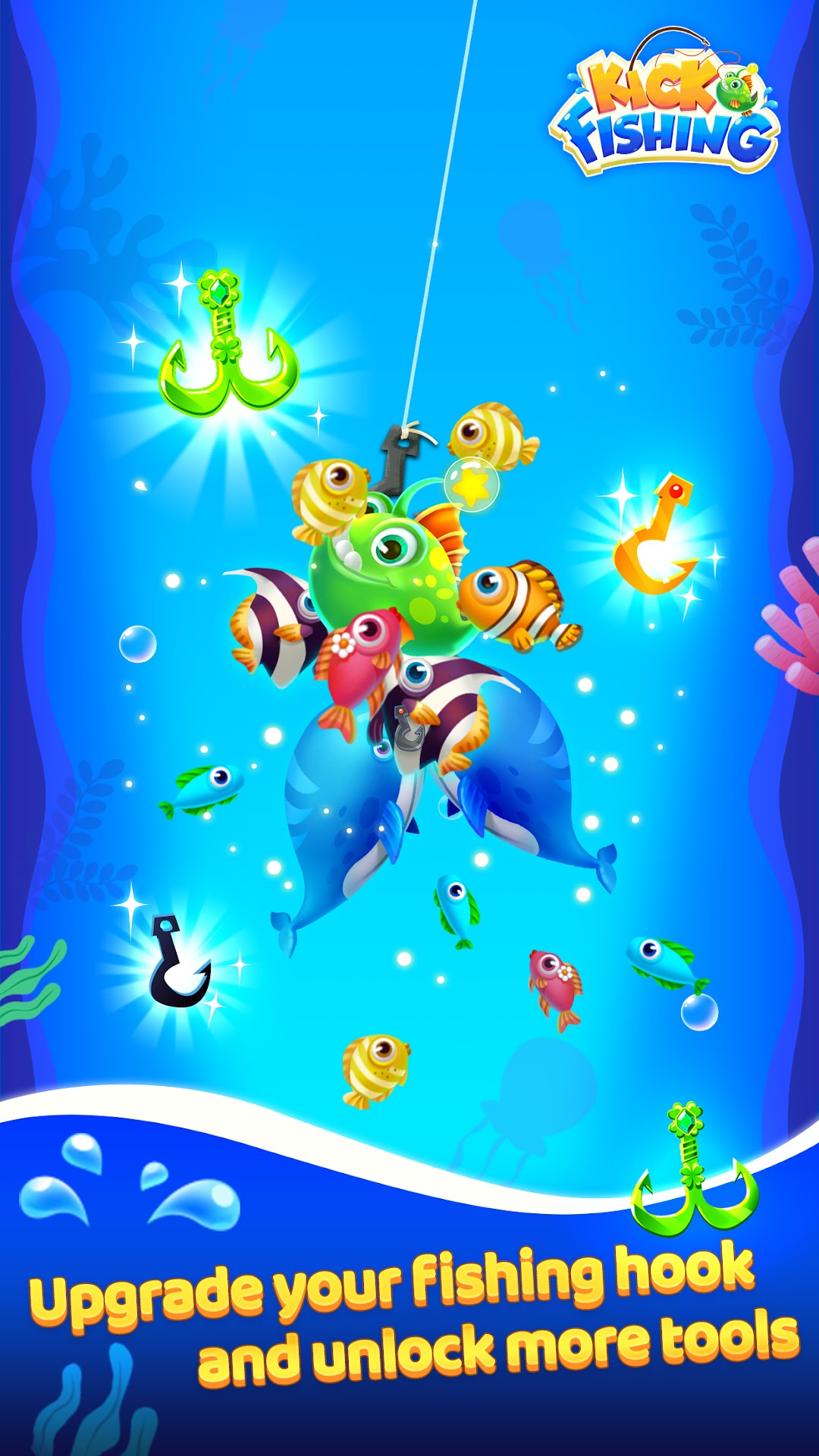
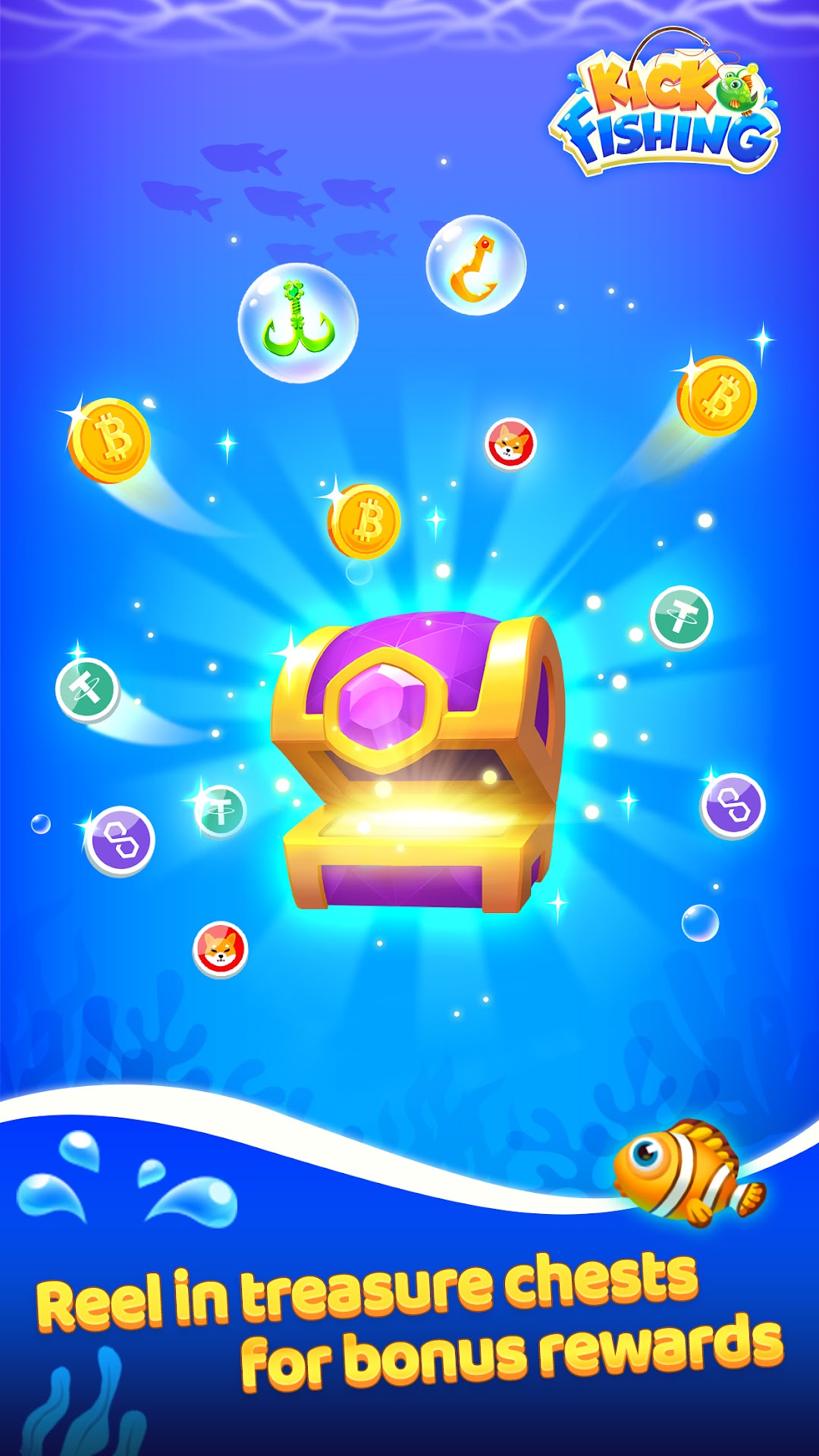
Kick Fishing is a fishing game full of surprises. You can experience thrilling fishing and get various rewards, making fishing more interesting.Want to experience the most exciting virtual fishing adventure? Jump into the fish and continuously upgrade your fishing rod and depth to get more game props and rewards. When you accidentally grab the treasure chest, you need to be careful to avoid the bombs, otherwise your previous efforts will be in vain.
You can also invite friends to play together like a party game and ask them to help you earn more rewards. Compete in the game to see who is the king of fishing.
Features and Highlights
1. Experience the fun of fishing: put down the hook, jump into the school of fish, and catch as many kinds of fish and surprise treasure chests as possible
2. Different game experience: Unlock and upgrade fish hooks to become a member, helping you win more gold coins and digital currency rewards such as SHIB and MATIC
3. Rich tasks and challenges: daily tasks, real-time battles and mysterious treasure chests are waiting for you to unlock
Kick Fishing takes you into the amazing world of fishing.
User Agreement: https://kickfish.game.com/html/termofservice-en.html
Privacy Policy: https://kickfish.game.com/html/privacy-en.html
Feedback: hellofishing@nihao.com
Official Twitter: https://x.com/kick_fishing
Discord channel: https://discord.gg/nadTvpYWH8