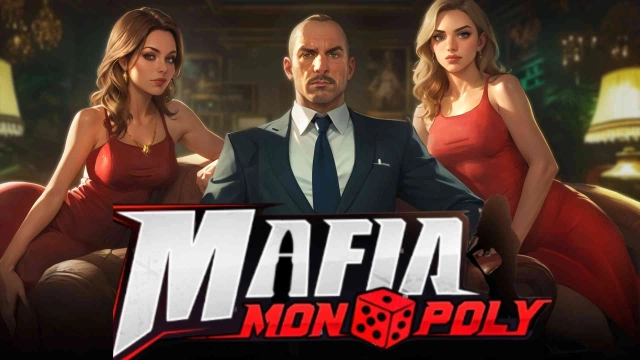
Gangster Go is a Strategy game developed by Era Evolutions Co Limited, and LDPlayer is the best platform for playing Gangster Go on Windows PC, offering powerful features for an immersive experience.
When playing Gangster Go on your computer, you can enjoy long game sessions using the operation recording feature to record repetitive operations to complete the same tasks automatically. It allows you to level up faster and makes resource grinding much more efficient.
In addition, if you want to execute combo moves or the game requires repeated skill actions, the macro feature is your best helper. It enables you to complete kills with just one click!
If you want to manage multiple accounts, LDMultiplayer and Synchronizer will assist you. You can run multiple alternative accounts at the same time to assist the leveling of your main account. Download and play Gangster Go on PC with LDPlayer now!
In this city where sin and desire copulate, the crime lord who once ruled it all has been taken by scheme and killed on the streets while his daughter now lies in the hands of the enemy. Now, the call for vengeance has erupted and the burden of revenge has fallen upon you. Save the princess of the underworld, reclaim former glories and become the new lord of the city!- Gambler's Board Game
"Life and death hang in the roll of a die, and winner takes all!"
In this city of vendetta, the Gambler's Board Game is your key to taking it all back. Within each die lies both opportunity and danger. Only the best strategist amidst the gambles will rise to the top and control it all.
- Dominate The Streets
"My turf, my rules!"
Money and power are everything. Lead your gang to gradually take back the city blocks and the enemy's turf into your territory, controlling their assets, reaping their wealth and becoming the city's top dog.
- Mafia Warriors
"Who dares oppose me? All will kneel!"
Countless fierce souls lie hidden in the dark corners of the city, waiting for a tamer to serve with undying loyalty. You will recruit these beasts and warriors, expanding your empire of black gold and establishing your very own hegemony.
- Sin City
"Power in my hands and all beneath my feet!"
In this city, only the strong command respect. Defeat the forces of enemy syndicates through gang wars, plundering their resources and conquering the entire city in order to build your unshakeable empire of tainted gold.
- Paradise of Beauties
"The road of the strong is fraught with beautiful women!"
Encounter innumerable beauties of all graces as the mob's boss and give them your protection. Each day, once the storm of bullets have settled, you can date them at your private club and enjoy moments of intimacy, using your unique style to make them fall head over heels for your charm!