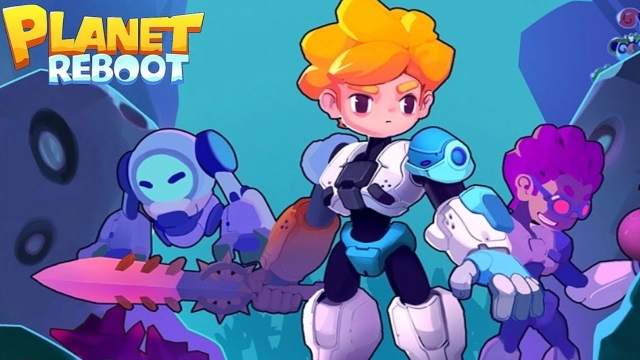
PlanetReboot is a Strategy game developed by Era Evolutions Co Limited, and LDPlayer is the best platform for playing PlanetReboot on Windows PC, offering powerful features for an immersive experience.
When playing PlanetReboot on your computer, you can enjoy long game sessions using the operation recording feature to record repetitive operations to complete the same tasks automatically. It allows you to level up faster and makes resource grinding much more efficient.
In addition, if you want to execute combo moves or the game requires repeated skill actions, the macro feature is your best helper. It enables you to complete kills with just one click!
If you want to manage multiple accounts, LDMultiplayer and Synchronizer will assist you. You can run multiple alternative accounts at the same time to assist the leveling of your main account. Download and play PlanetReboot on PC with LDPlayer now!
The long space mission suddenly has an accident while on the way back and crashes on an unknown planet. Luckily, all the team members survive and find life on this planet! The next objective is to repair the spaceship. You must explore this planet to collect materials, build production facilities, and manufacture the parts you need to fix your spaceship. Your alien planet adventure has begun!Alien Planet Exploration
Explore the mysterious planet to find your spaceship, recover the lost components, and fix your spaceship. This place has abundant resources, strange extraterrestrial creatures, and primitive cultures. Keep clearing the fog and bravely go forward!
Technology Development
Don't worry! The database has all the technology you need to develop on this planet. You only have to find the materials and master the technology to unlock more new skills!
Gathering and Production
An axe, a hammer, or whatever you need to gather! Explore the mysterious caves to collect various materials and set up production pipelines to make the necessary parts for repairing the spacecraft.
Recruit Team Members
Find your crew and recruit alien team members with different abilities. Your team must keep expanding to face the powerful challenges and gather more effectively!
Defeat Enemies
On the adventure, you will encounter strong enemies while dispatching your team! You will even get involved in the grudges between the alien clans. Move your fingers to train some soldiers and defeat the clans to keep advancing!