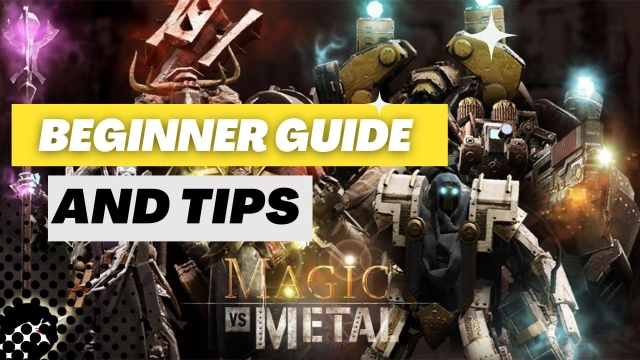
Magic vs. Metal is a Action game developed by Foursaken Media, and LDPlayer is the best platform for playing Magic vs. Metal on PC, offering powerful features to immerse you in the game.
When playing Magic vs. Metal on computer, you can adjust frame rate settings for smooth gameplay and stunning visuals.
LDPlayer also provides pre-configured keyboard mapping for convenient control of the entire game. Continuous optimization of keyboard mapping enhances key sensitivity and skill accuracy. Additionally, LDPlayer offers special buttons like shoot, hide mouse, and continuous key press for an enhanced gaming experience.
If you prefer using a gamepad, the automatic gamepad detection allows you to customize controls with just a few clicks, enabling you to freely maneuver your hero. Start downloading and playing Magic vs. Metal on your computer now!
Centuries after a meteor impact nearly wipes out mankind, two factions evolve - one biological, the other mechanical. Now, both are locked in a desperate war for survival. Choose your hero, summon an unstoppable army, unleash devastating powers, and wipe out the enemy in this unique real-time strategy game.REAL TIME STRATEGY (RTS) OR THIRD-PERSON-SHOOTER (TPS)
Play with one hand while commanding above the battlefield, or join the battle in an action-packed third-person shooter - the choice is yours!
MASSIVE CAMPAIGN
Wage war across a post-apocalyptic world as you attack and defend in a massive single-player campaign.
POWERFUL SPELLS & HEROES
Choose from six unique heroes, each with dozens of powerful spells to bring into battle. Crush your enemies with the Berserker, disintegrate them with the Nova, overwhelm them with the armies of the Necromancer, and more!
CRAFT POWERFUL ITEMS
Collect items and use them to craft rare and powerful artifacts that supercharge your heroes, spells, and troops!
GRAPHICS
Experience incredible 3D graphics, dynamic lighting, and detailed particle effects. You'll be immersed in this dark and war-torn fantasy world!
FANTASY MEETS SCI-FI
Summon fantasy creatures, or build sci-fi war machines. Cast spells, or unleash firepower. Use magic or technology to win the war - the choice is yours in this unique merging of genres!
SOCIAL MEDIA
Find us (@FoursakenMedia) on Discord, Twitter, or Facebook for the latest news and updates!