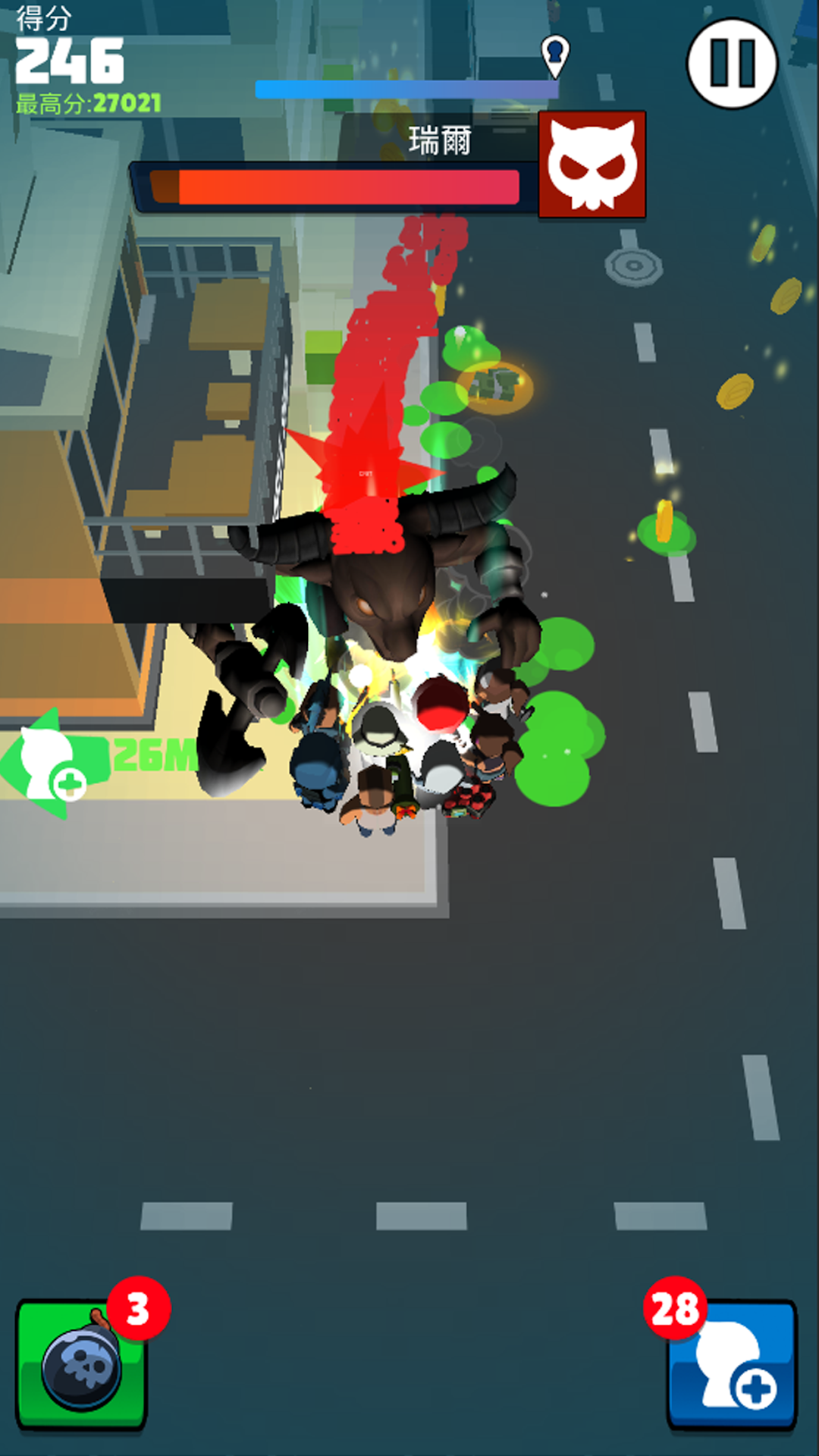
Monster Survivor is a Action game developed by O_A_O, and LDPlayer is the best platform for playing Monster Survivor on PC, offering powerful features to immerse you in the game.
When playing Monster Survivor on computer, you can adjust frame rate settings for smooth gameplay and stunning visuals.
LDPlayer also provides pre-configured keyboard mapping for convenient control of the entire game. Continuous optimization of keyboard mapping enhances key sensitivity and skill accuracy. Additionally, LDPlayer offers special buttons like shoot, hide mouse, and continuous key press for an enhanced gaming experience.
If you prefer using a gamepad, the automatic gamepad detection allows you to customize controls with just a few clicks, enabling you to freely maneuver your hero. Start downloading and playing Monster Survivor on your computer now!
Welcome to "Monster Survivor"! This is an exciting survival game where you need to survive in a world occupied by various monsters while competing with other players, and ultimately become the sole survivor.In the game, you need to traverse various terrains and scenes, search for weapons and supplies, and avoid and eliminate various monsters. You can choose single-player mode to challenge your survival skills, or choose multiplayer mode to team up with other players and cooperate to fight against monsters and other players.
You can join a team with members of different abilities, and through cooperation and coordination, your attacks and defenses can be more effective and powerful. For example, someone can be responsible for attacking, someone can be responsible for defending, and someone can be responsible for supplying and healing, etc., to achieve the best combat results. You can earn experience points and rewards by completing tasks and killing enemies, to enhance your abilities and equipment.
There are various types of monsters in the game, some with fast speed and strong attack, some with large size and high health, and you need to choose the appropriate weapons and tactics according to the situation. At the same time, the environment in the game will also affect you, such as weather, time, and terrain, all of which will bring challenges to your survival and actions.
In "Monster Survivor", you need to demonstrate your intelligence and courage, and use your strategy and skills to become the ultimate survivor. Are you ready for the challenge? Join the game now and embark on your journey of survival!