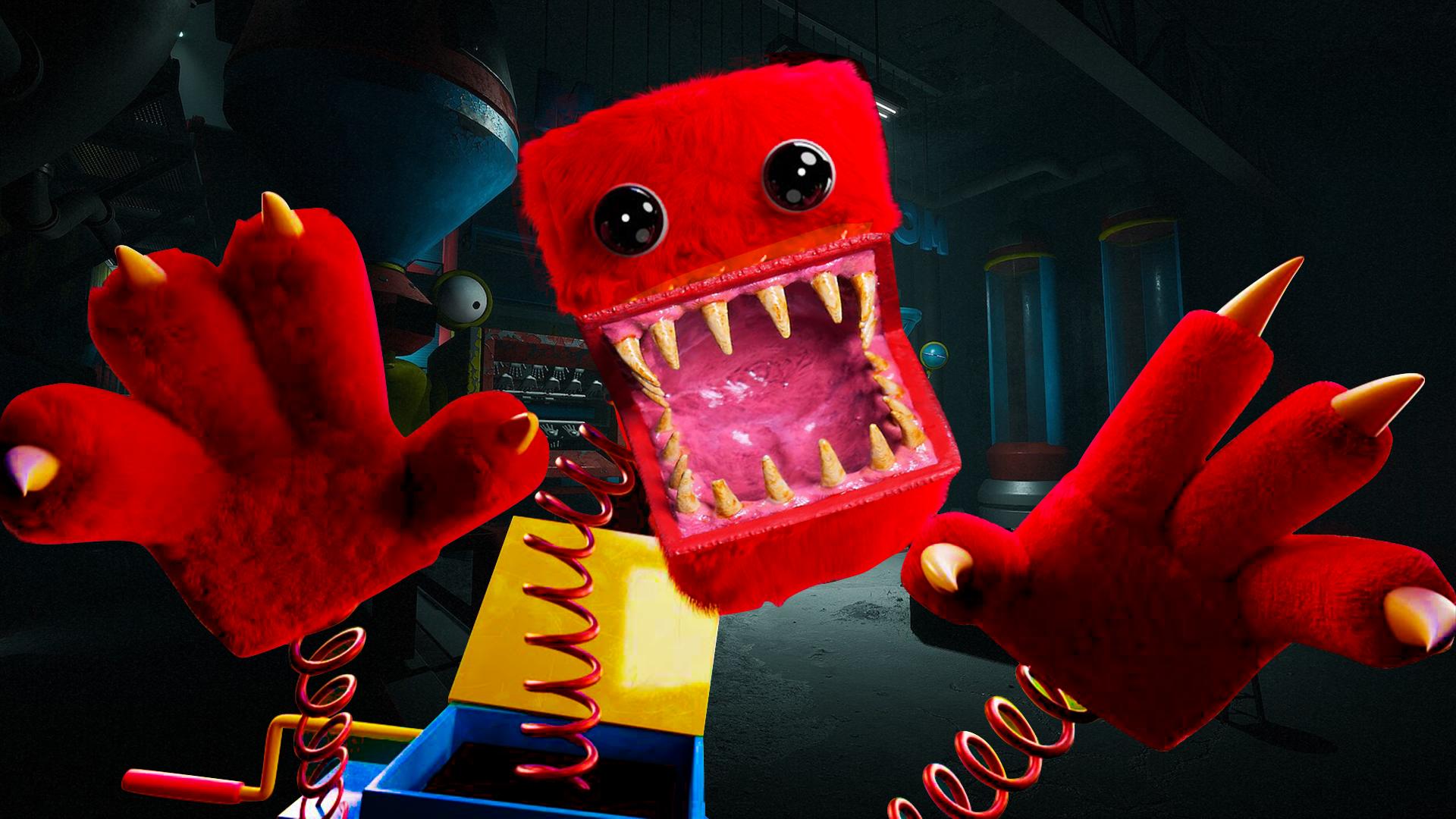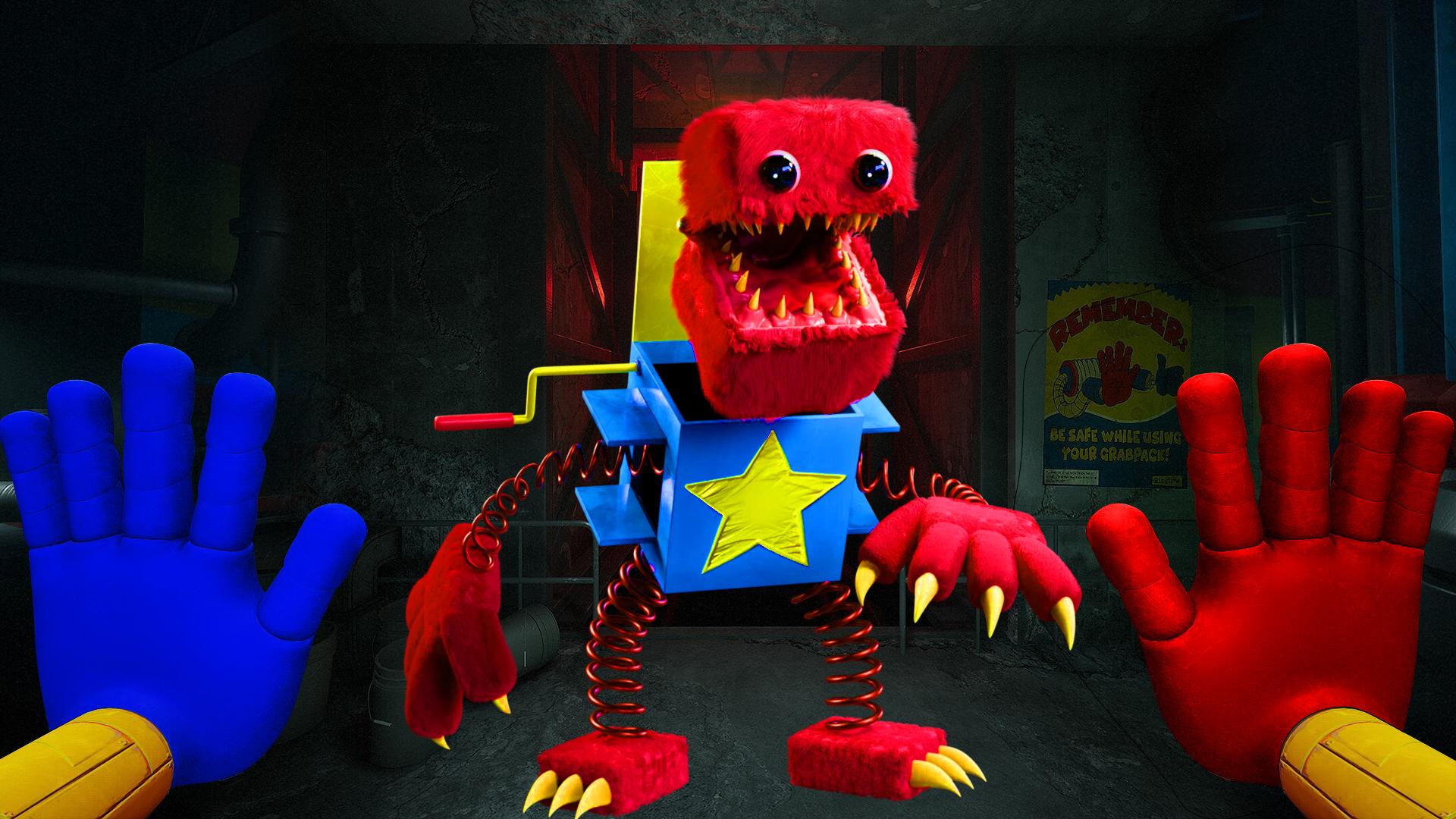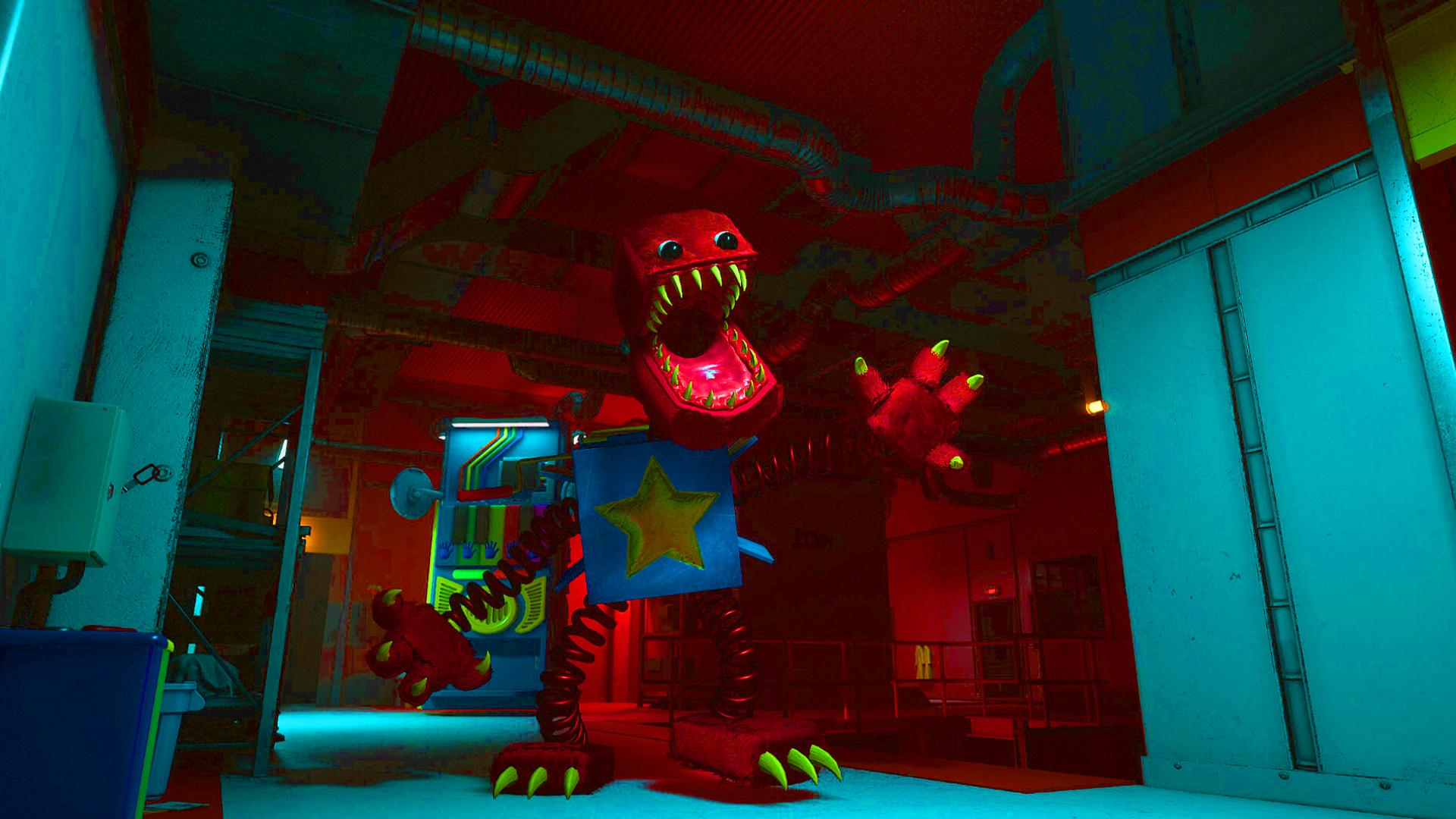


Project: Playtime Game 2023 is a Strategy game developed by , and LDPlayer is the best platform for playing Project: Playtime Game 2023 on Windows PC, offering powerful features for an immersive experience.
When playing Project: Playtime Game 2023 on your computer, you can enjoy long game sessions using the operation recording feature to record repetitive operations to complete the same tasks automatically. It allows you to level up faster and makes resource grinding much more efficient.
In addition, if you want to execute combo moves or the game requires repeated skill actions, the macro feature is your best helper. It enables you to complete kills with just one click!
If you want to manage multiple accounts, LDMultiplayer and Synchronizer will assist you. You can run multiple alternative accounts at the same time to assist the leveling of your main account. Download and play Project: Playtime Game 2023 on PC with LDPlayer now!
Project: Playtime Game 2023 on PC
Project: Playtime Game 2023, coming from the developer Role Play Romp, is running on Android systerm in the past.
Now, You can play Project: Playtime Game 2023 on PC with LDPlayer smoothly.
Download it in the LDPlayer library or search results. No more eyeing the battery or frustrating calls at the wrong time any more.
Just enjoy Project: Playtime Game 2023 PC on the large screen for free!
Project: Playtime Game 2023 Introduction
Project: Playtime Horror 2023 is a free-to-play multiplayer Scary game where four players attempt to create one giant toy while surviving a terrifying monsters in the quest that roams the toy factory. A fifth player controls the monster and is given only one goal: Find and kill everyone in way. you have to survive the Project: Playtime Game 2023 Horror quest.
Can you hear us?
Welcome to your job as a Resource Extraction Specialist here at Playtime Co., the largest toy company in the world! You've been assigned to a special unit responsible for extracting giant toy parts from closed-off areas of the factory. The parts are locked behind cryptic puzzles and guarded by freakish monsters that've taken over these once-magical locations. Retrieve the parts, avoid any kind of contact with the monsters, and most importantly... don't die.
Can you see this?
Prepare yourself for a 6v1 battle of survival. Six players will take the role of a Survivor. Together, they must solve puzzles and forge together a toy of epic size, all while trying to stay alive. One player will take on the role of the Monster. There are several characters to choose from, all offering a unique set of skills used to catch and kill their prey.