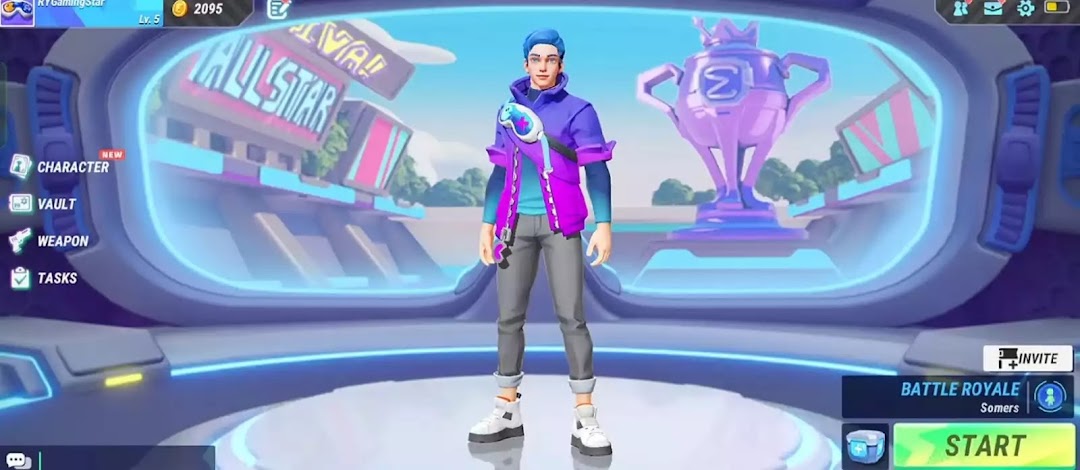
Sigma FF Battle Royale is a Action game developed by Sigma Creator, and LDPlayer is the best platform for playing Sigma FF Battle Royale on PC, offering powerful features to immerse you in the game.
When playing Sigma FF Battle Royale on computer, you can adjust frame rate settings for smooth gameplay and stunning visuals.
LDPlayer also provides pre-configured keyboard mapping for convenient control of the entire game. Continuous optimization of keyboard mapping enhances key sensitivity and skill accuracy. Additionally, LDPlayer offers special buttons like shoot, hide mouse, and continuous key press for an enhanced gaming experience.
If you prefer using a gamepad, the automatic gamepad detection allows you to customize controls with just a few clicks, enabling you to freely maneuver your hero. Start downloading and playing Sigma FF Battle Royale on your computer now!
Be nimble... be fast... and help Aloki defeat Kilim and Kalam and capture Boya.You can control Aloki by pressing the left and right buttons, as well as up and down while continuously moving forward. You can spend time fighting Kilim and after defeating Kilim, Kalam will appear on a motorcycle. You will love fighting Kilim and Kalam in SIGMA FF!
Features of SIGMA FF:
- Kelem has a great car
- Kalam owns a tuk tuk with Berber weapons
- Aluka characters available
- Amazing animation and game graphics
- In-game blood and ammo tonics to increase the number of shots
Use sigma aa lite free fire battle and play gts pro games. Finally, you can focus on the games, and we'll do the rest. Use this FPS booster and play like a pro!
Key features of sigma aa lite free fire battle:
🚀 Play the game in HD without delay
Unlock HDR graphics on low-quality devices
🚀 FPS Booster - Unlock advanced FPS level
🚀 Change the graphics styles with the best tool for battles and improving the sigma ff elite game!
Enjoy playing SIGMA FF, you will face kilim and kalam and defeat them to get the boy.
DISCLAIMER OF LIABILITY
This application is not authorized, created or tested by the creator of the game. All the name of the game, images, characters,
logo and other details were created not by us, but by their respective owners. This application collects guides,
hints from the internet and organize them so that users can use or read them.
If you believe that there is a direct violation of copyright or trademark rights that does not comply with the principles of "fair use", please contact us directly.
We created this app to help players win, thank you